Update Custom Values in Leadconnector v2 (Custom values ID no selected)
Status: Open · Asked by Joe Pham on · 0 views
Currently, I’ve set up a workflow to automatically create a sub-account.
I want to update custom values with the customer’s submitted information whenever a sub-account is created.
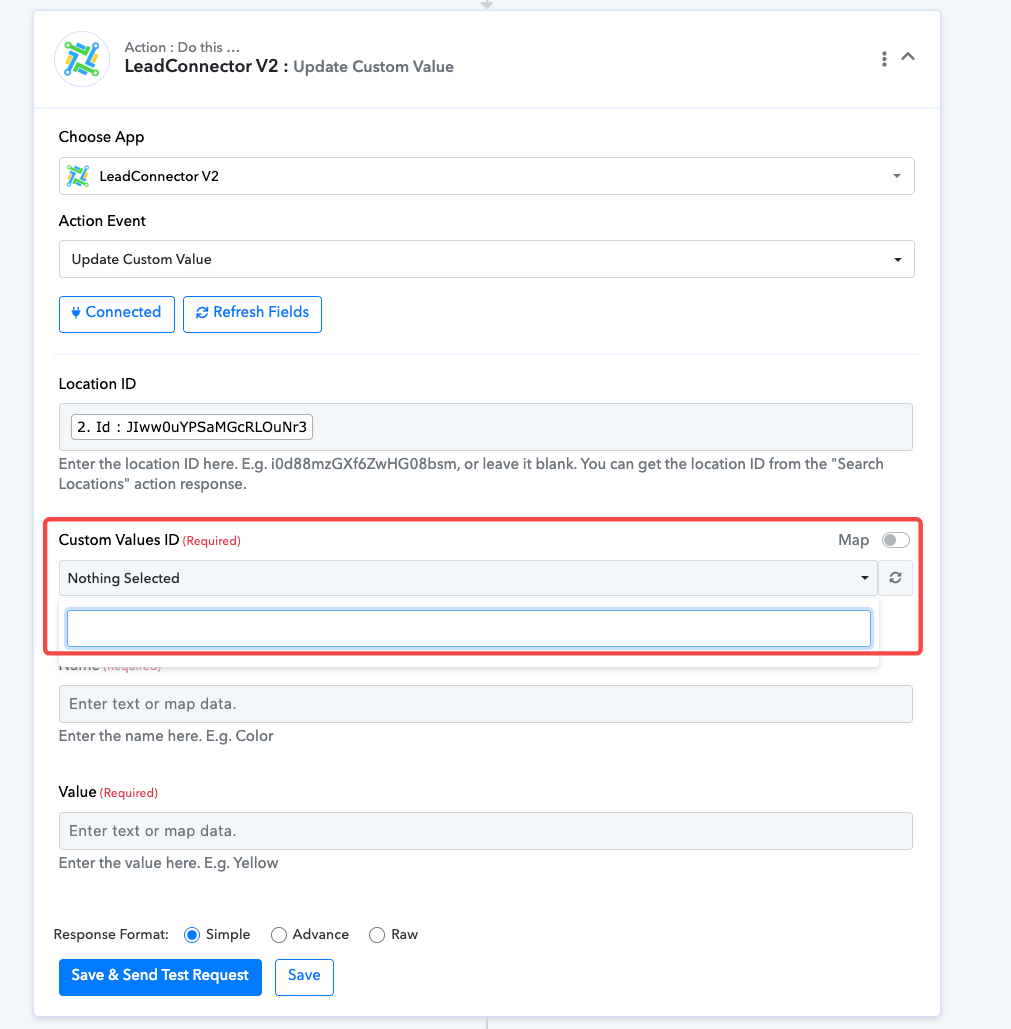
However, in the Custom Values ID section, I don’t see anything available to select.
What should I do?
Hi @Joe Pham,
Could you please confirm which account you used while setting up the LeadConnector V2 connection — the Agency account or the Sub-account?
Hi @Joe Pham,Could you please confirm which account you used while setting up the LeadConnector V2 connection — the Agency account or the Sub-account?
Agency account
Hi @Joe Pham,
You would need to set up the LeadConnector V2 connection using the Sub-account for which you want to update the Custom Values. Only then will the Custom Values ID dropdown display the custom values available for that specific location.
Please try reconnecting using the Sub-account and let us know how it goes.
Hi @Joe Pham,You would need to set up the LeadConnector V2 connection using the Sub-account for which you want to update the Custom Values. Only then will the Custom Values ID dropdown display the custom values available for that specific location.
Please try reconnecting using the Sub-account and let us know how it goes.
I understand. But in that case, how can I automate the process of creating a sub-account and then updating the custom values in the newly created sub-account without manually switching the connection? Is this possible?
Please check out the thread shared below:
https://forum.pabbly.com/threads/leadconnector-updating-custom-values-after-creating-new-sub-account.23199/?utm_source=chatgpt.com
Thanks & Regards,
Arshil Ahmad
Customer Support Associate
? Pabbly.com
?Rate your support
I don't think that we can use leadconnector v1, because now it's changed to Private Integration v2.
Just leadconnector v2 is possible to create sub-account.
Hey @Joe Pham,
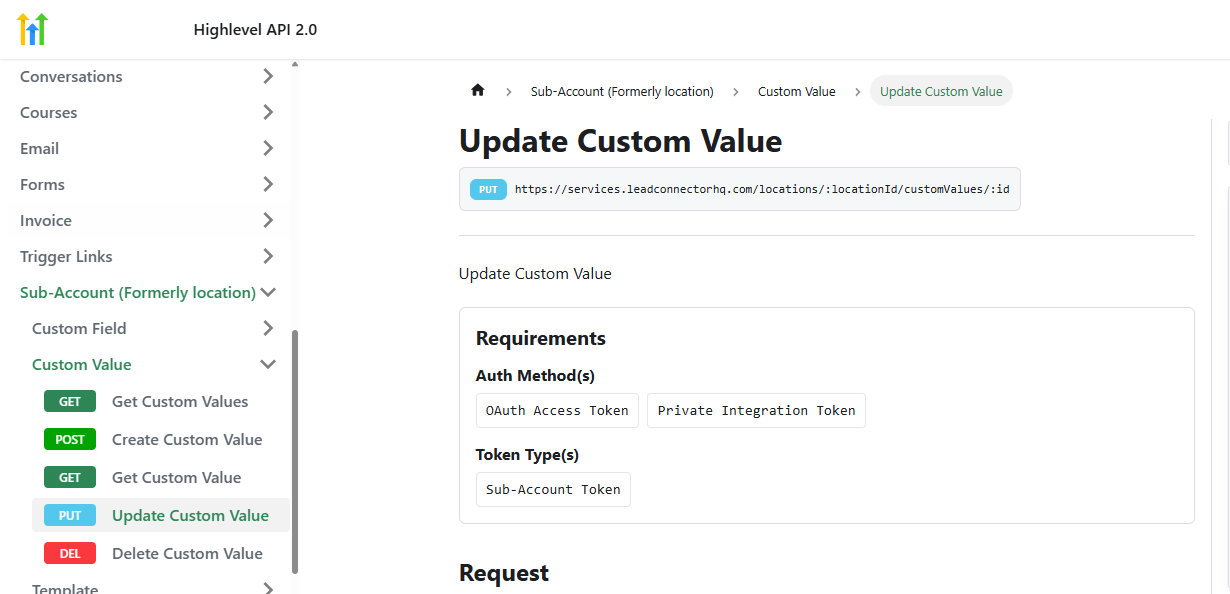
You can find the APi endpoint here - https://marketplace.gohighlevel.com/docs/ghl/custom-fields/update-custom-field
Hi @Joe Pham,
As mentioned in the thread shared by our team, you would need to use the LeadConnector V1 application to create the location (sub-account). In response to that action, you will receive the Bearer Token, which can then be used in a Custom API Request to update the custom values.
We recommend following the same approach described in the shared conversation and testing it once from your end. Please try this method and let us know how it goes.
Please keep us posted on your findings.
 Hi @Joe Pham,
As mentioned in the thread shared by our team, you would need to use the LeadConnector V1 application to create the location (sub-account). In response to that action, you will receive the Bearer Token, which can then be used in a Custom API Request to update the custom values.We recommend following the same approach described in the shared conversation and testing it once from your end. Please try this method and let us know how it goes.
Please keep us posted on your findings.
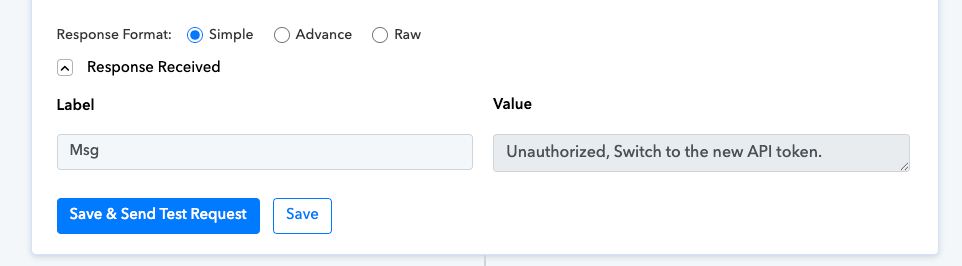
but when I try to create sub-account, this has error.
Let me describe the process I’m using to create a sub-account with LeadConnector v1. Please check if it’s correct:
- I create a private integration token in my agency account.
- I use that token to create a connection with Pabbly – LeadConnector v1.
- I create a workflow with a Catch Webhook to receive data.
- I add an action to create a sub-account using the LeadConnector v1 connection.
Note:
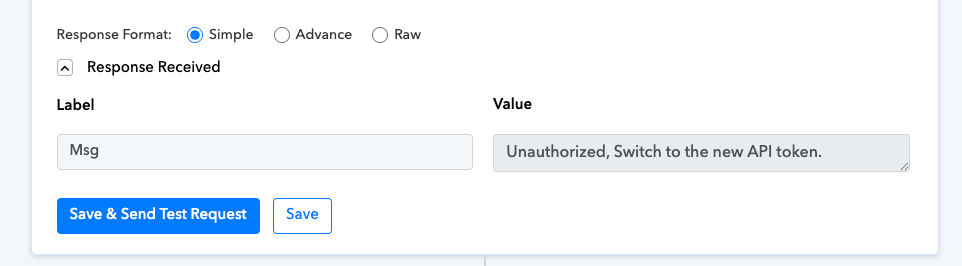
- In step 4, when creating the sub-account, I get this error: “Unauthorized, Switch to the new API token.”
- In GHL → Settings → Agency Account → Company, I tried disabling Enhanced Security, but I still get the same error.
Hi @Joe Pham,
Thanks for sharing the update.
We have escalated this concern to our development team to check the feasibility of supporting the Update Custom Values action with both Agency-level and Sub-account-level connections. We recommend waiting for an update, and we will get back to you as soon as we receive more information from our team.
In the meantime, if possible, please reach out to the LeadConnector (GoHighLevel) support team and confirm whether they support updating custom values of sub-accounts using an Agency-level token or connection.
Please keep us posted on their response.
GHL does not support updating the custom values of a sub-account using an Agency-level token. They only support updating the custom values of a sub-account using that sub-account’s own token.
Hi @Joe Pham,
Since GoHighLevel does not support updating custom values of a sub-account using an Agency-level token, this use case does not appear to be possible at the moment. Updating custom values requires the Sub-account’s own token, which means the process cannot be fully automated within a single workflow using only the Agency connection.
Hi @Joe Pham,Since GoHighLevel does not support updating custom values of a sub-account using an Agency-level token, this use case does not appear to be possible at the moment. Updating custom values requires the Sub-account’s own token, which means the process cannot be fully automated within a single workflow using only the Agency connection.
Yes, I’m hoping there will be a solution so I can automate this process — meaning that when a sub-account is created, the custom values will automatically be updated based on the information already submitted in the form.
Right now, I have to manually update the information in the custom values.
Hi @Joe Pham,
Thank you for your message.
We understand your requirement to automatically update custom values when a sub-account is created. However, this is not possible at the moment due to API limitations.
With API V1, the required functionality is facing issues, and with API V2, this operation is not supported. Therefore, this use case cannot be automated for now.
Hi @Preeti Paryani I see the main issue here is that on your Lead Connector V2 I only see "Get Custom Value", I don't see the "Get Custom Values" option https://marketplace.gohighlevel.com/docs/ghl/locations/get-custom-values - Please add it as both server different purpose.
Hi @Preeti Paryani I see the main issue here is that on your Lead Connector V2 I only see "Get Custom Value", I don't see the "Get Custom Values" option https://marketplace.gohighlevel.com/docs/ghl/locations/get-custom-values - Please add it as both server different purpose.
We have forwarded your request to our technical team. We will let you know as soon as the action event is added to the LeadConnector V2 action application in Pabbly Connect.
Thanks & Regards,
Arshil Ahmad
Customer Support Associate
? Pabbly.com
Hi @xtreme,
Hi @Preeti Paryani I see the main issue here is that on your Lead Connector V2 I only see "Get Custom Value", I don't see the "Get Custom Values" option https://marketplace.gohighlevel.com/docs/ghl/locations/get-custom-values - Please add it as both server different purpose.
As per your request, our team has added the "List Custom Values" action event to the LeadConnector V2 action application. Please check it at your end.
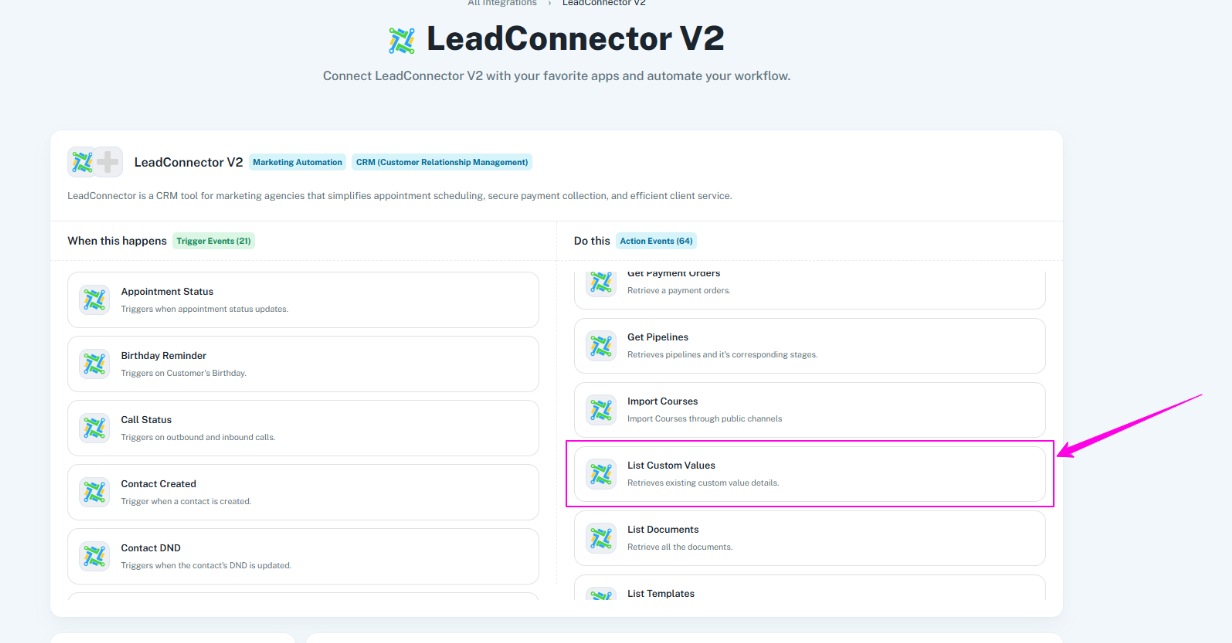
Thanks & Regards,
Arshil Ahmad
Customer Support Associate
? Pabbly.com