Update Zendesk ticket action not passing data
Status: Closed · Asked by Raphael Vaugan on · 0 views
Hello,
the Update Zendesk Ticket action does not pass any data in existing Zendesk tickets. Strangely though, the task history does not record any failure.
Other Zendesk actions I am using do work satisfactorily, such as:
- Create Zendesk ticket
- Custom Zendesk API request (Beta)
- Add comment to Zendesk ticket
- Update Zendesk user
- Add tags to Zendesk ticket.
Would you please provide assistance with the update zendesk action ?
Hi @Bougainvillus,
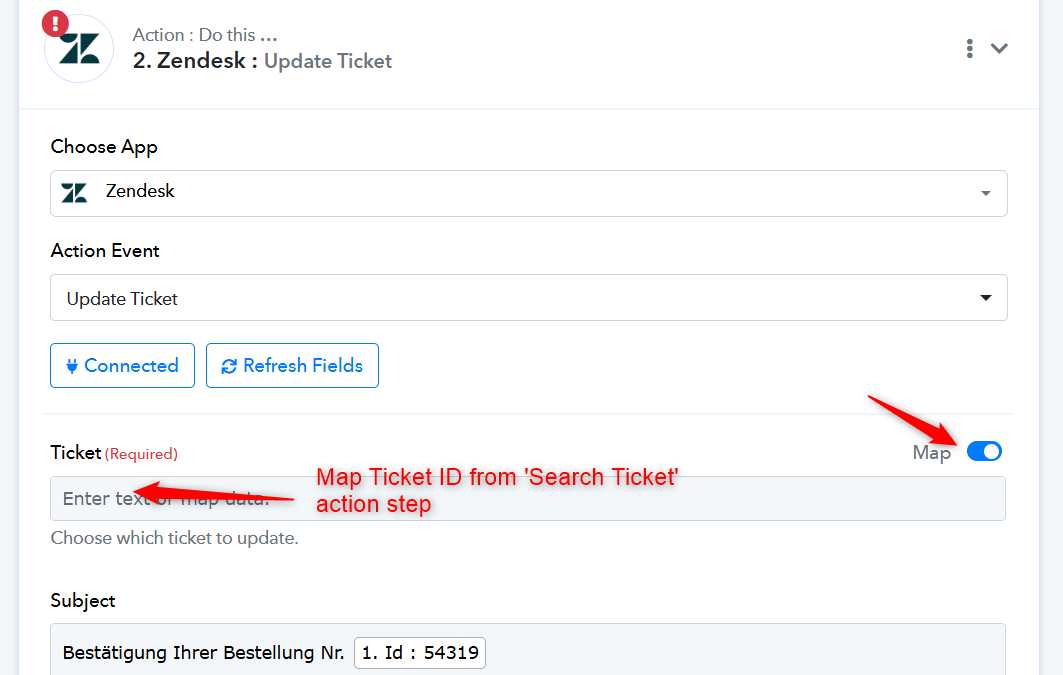
You need to use the 'Search Ticket' action step to search for a ticket by its name. This will provide you with the ticket information, including its ID, which you will then need to pass to the 'Update Ticket' action step.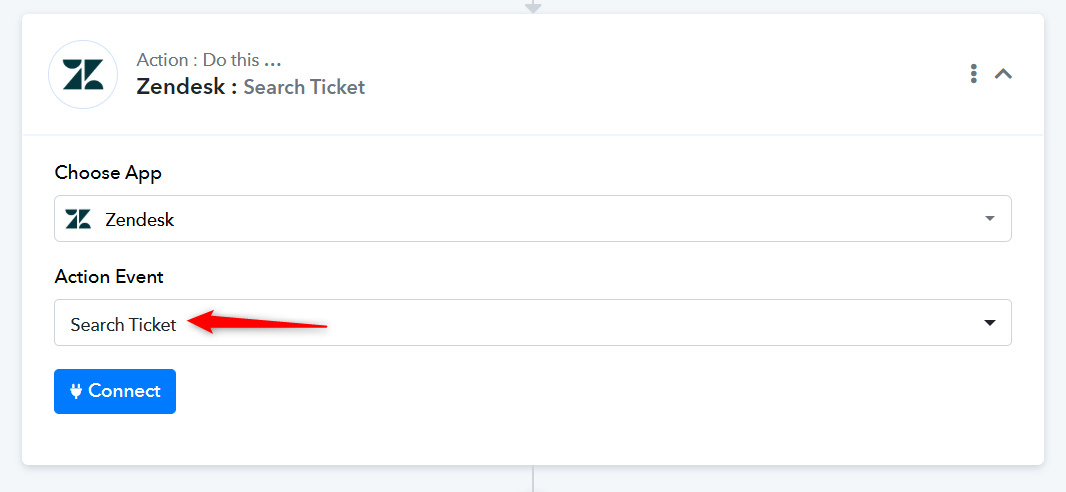
Hello,
thank you for your reply.
I have mapped the ticket ID, but the data still doesn't pass through.
As I mentionned, I do not have this problem with other Zendesk actions. The problem of data not passing through occurs specifically with the action "Update ticket".
Please advise.
You cannot directly pass the Ticket ID from WooCommerce to Zendesk. You need to add a 'Search Ticket' action step. Pass the name of the ticket from the WooCommerce trigger step to the 'Search Ticket' action step. This step will provide you with the Ticket ID, which you can then map to the 'Update Ticket' action step.
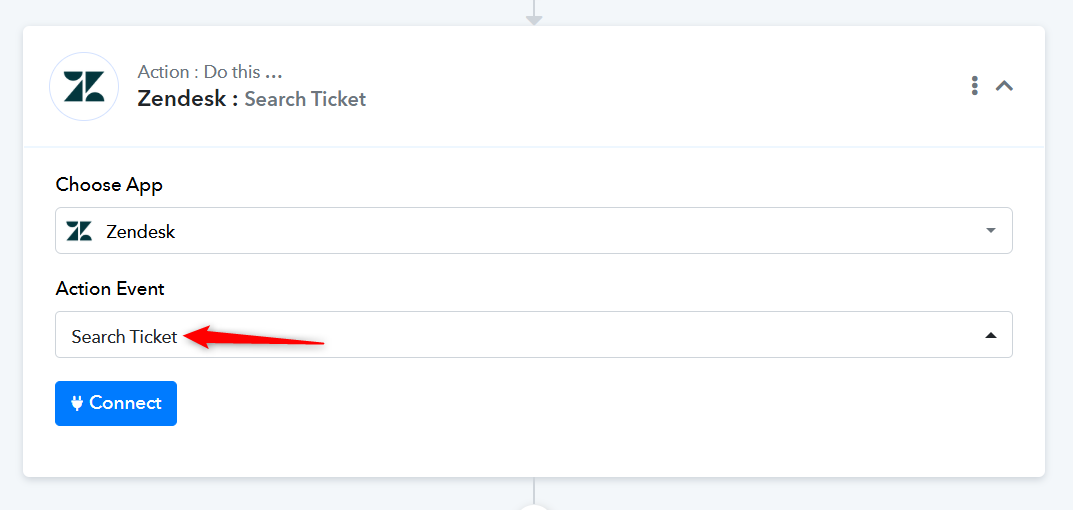
Therefore, as suggested previously, please add the 'Search Ticket' action step to your workflow.
Hello,
thank you for your message. Sorry, I had not understood your explanation.
I have 2 remarks:
- I actually do not need to go through the action of searching the ticket in Zendesk, because I already have the Zendesk ticket ID in my Woocommerce trigger (in this case it's "Meta Data 2 Value").
- I have nonetheless done as you suggested and added a "Search Zendesk ticket" action. However, the data still does not pass through into the ticket via the Update ticket action.
I do have an impression that there is a general problem with the action "Update Zendesk ticket" not passing the data.
Thank you for the update. Could you please place a new order on WooCommerce and test the workflow now?
Also, can we create a dummy ticket in your Zendesk account to test the update issue? You can delete the ticket once the testing is complete.
Hi,
I just did as instructed: Zendesk dummy ticket is 54314, new manual Woocommerce order is 54364.
I sent a test request for each action step. Everything OK except the "Update Zendesk Ticket" which apparently did not pass the data.
Unfortunately I can't see any task processed in the task history.
It seems like you have captured the order in your trigger step response. Please place an order without clicking on 'Re-Capture Webhook Response' in the trigger step. You just need to place an order, and only then will it appear in your Task History.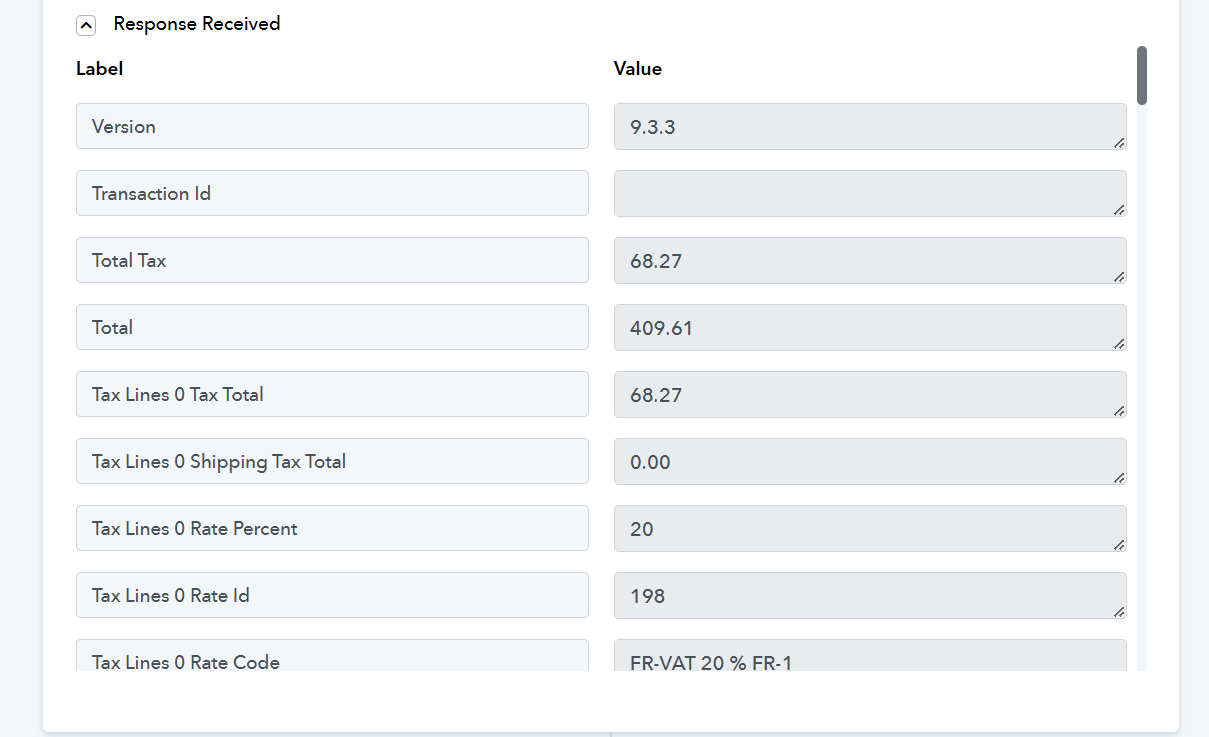
Hi there,
I did as instructed:
Task history id: IjU3NjUwNTZmMDYzMzA0MzU1MjZlNTUzZDUxMzE1MTY0NTQzNzBmMzMi_pc
Zendesk ticket id: 54317
Woocommerce order id: 54365
The task status is marked as success, but no data was passed to the Zendesk ticket.
Hello @Bougainvillus,
We’ve added an additional step to your route, and it seems to be working as expected. Could you please run a few tests with this action and let us know if everything works fine on your end?
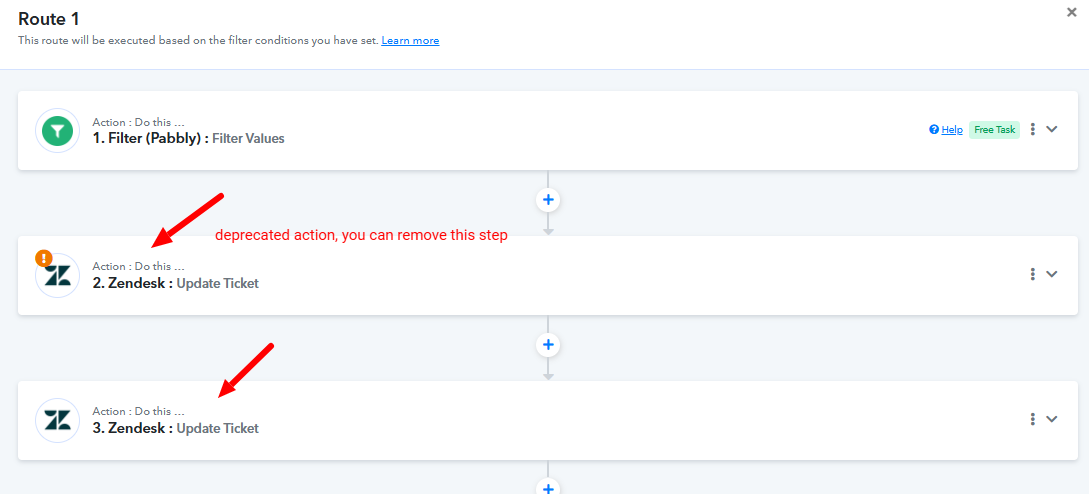
Hello @Preeti Paryani
Thank you so much ! I have tested the new action succesfully (IjU3NjUwNTZmMDYzMzA0MzU1MjY4NTUzNjUxMzM1MTYyNTQzMzBmMzUi_pc) and everything works fine now.
Best wishes.