Webflow v2 API not working?
Status: Open · Asked by bowerm on · 0 views
Problems working with Webflow v2 API...
I choose Webflow v2 as the App to connect to. Then I choose the Action Event I want: “Create Collection Item”.
The OAuth dialog opens. In this I select the site I want to work with. The OAuth seems to work OK. Pabbly now appears in my Webflow settings panel as an “authorized app”.
Now Pabbly asks me for a Site ID (which is a bit weird since I already had to choose the site in the OAuth dialog). Also the Site ID drop down contains no options for me to choose from even after clicking the “refresh fields” button. So anyway, I decide to enter the Site ID manually.
Likewise the Collection ID list is not populated, even after clicking refresh. So I also enter the Collection ID manually.
I would at this point expect to see a list of fields from the collection so that I can map my fields. But nothing is shown.
Something feels broken here. Can you help?
Hey @bowerm
After our investigation, we've found that the Webflow V2 integration is not functioning correctly, as the sites are not being listed properly. For the time being, I recommend using Webflow V1 from our end. I've instructed my team to promptly update the V2 integration, and I'll keep you updated once the updates are complete.
Are there any news about problems with Webflow V2?
I have big issues with Webflow V2 (OAuthForbidden: You are missing the following scopes - 'cms:write').
Webflow will turn V1 off on 1. october 2024...
Need urgent help
Hey @Mark_i
Our integration team is currently investigating the issue. Please allow us some time to resolve it.
Hey @Mark_iOur integration team is currently investigating the issue. Please allow us some time to resolve it.
Any news on this? Webflow API v2 still not working...
Hello @Mark_i
Our team is in an ongoing conversion with their team, but we have not received any effective response from them that can speed up the process.
This needs to be fixed!
There are 2 months remaining for this to be corrected and this better not be left to the last minute so we all have time to change our workflows to use the v2. Please have this fixed by December 1st, 2024.
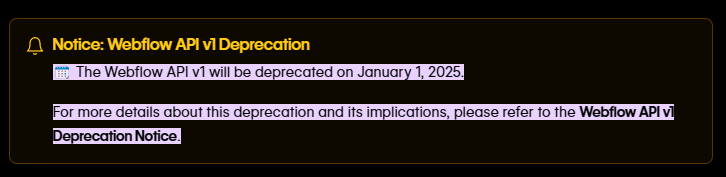
Please allow us some time. We will get back to you with an update soon.
Any updates?
Hello @andrewstrealtor
We’re currently in the integration process. Once it’s complete, we’ll provide you with an update. Thank you for your patience!
Hello @andrewstrealtor
We have created a new application with an API token as the authentication method.
So what do I do now?
Hello @andrewstrealtor
You can now connect with Webflow using the updated "Webflow V2" application. To authenticate your connection, simply use an API token. Refer to the attached screenshot for detailed instructions.
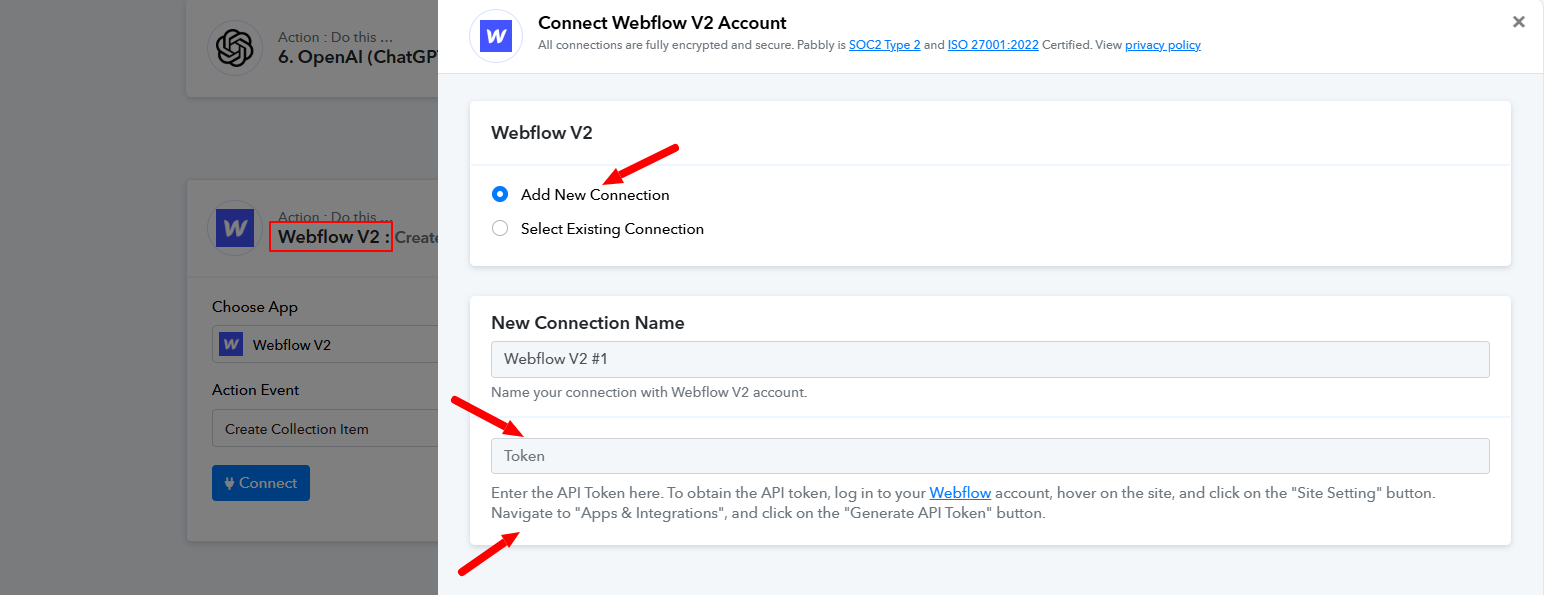
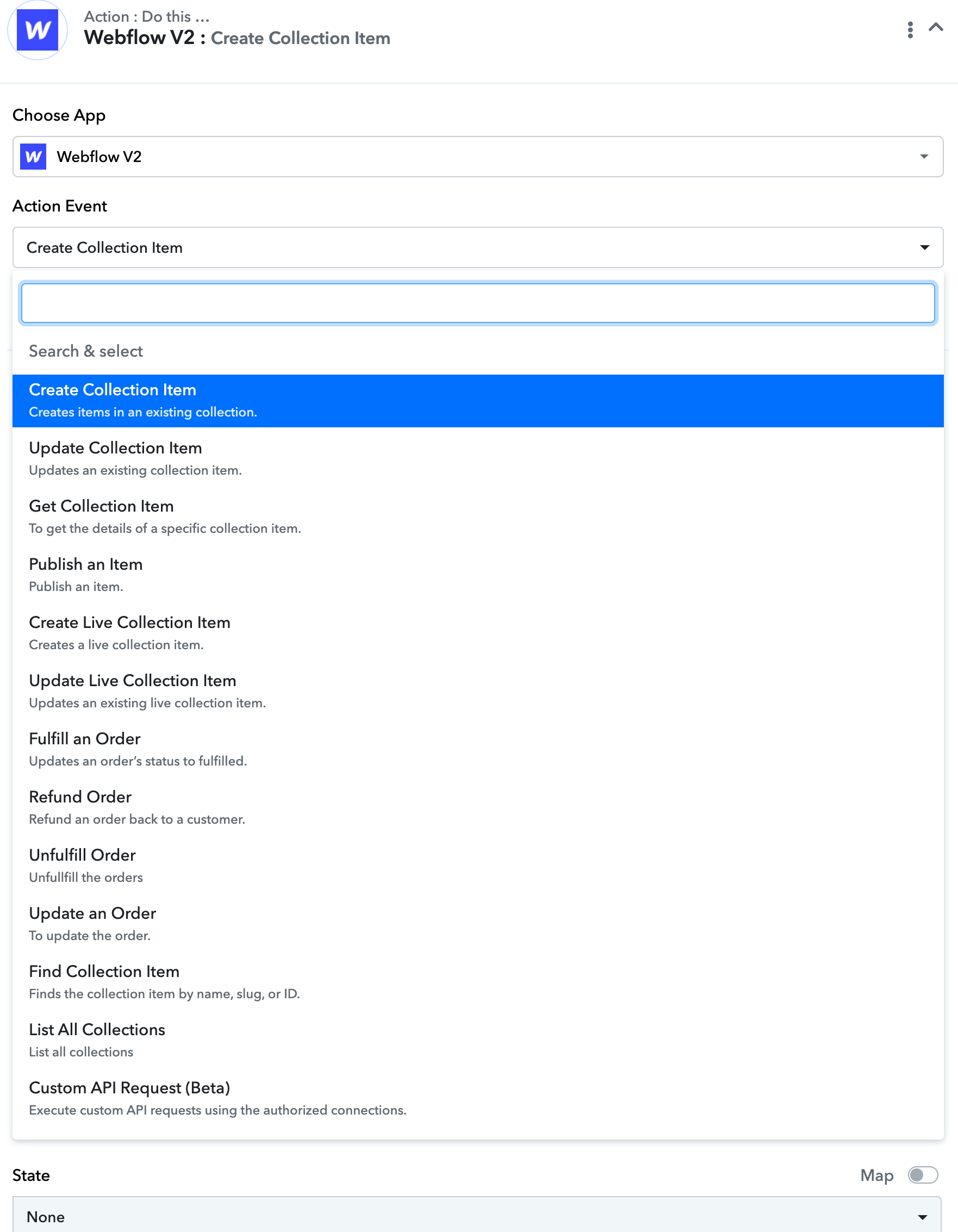
It looks as though Webflow v2 is now pulling in the sites correctly. But I can't see an action event for form submit???? This is a key trigger, how come it isn't in there???
Dear @karlreynolds,
Could you please confirm whether you are looking for a trigger or an action?
- If you are looking for the "Form Submitted" trigger, you can find it under the trigger events. Please refer to the attached image for more details.
- However, if you need an action to submit or update a form, you may submit your request on our integration board. Our team will review the requirement and, if feasible, consider adding it.
Let me know how you’d like to proceed.