Webooks and Dropbox issue
Status: Open · Asked by Dot4Dot on · 0 views
Hello, I have a workflow where when a customer uploads a file on my website, it automatically uploads that file to my dropbox. The issue I have is that sometimes if the customer selects more than 1 file, the ebook only uploads 1 file and not the other files. This only happens sometimes. Any idea what could be causing this?
Hello @Dot4Dot,
Could you please capture the webhook response in advanced format (by disabling the "simple response" toggle) with multiple files selected? This will allow us to analyze the response and identify a potential workaround for the issue.
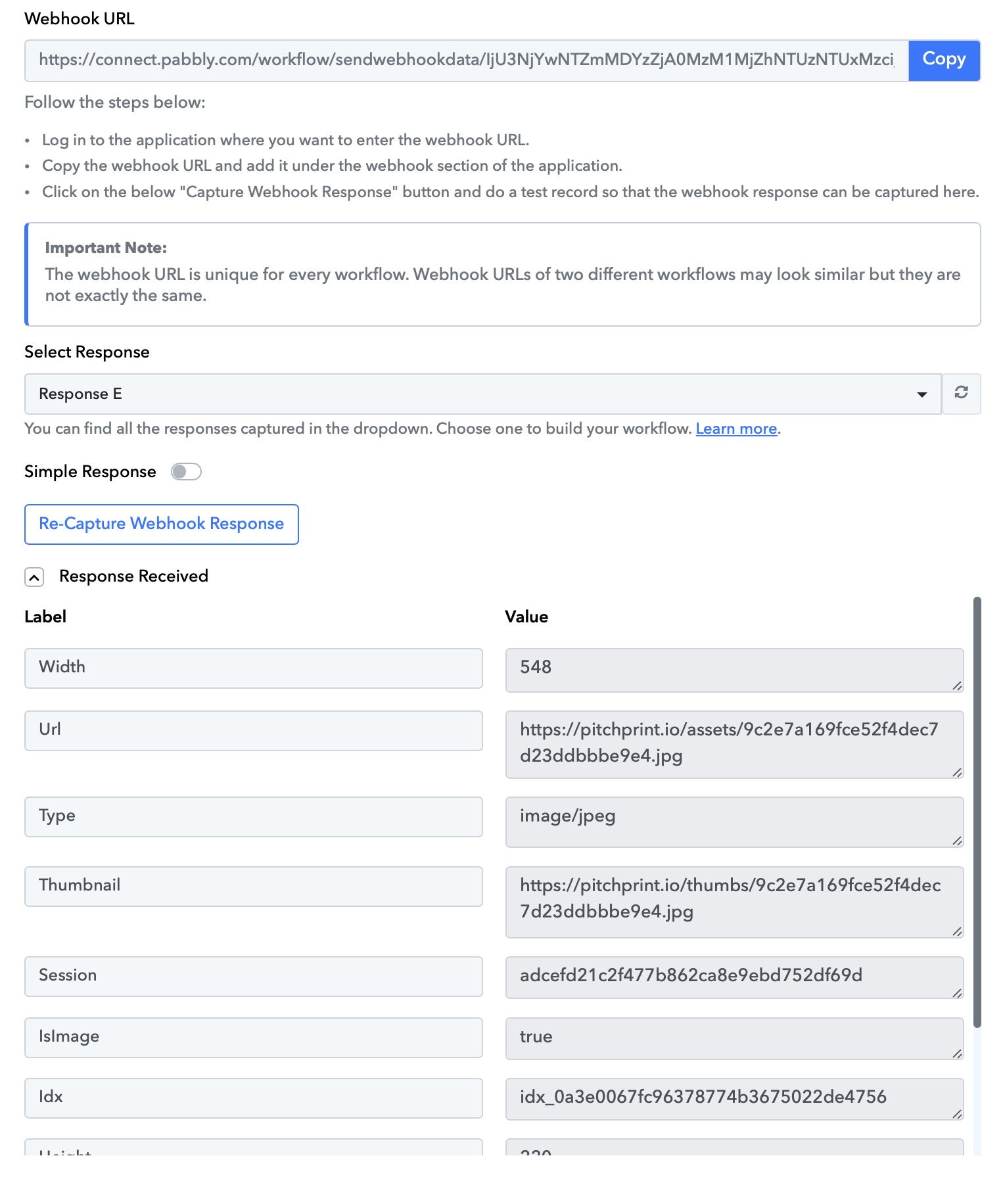
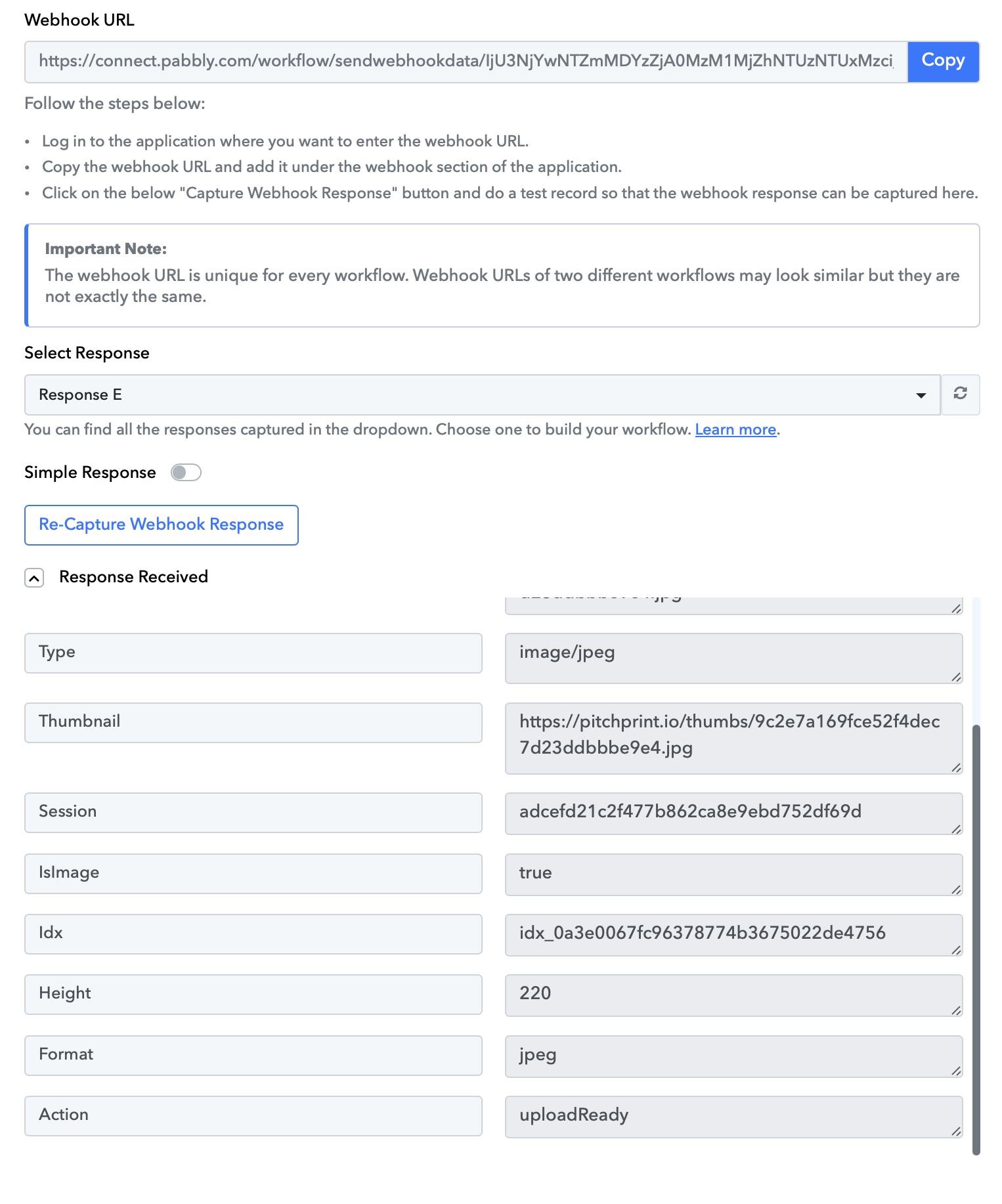
Here are the values. I uploaded 4 images through my website and only 2 uploaded to my dropbox.
Hi @Dot4Dot,
Each uploaded file triggers your workflow once, and the file is uploaded to Dropbox. File 1 appears in your trigger response, while the other three files have triggered your workflow three times and have been uploaded to Dropbox.
https://drive.google.com/file/d/1HftljkwvZIJ6Fg4zLu9aUPSCn3IBslhd/view?usp=sharing
Thank you for checking this. I checked my dropbox and only 2 of those files appear on my folder. Could it be that the files uploaded have the same name and might get overwritten? Is there a way to have the files have a unique file name before they are uploaded to dropbox to do as a test?
We have added a Counter step to your workflow, which should help you assign a unique name to the uploaded file.
https://connect.pabbly.com/workflow/mapping/IjU3NjYwNTZmMDYzZjA0MzM1MjZhNTUzNTUxMzci_pc