Whatsapp new action step not working
Status: Open · Asked by Parth Nayak on · 0 views
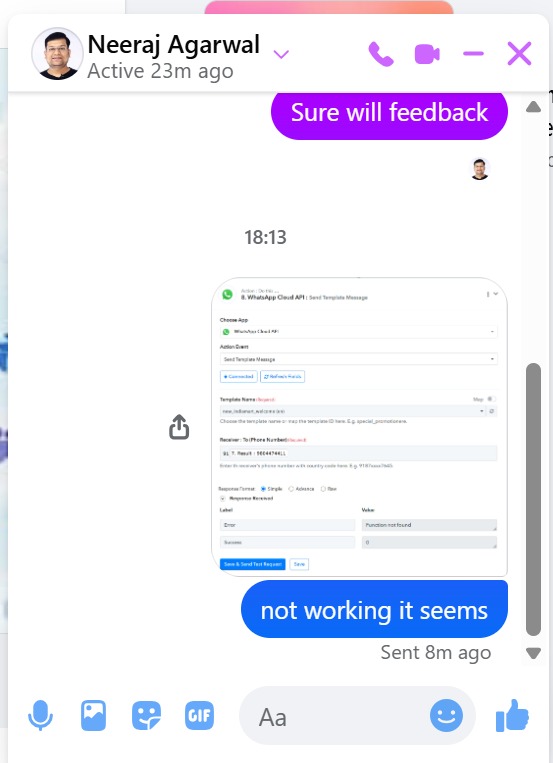
still error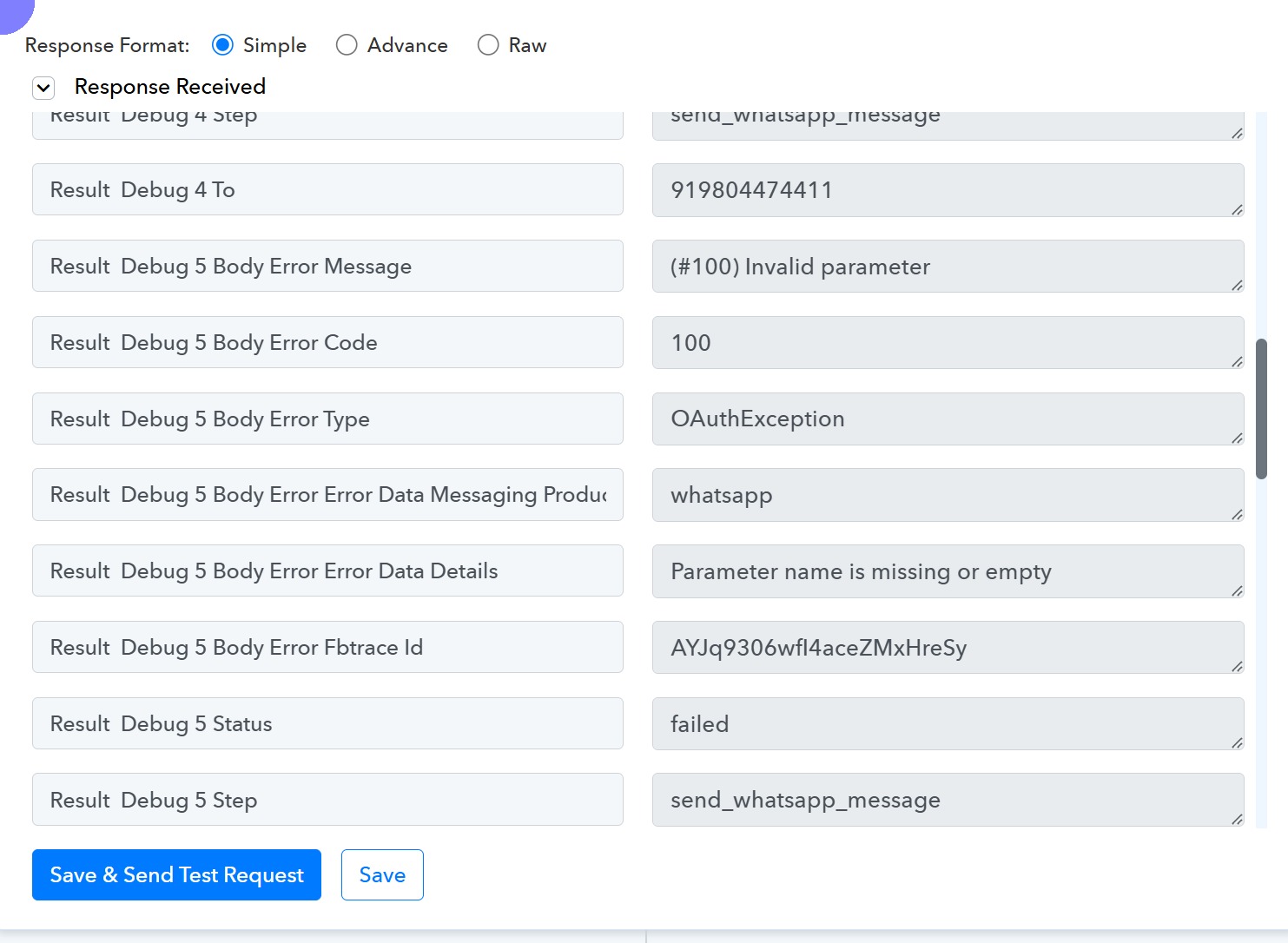
Hi @Parth,
We have forwarded your concern to our technical team. Please allow us some time; we will get back to you with an update soon.
Thanks & Regards,
Arshil Ahmad
Customer Support Associate
? Pabbly.com
Hey @Parth,
Thank you for your message.
To help us investigate this issue more effectively, we request you to share a screenshot of your template configuration from your Meta account.
Please follow the steps below:
- Log in to Meta Business Manager (business.facebook.com).
- Navigate to WhatsApp Manager for the specific business account connected to your setup.
- Open the relevant message template.
- Share a screenshot of the template configuration, especially the header section.
Additionally, please ensure that:
- If you have configured a URL or media in the header, it should be valid and properly formatted.
- Alternatively, you may simply share how the header section is currently configured within the template.
This information will allow us to review the setup and assist you more accurately.
Looking forward to your response.
Hi @Parth,
Thank you for connecting with us over the Google Meet.
As you were occupied on another call, I have configured the “Send Template Message (Old)” action in your workflow, and it appears to be working correctly. You may proceed to test it for your automation.
Regarding the issue with the “Send Template Message” (new) action, we have already escalated it to our technical team. Once the issue is resolved, you will be able to use the new action as well, which is comparatively easier to configure.
In the meantime, please continue using the working action and let us know how your testing goes.
Hey @Parth,
This is to inform you that the issue previously occurring with the “Send Template Message” action has now been resolved. You should now be able to use this action without any issues.
Please feel free to test it at your end and let us know if everything works as expected.