Whatsapp template message with flow button
Status: Open · Asked by Carlos Melo on · 0 views
Hello,
When testing a Whatsapp template message with a flow button I am getting the following bad result:
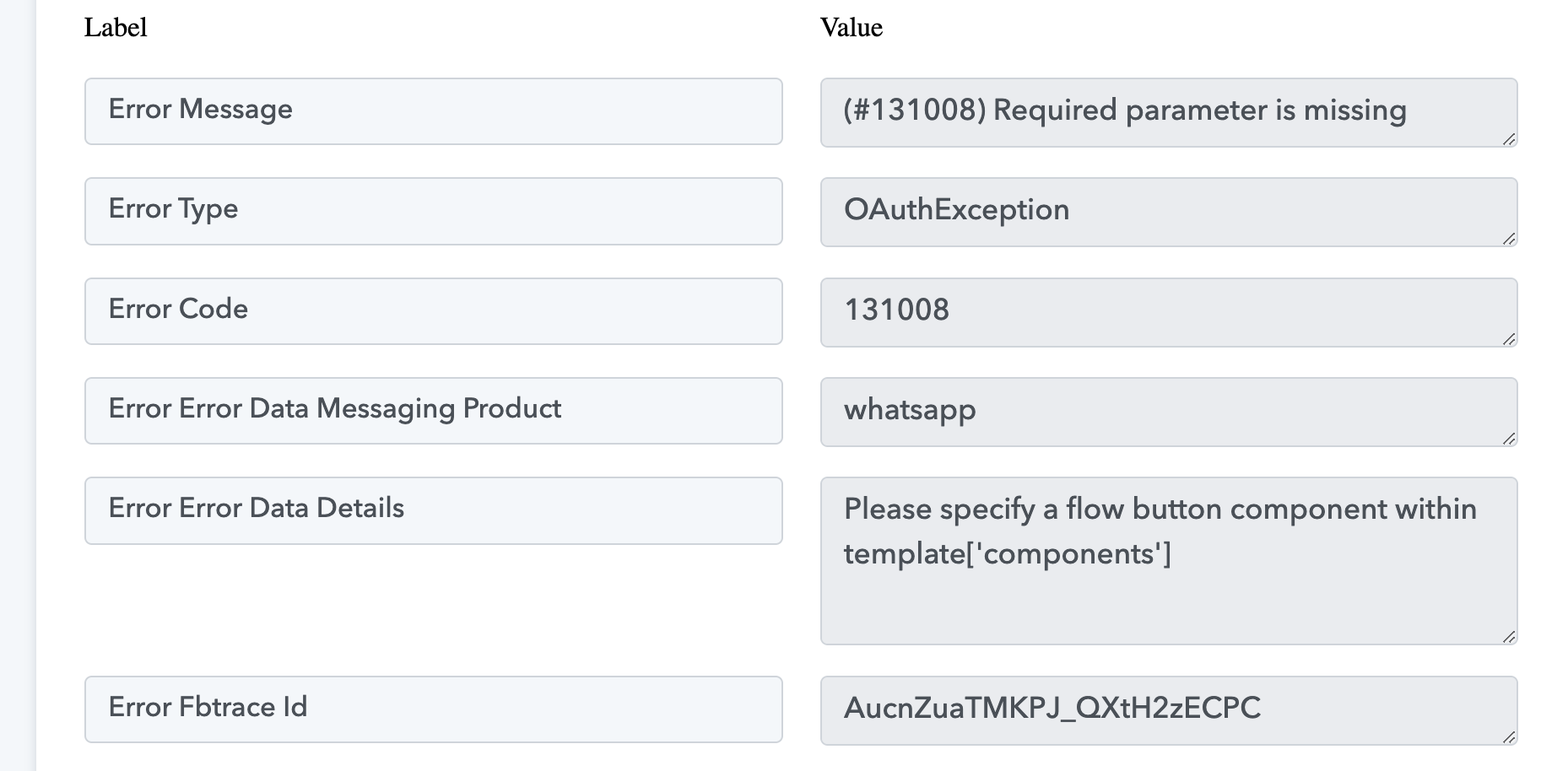
I could see in another ticket [https://forum.pabbly.com/threads/whatsapp-template-message-with-flows.21931/] an answer which clarify that to use a template message with flow button we should choose the “Custom API Request” as Action Event.
Can someone send me a video tutorial that guide us to setup that option ?
Thanks,
Carlos.
Hi @Carlos Melo,
Please try executing this endpoint using API by Pabbly and see if that gives you the desired result.
https://www.postman.com/meta/whatsapp-business-platform/request/2kyx0ff/send-flow-template-message?tab=body
Hi @Carlos Melo,Please try executing this endpoint using API by Pabbly and see if that gives you the desired result.
https://www.postman.com/meta/whatsapp-business-platform/request/2kyx0ff/send-flow-template-message?tab=body
Ok, I should choose ‘Custom Request’ in Action Event Method, right ?
I have setup the API by Pabbly using custom request and in my test I got the following error message:
Unsupported post request. Object with ID '291405280726967' does not exist, cannot be loaded due to missing permissions, or does not support this operation. Please read the Graph API documentation at https://developers.facebook.com/docs/graph-api
I ensure you that there is nothing wrong with the phone ID present in the API Endpoint URL: https://graph.facebook.com/v18.0/291405280726967/messages
So please can you tell me where is the problem ?
Attachments
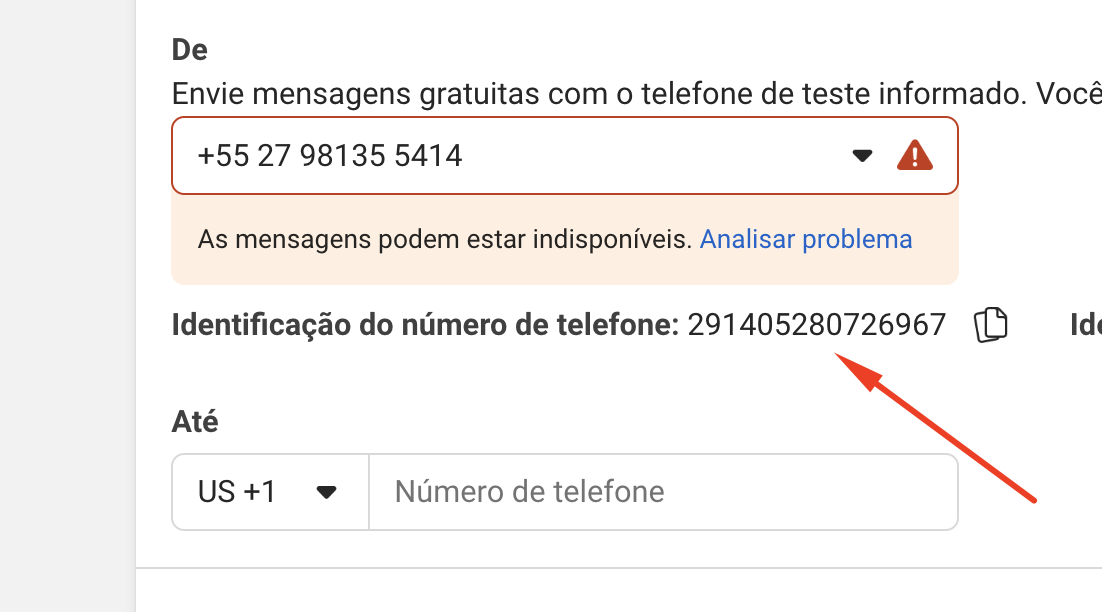
NOTE:
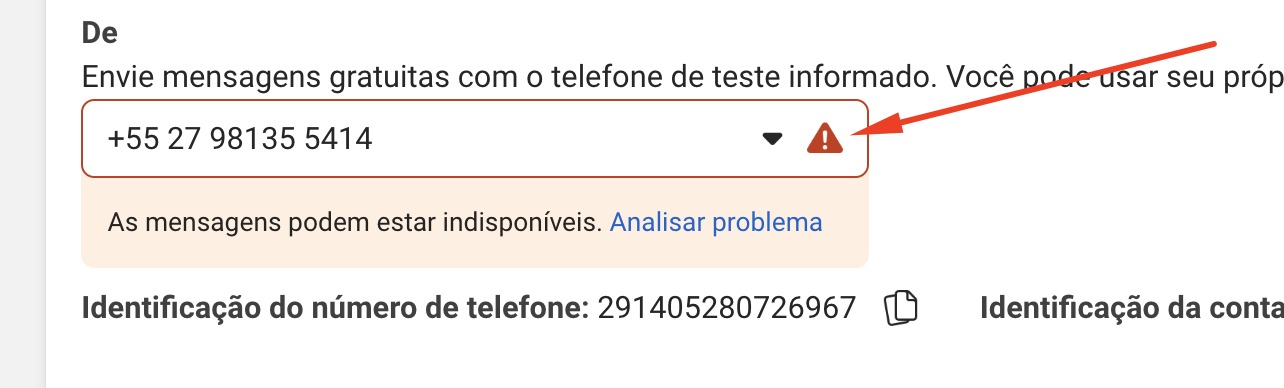
That problem alert to be analyzed has nothing to do with that phone number or any message.
The proof is that everything works perfectly where I use the Whatsapp Cloud API app in my workflows.
This is the code I have inserted in the Data field:
{
"messaging_product": "whatsapp",
"to": "5527997744422",
"type": "template",
"template": {
"name": "feedback_vadzap",
"language": {
"code": "pt_BR"
},
"components": [
{
"type": "header",
"parameters": [
{
"type": "image",
"image": {
"link": "https://ucarecdn.com/4c7efc2c-1e73-454d-add6-15ea33706469/cadstroemanalise.jpg"
}
}
]
},
{
"type": "button",
"sub_type": "quick_reply",
"index": "0"
}
]
}
}
And as the last information, I have generated a new permanent token only for this step.
Attachments
Could you please share the Workflow URL where you have attempted to execute this endpoint?
Could you please share the Workflow URL where you have attempted to execute this endpoint?
Sure, it's the last step of the fourth route.

We have added the API by Pabbly as step 7 of your Router. Please enter the necessary details and see if it helps you resolve the issue.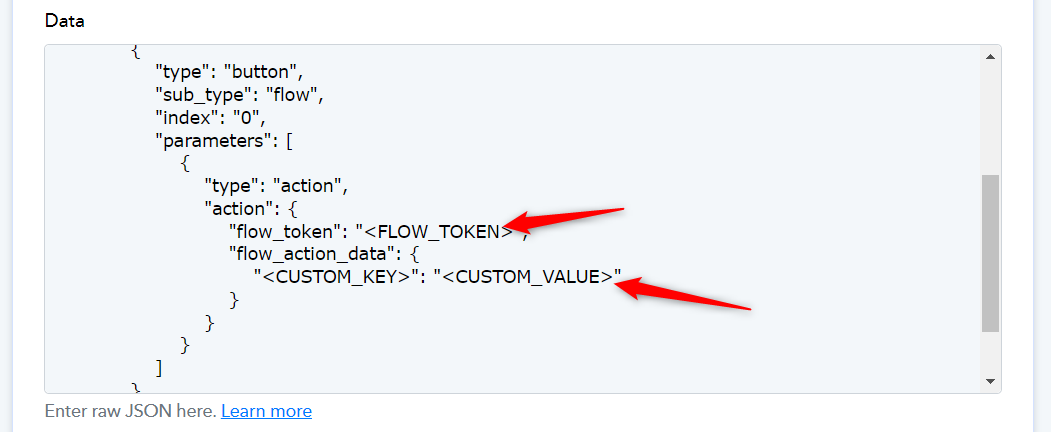
We have added the API by Pabbly as step 7 of your Router. Please enter the necessary details and see if it helps you resolve the issue.
Ok, what should I insert in ?
And I am not seeing the URL of the header image in your code. Shouldn't it be there ?
Since this action event is not available in the WhatsApp Cloud API integration, we unfortunately do not have the necessary information on where you can find the '' or whether you can add the header image to the endpoint. We recommend reaching out to Meta's support team for further assistance, as they are better equipped to address these concerns.
You can ask them to help you set up the endpoint in Postman, and if you are able to achieve the desired result, you can share the cURL with us. We will then assist you in setting up the same endpoint in Pabbly Connect.
Since this action event is not available in the WhatsApp Cloud API integration, we unfortunately do not have the necessary information on where you can find the '' or whether you can add the header image to the endpoint. We recommend reaching out to Meta's support team for further assistance, as they are better equipped to address these concerns.You can ask them to help you set up the endpoint in Postman, and if you are able to achieve the desired result, you can share the cURL with us. We will then assist you in setting up the same endpoint in Pabbly Connect.
Oh, ok.
I am going to try that, in spite of their support is terrible.
Hi @ArshilAhmad,
Postman is not able to achieve good result with the endpoint: https://graph.facebook.com/v19.0/291405280726967/messages
That's is the code:
{
"messaging_product": "whatsapp",
"to": "5527997744422",
"type": "template",
"template": {
"name": "motorista_sem_mapa",
"language": {
"code": "pt_BR"
},
"components": [
{
"type": "button",
"sub_type": "quick_reply",
"index": "0"
}
]
}
}
Postman support also can not identify where is the problem.
If you have any suggestion, please tell me.
Your initial query was about sending a WhatsApp message with a flow button. Based on our limited understanding, this endpoint could help you send a template message with a flow button.
curl --location 'https://graph.facebook.com/v18.0//messages' \
--header 'Content-Type: application/json' \
--header 'Authorization: Bearer ' \
--data '{
    "messaging_product": "whatsapp",
    "to": "",
    "type": "template",
    "template": {
        "name": "",
        "language": {
            "code": "en_US"
        },
        "components": [
            {
                "type": "button",
                "sub_type": "flow",
                "index": "0",
                "parameters": [
                    {
                        "type": "action",
                        "action": {
                            "flow_token": "",
                            "flow_action_data": {
                                "": ""
                            }
                        }
                    }
                ]
            }
        ]
    }
}'
Now, your next question was whether it is possible to attach a header image to this code and where to find the . We do not have sufficient information on these two queries, so we recommend reaching out to Meta's support team for further clarification.
Once you have this information, you can try executing the same endpoint (in Postman or Pabbly Connect) to verify if it suits your desired use case.