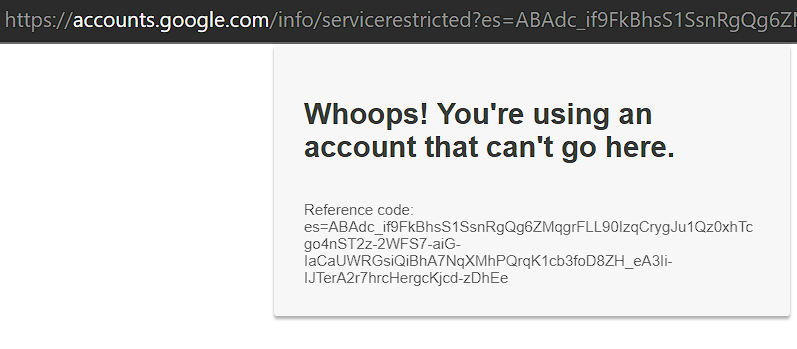
"Whoops! You're using an account that can't go here" when try to connect Youtube Channel
Status: Open · Asked by sorincg on · 0 views
Hello,
I have this problem when I tried to connect Youtube Channel. I have 7 channel on 4 different accounts. Three of them I was able to connect but the last gives me this error. I have a manager permission to channel and it should work.
"Whoops! You're using an account that can't go here" when try to connect Youtube Channel
We have a solution please.
Attachments
Hi @sorincg,
We have performed extensive testing to replicate the reported error using a test YouTube account. During these tests, we established a new channel under the main account and discovered that YouTube does not allow this channel to be listed in the YouTube trigger event.
To resolve this issue, we have devised a practical solution. We suggest using the YouTube connection linked to your main account and assigning the specific channel ID from your Channel Page. This approach should facilitate the intended functionality, circumventing the limitations faced with the new channel created under the test account.
https://drive.google.com/file/d/1Cq66Lm8cZINcnrDsV1hn3lCPCPUiypRa/view
Thanks for fast response.
The solution works well until I try to upload a video to the channel. Every time I tried to upload video goes to the connected channel not to mapped channel.
It seems the mapped channel is ignored. Any solution to this issue.
Thanks.
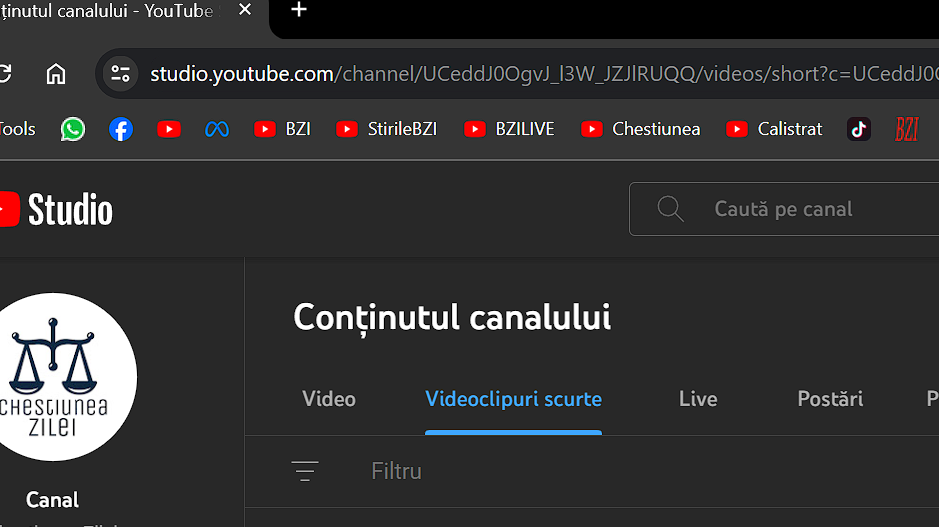
Could you please share the Workflow URL where you have tried this? Also, please share a screenshot showing the ID of the channel to which you are trying to upload the video.
This is the Workflow: https://connect.pabbly.com/workflow/mapping/IjU3NjUwNTY1MDYzMzA0MzI1MjY4NTUzMDUxMzAi_pc
An this is the ID of the page UCeddJ0OgvJ_l3W_JZJlRUQQ
Attachments
Hey @sorincg
Kindly allow us some time to look into this issue. We will surely let you know as soon as we have a resolution for the same.
Your patience is greatly appreciated.
Hey guys,
Have you found a workaround or a solution to this issue? I have tested a little but still the same behavior.
Thanks
We have confirmed from our side that by linking one of your YouTube brand accounts, it connects properly and uploads the video to the correct channel we have also recorded a brief video of this process. While we are unable to reproduce the error on our end, we are continuously searching for a solution. If we find a possible solution, our team will try to work on it.
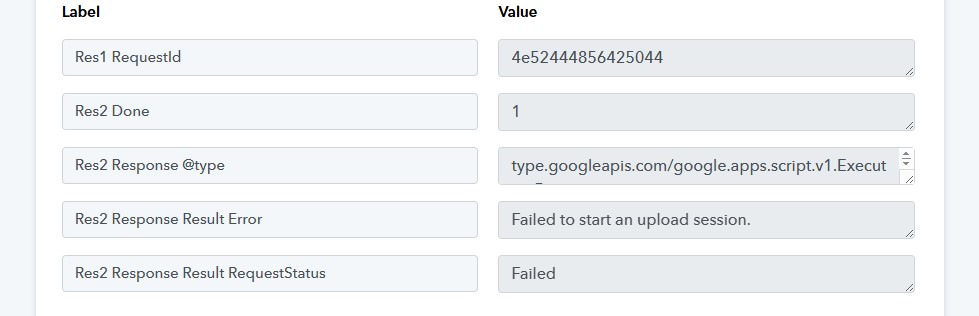
Hello guys, still no solution for uploading to brand accounts. I see all over this forum the same problem but it is still not fixed. All the proposed solutions simply do not work.
The problems are with brand accounts limited to YouTube. I tried multiple workarounds but all seem to fail.
Any news?
Attachments
Hey @sorincg
I have relayed your concern to the technical team; they are reviewing it and will require some time to address the issue.
"I think I’ve found a solution. First, go to your YouTube channel and click on ‘Switch account,’ then select ‘View channels.’ From there, create a new channel. Once that’s done, go to Pabbly and connect the new channel. When it's connected, enter the channel ID you want to upload to in the mapping section, and it will upload your videos.
The key issue is that you need to have at least one Brand YouTube account linked to the same Google account as your current YouTube channel. The connection needs to be made to the Brand account. Hope that helps!"