Why the "Iterator(Pabbly)" just loop process the first row data?
Status: Open · Asked by Ton Won on · 0 views
Why the "Iterator(Pabbly)" just loop process the first row data?
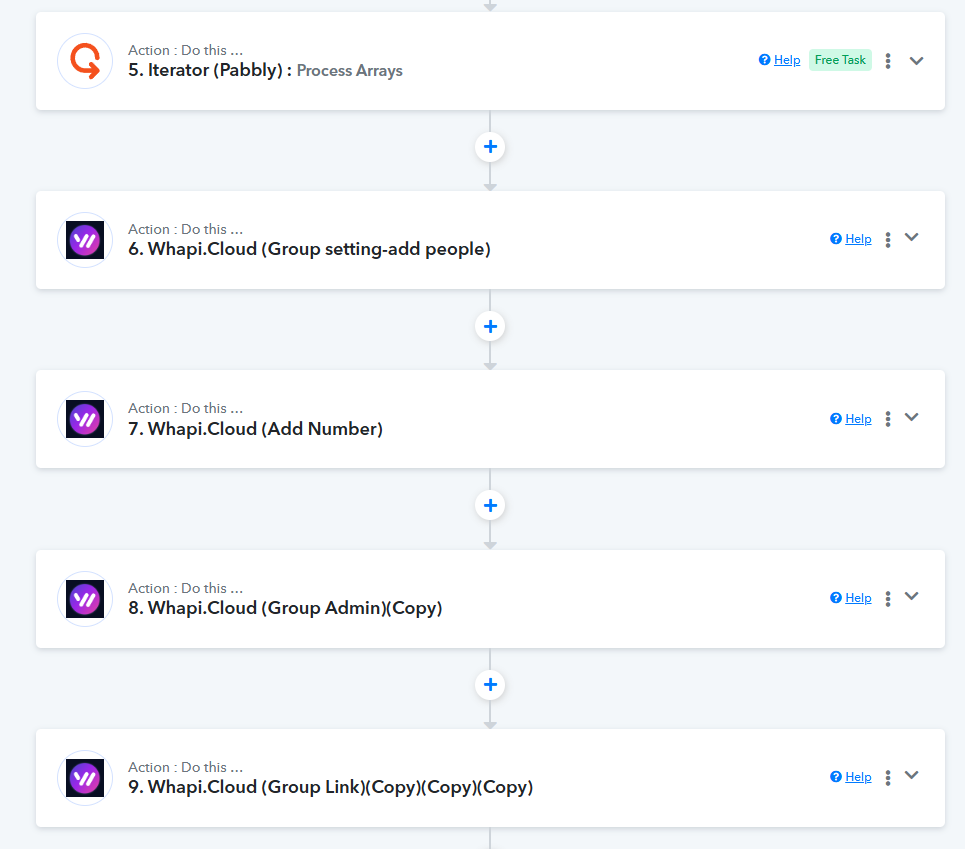
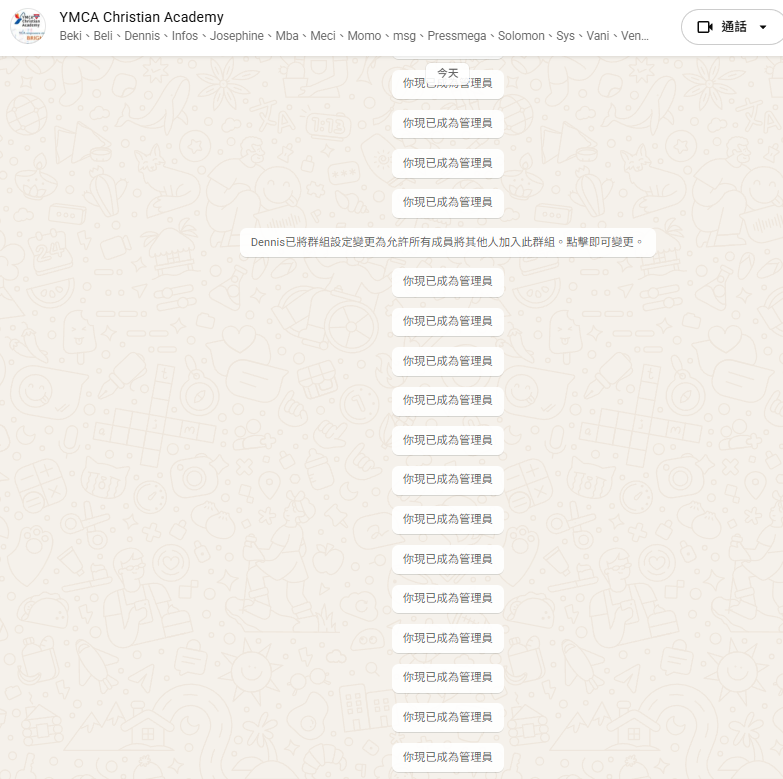
Hi @gpro,
We have checked your Task History. From the logs currently visible, it seems that the Iterator is working correctly for each item in the array and is not repeatedly processing the same row/object.
However, we also noticed that in a few Task Histories, the remaining workflow steps are not being displayed beyond the trigger step. Because of this, we are currently unable to fully verify the iteration behavior for all processed items.
We have already escalated this concern to our technical team for further review. Once the missing actions/steps become visible in the Task History, we will be able to confirm in detail whether the Iterator has processed all array items correctly.
We appreciate your patience and will keep you updated.
Hi @gpro,We have checked your Task History. From the logs currently visible, it seems that the Iterator is working correctly for each item in the array and is not repeatedly processing the same row/object.
However, we also noticed that in a few Task Histories, the remaining workflow steps are not being displayed beyond the trigger step. Because of this, we are currently unable to fully verify the iteration behavior for all processed items.
We have already escalated this concern to our technical team for further review. Once the missing actions/steps become visible in the Task History, we will be able to confirm in detail whether the Iterator has processed all array items correctly.
We appreciate your patience and will keep you updated.
waited too long time, what's happened?
it just keep loop process the first action.
Hi @gpro,
I completely understand your concern, and we apologize for the delay.
Our technical team is currently investigating why the Task History is not displaying the subsequent steps of the iteration and why it appears to be stuck on the first action.
This has been flagged as a priority, and they are looking into whether this is a display issue in the logs or a processing error in the workflow engine. We will provide you with a definitive update as soon as we hear back from the developers.
Hi @gpro,
Thank you for your continued patience while our technical team investigated this.
After reviewing the logs for your workflow, we have identified that the execution is exceeding the maximum 15-minute window allowed for a single run. When a workflow takes longer than this to process all items in an iterator, the task history may fail to display subsequent steps, making it appear as though it is stuck.
To resolve this and ensure all rows are processed correctly, could you please add a "Delay" step within your workflow (ideally inside or immediately following the iteration logic)? This will help pace the execution and prevent the workflow from hitting the timeout limit.
Please try adding a short delay and let us know if the Task History begins to reflect the full execution!
Hi @gpro,Thank you for your continued patience while our technical team investigated this.
After reviewing the logs for your workflow, we have identified that the execution is exceeding the maximum 15-minute window allowed for a single run. When a workflow takes longer than this to process all items in an iterator, the task history may fail to display subsequent steps, making it appear as though it is stuck.
To resolve this and ensure all rows are processed correctly, could you please add a "Delay" step within your workflow (ideally inside or immediately following the iteration logic)? This will help pace the execution and prevent the workflow from hitting the timeout limit.
Please try adding a short delay and let us know if the Task History begins to reflect the full execution!
how can it set 10 seconds delay?
Hey @gpro,
Unfortunately, adding delay in seconds is currently not possible.
Hey @gpro,Unfortunately, adding delay in seconds is currently not possible.
but 1 minute is too long time per each action.
Hey @gpro,
We completely understand your concern here.
However, currently adding a delay of 1 minute is the only available option within the workflow. Since the execution is hitting the maximum processing time limit, adding the delay is necessary to help the iterator process all items properly without the workflow timing out.
For now, we recommend trying the 1-minute delay and monitoring how the workflow behaves afterward.
We appreciate your understanding.