why we are getting internal server errors everytime when we use Lookup module
Status: Open · Asked by Aditya Gaikwad on · 0 views
in all my automation wherever i am using lookup module.i am getting "Internal sever error".can you tell me what is reason.
Hi @Aditya Gaikwad,
Please establish a new connection in the Google Sheets action step and see if that resolves the issue. If the problem persists even after creating a new connection, do let us know.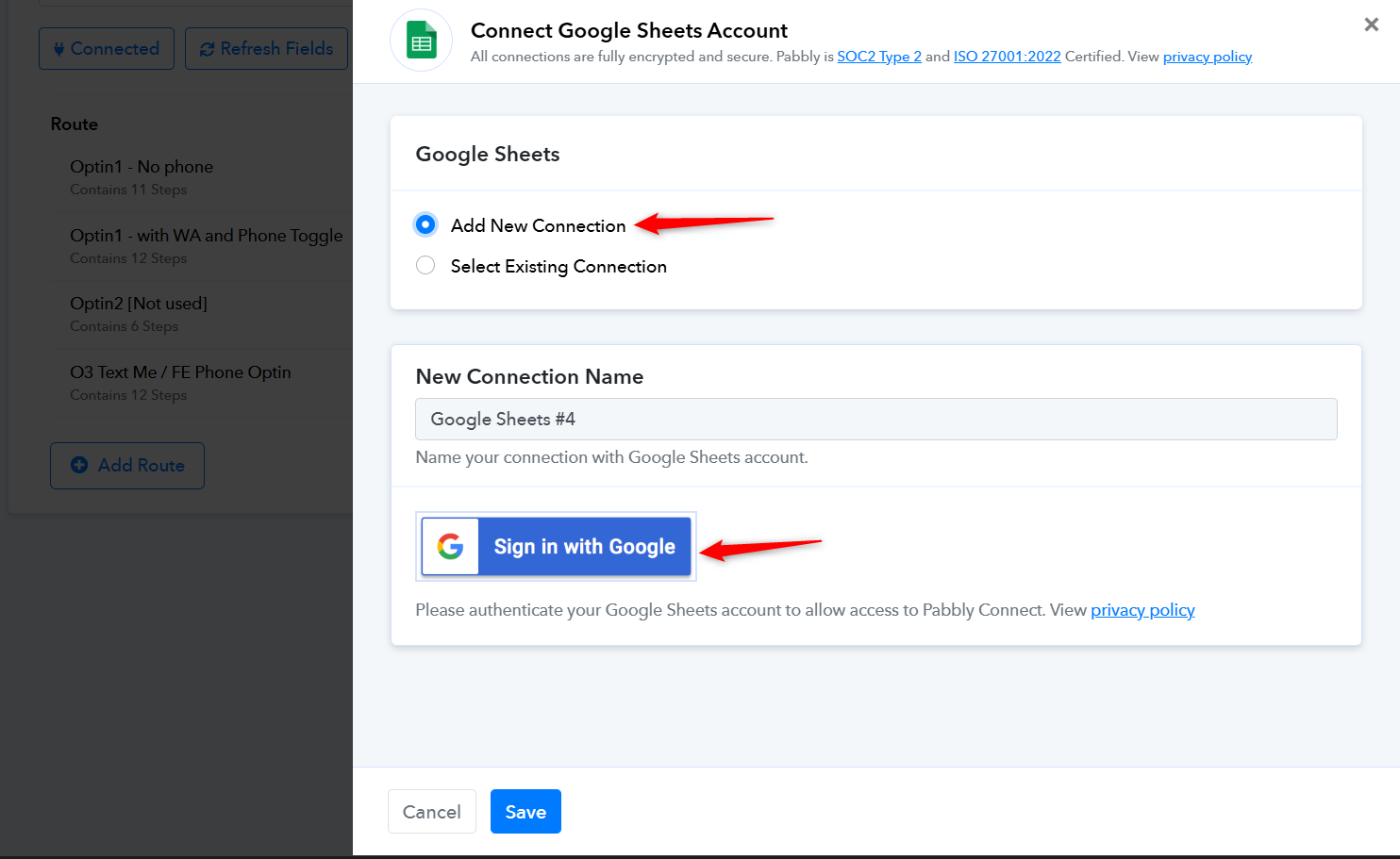
I'm still getting the same error: "Internal Server Error."
The sheet has around 17,500 rows and 20 columns.
Could this be caused by an API rate limit or something else?
Hello @Aditya Gaikwad,
It seems the issue is occurring due to the large number of rows in your Google Sheet, which may be causing the internal server error. With around 17,500 rows and 20 columns, the volume of data is quite high and could exceed processing limits. We recommend splitting and managing the data across different sheets to reduce the load and help avoid such errors.
If I receive an API rate limit error (such as ‘429 Too Many Requests’) while using Pabbly Connect, is this limit being enforced by Pabbly Connect’s own infrastructure and shared Google Cloud project, or is it related to my personal Google Cloud Console/project?
Hello @Aditya Gaikwad,
Could you please share a few task history IDs where you encountered this error?
Just to note, your Google project hasn't been used to process the "Add New Row" request.
For lookup and and update row module, google project quote is used,right?
Task History ID where you encountered this error -
IjU3NjUwNTY5MDYzNjA0MzQ1MjZiNTUzNzUxMzc1MTYwNTQzNzBmMzci_pc
IjU3NjUwNTY5MDYzNjA0MzQ1MjZhNTUzNTUxMzM1MTY2NTQzMTBmMzci_pc
IjU3NjUwNTY5MDYzNjA0MzQ1MjY5NTUzNDUxMzE1MTZhNTQzMjBmMzYi_pc
IjU3NjUwNTY5MDYzNjA0MzQ1MjZmNTUzYzUxMzc1MTY0NTQzMjBmMzQi_pc
This is automation link https://connect.pabbly.com/workflow/mapping/IjU3NjUwNTZiMDYzMjA0Mzc1MjZmNTUzMDUxMzYi_pc
Preeti thank you for your answer, I just want last reply from you so that we can keep using Pabbly instead of make.com or zapier -
If I receive an API rate limit error (such as ‘429 Too Many Requests’) while using Pabbly Connect, is this limit being enforced by Pabbly Connect’s own infrastructure and shared Google Cloud project, or is it related to my personal Google Cloud Console/project?
None of the Task History IDs you shared above show a '429 Too Many Requests' error. The 'Internal Server Error' seems to be related to the large amount of data in your Google Sheets spreadsheet.
Preeti thank you for your answer, I just want last reply from you so that we can keep using Pabbly instead of make.com or zapier -If I receive an API rate limit error (such as ‘429 Too Many Requests’) while using Pabbly Connect, is this limit being enforced by Pabbly Connect’s own infrastructure and shared Google Cloud project, or is it related to my personal Google Cloud Console/project?
429 Too Many Requests happens due to google sheet api hit limit for gmail accounts.