Wix Product Image Uploads
Status: Open · Asked by SkyHigh on · 0 views
I am trying to upload images to wix products using pabbly, and nothing is working. It was working before, and then stopped. I checked to see if the data was being inserted the same way as before and it was. I keep getting http status code 200 and it says "The application processed the request but returned a blank response. Refer to the HTTP status code above for details." I also tried uploading the image into wix with Json and directly interacting with the wix API through pabbly. None work. It isn't the image either, the image URLs upload fine when done manually inside wix. I can't figure out how to make this work again, help!
I added the task history ID. The broken automation sits inside the last step in the workflow.
Hi @SkyHigh,
'Wix: Add Product Image' endpoint returns an empty object when it is successfully executed, and it appears that you are receiving the same response in your task history. This suggests that the endpoint has been executed successfully. Please check your Wix account to confirm if the image has been successfully added to product named 'Rtg Popi Performing @ Naija Bar | Staten Island!'.
https://dev.wix.com/docs/rest/business-solutions/stores/catalog/add-product-media
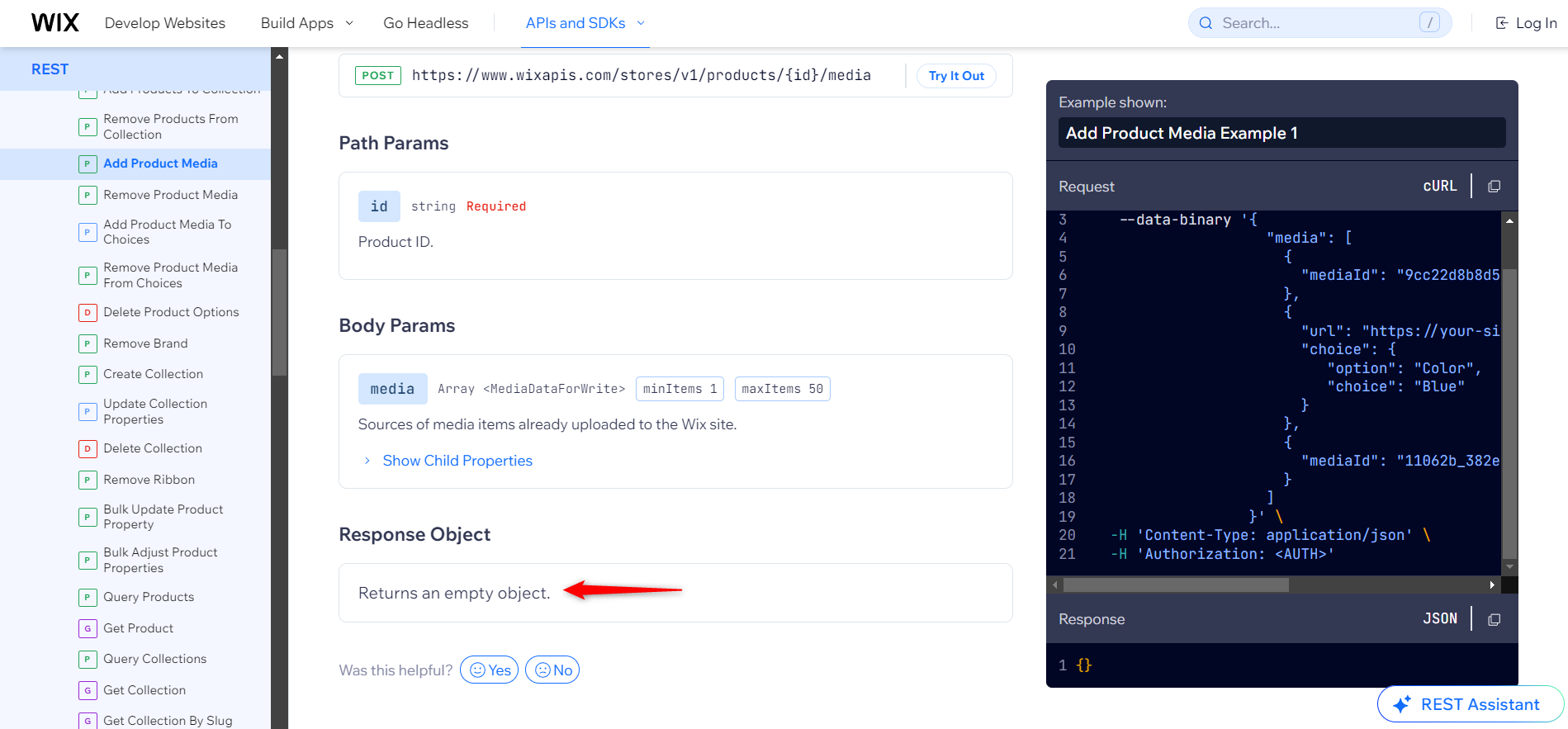
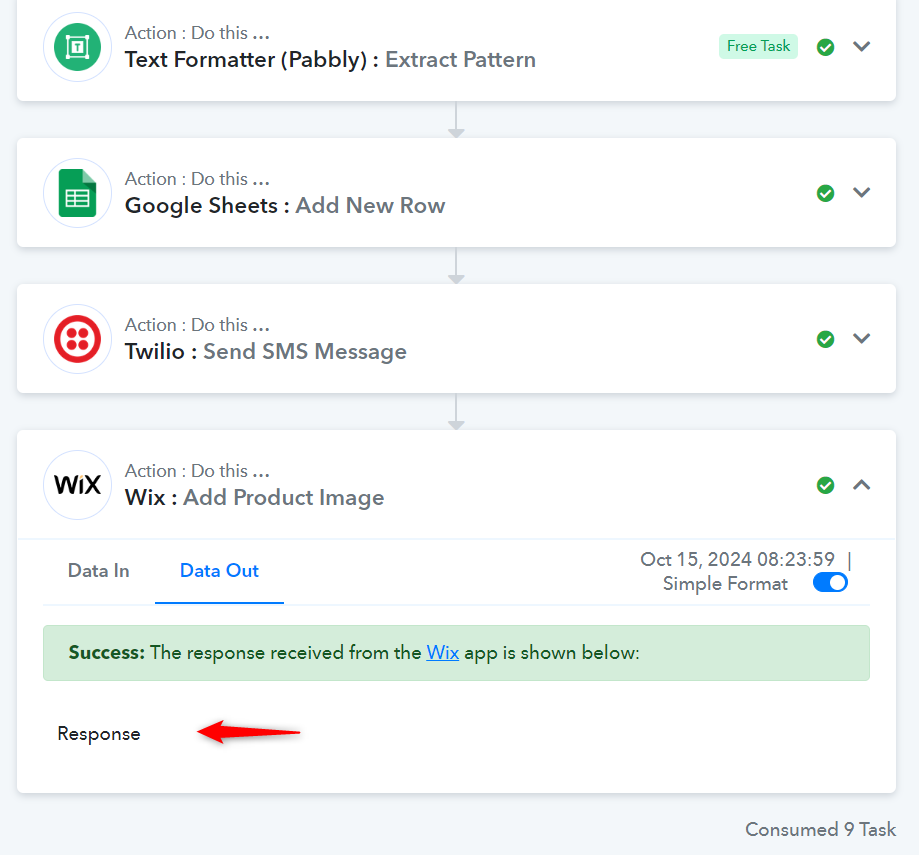
That's the problem, no image was added to the product.
Hello @SkyHigh
Can you please provide us with a screen recording of the issue you are facing This will allow us to better investigate the issue.
Please make the video consist of a test of the concerned workflow, showing the image not getting added to the product.
Here's a video of the automation not working, although Pabbly marks it as a success. I also show how the image URL is public, native to Wix, and works when uploaded manually - just not with the automation.
Thank you for sharing the video. Please allow us some time to look into this concern. We will get back to you with an update soon.
Thanks so much!
Hello @SkyHigh
We have tried to add the same image to a product in our account and it successfully got uploaded. Please refer to this video to learn more about the same.
video - https://drive.google.com/file/d/1BFZOOpP4J3LVs5qqE_eEWCwiZyf-QnGA/view usp=sharing
file uploaded - https://static.wixstatic.com/media/fef2cd_380859b931824980ae6d24d2a82edd03~mv2.jpeg
We would recommend you try the same again selecting a valid Image ID.
I'm using all the same inputs and it's NOT working. I'm using a valid product and image ID but it's not working.
Please add a delay of 1 minute after the 'Create Product' action step, then create a new task in ClickUp to test your workflow and see if that resolves your issue.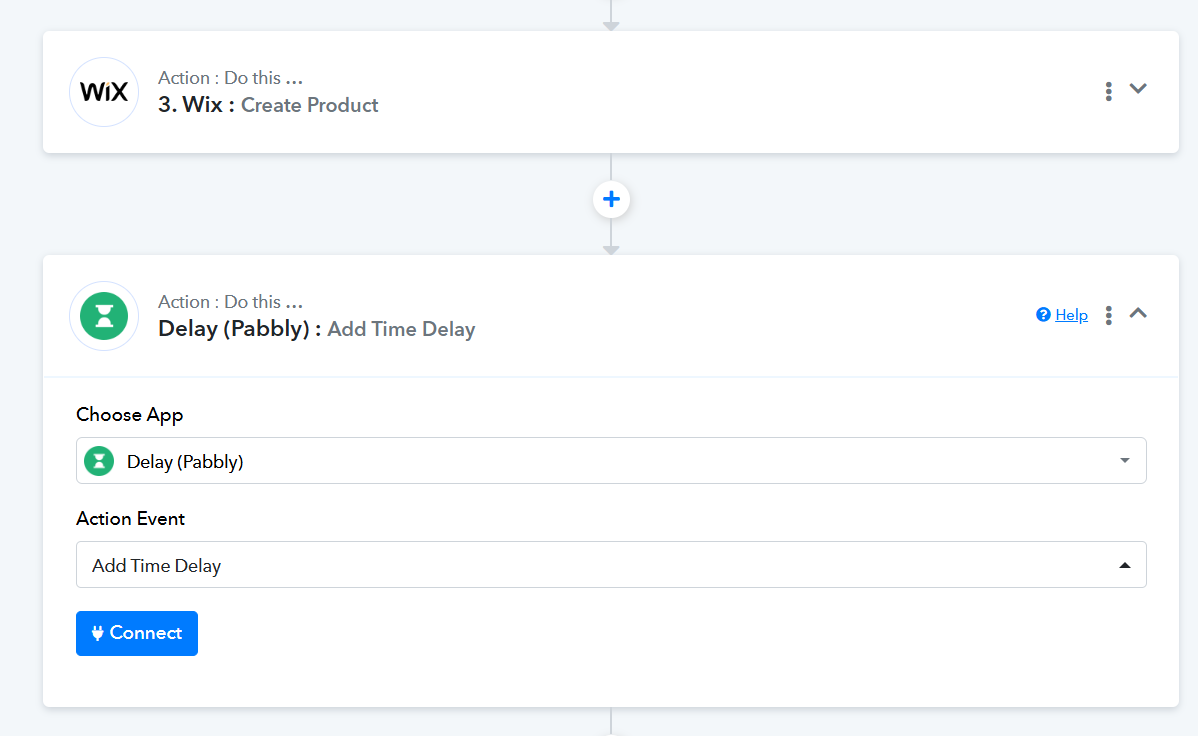
I figured it out! Thanks so much. Inside the general "add image" action it wasn't working, but I successfully made it work with the image ID via a custom API request.
Can you share the screenshot if possible of your custom API request? That way other users will also benefit if they come across the same issue.