WooCommerce Meta Data
Status: Closed · Asked by AlexSteven on · 0 views
Hello everyone, im trying to sync my orders to external accounting software and i found out people use Pabbly for that.
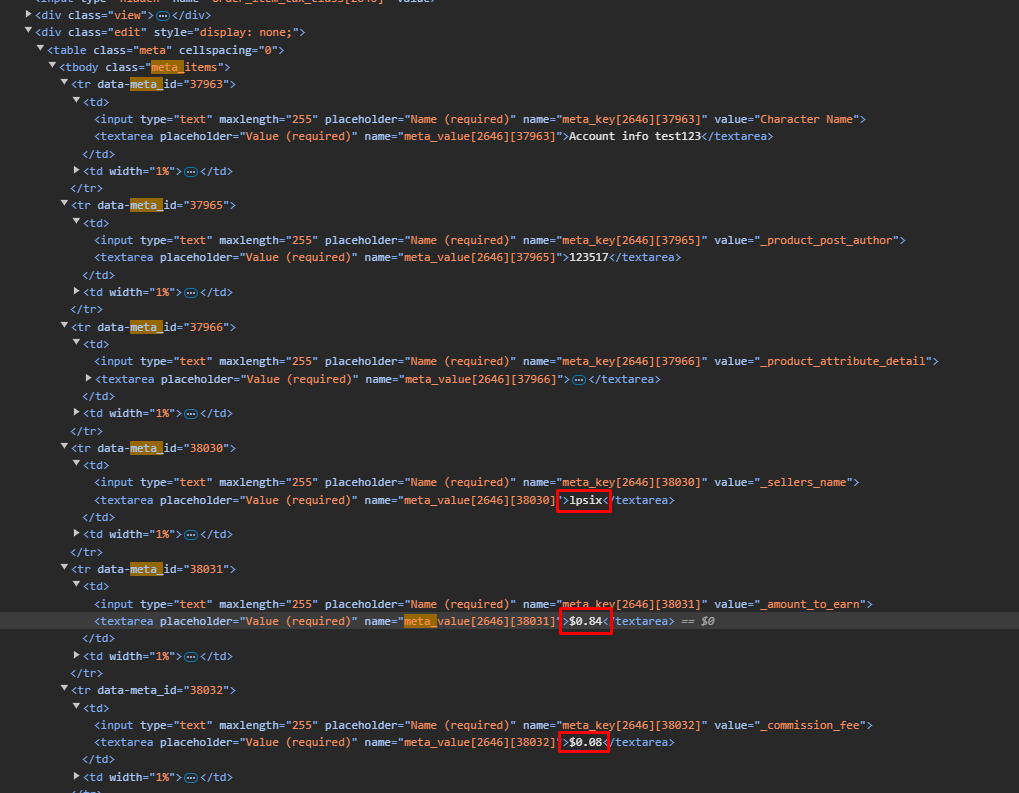
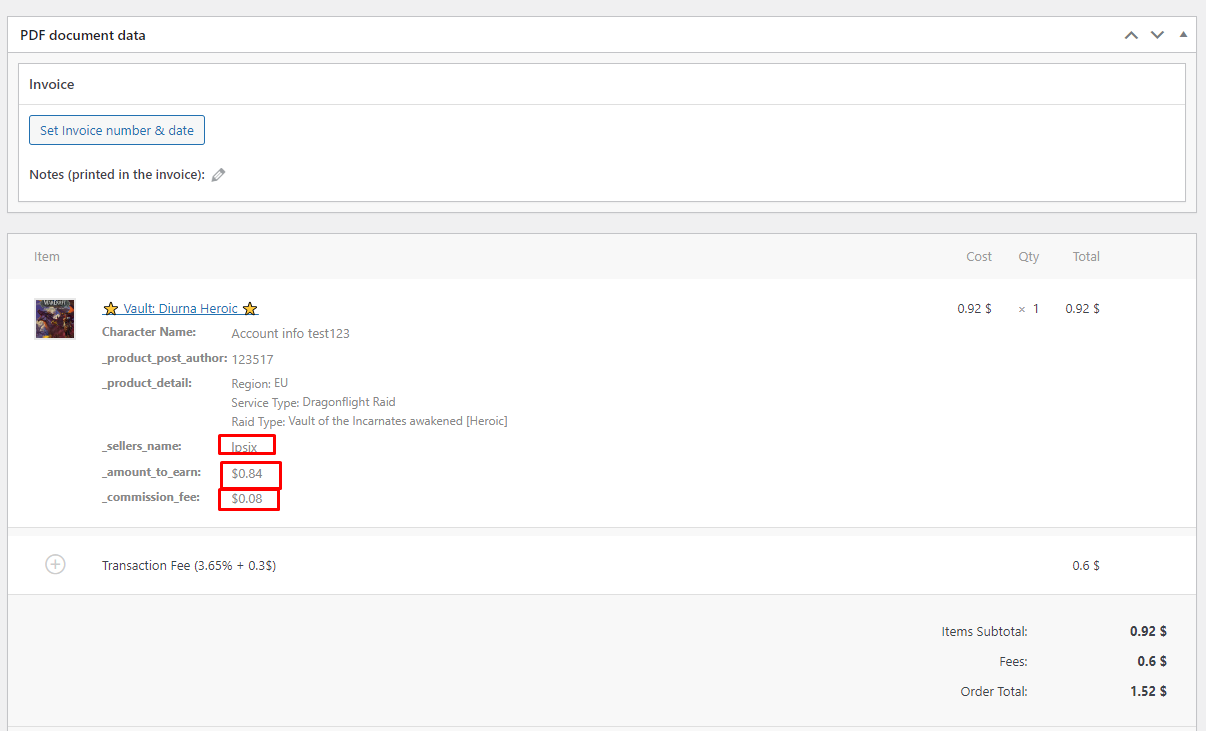
I'm facing an issue of webhook not capturing all the data that i want it to capture from Woocommerce order details. I feel like its only capturing the default data that comes from woocommerce and nothing custom made. I will provide screenshots how my woocommerce order details look for specific order as well as html for it.
What would be the modification that i need to do in order for the webhook to capture this data?
These 3 fields that i highlighted are not being captured, and everything else above it is being captured
Attachments
Hey @AlexSteven
Can you please share the workflow URL once you have tried it?
Hey @AlexSteven
Regarding your concern, you can use the 'Retrieve an Order' action step to get the number of orders for the particular one.
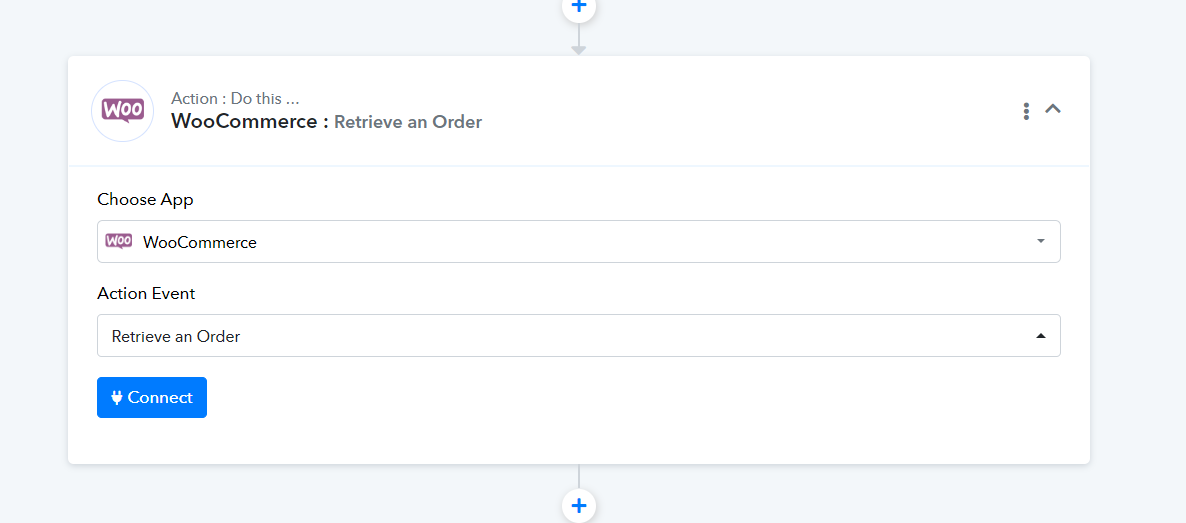
Hey @Supreme im using New Order Created as the first action, and this meta data that i mentioned above is not available there, even when i did Retrieve an Order as 2nd action i still get the same response that i get above. What's the way to send custom fields from woocommerce over to pabbly via webhook? Is there a guide or anything for that, or something that you can tell me. So these are not built in fields, they are customly added fields
The webhook trigger used in WooCommerce is descriptive-based and captures whatever data the application is sending. We do not have any control over the data that WooCommerce sends to Pabbly.
Please go to webhook.site and check if you are encountering the same error here or not. I have shared a video below that will help you understand how it works.