WooCommerce → Zoho Inventory – only one line item created?
Status: Open · Asked by nhdhlr on · 0 views
I’m setting up a Pabbly Connect workflow where a new order in WooCommerce automatically creates a Sales Order in Zoho Inventory. The connection itself works fine — orders are being sent through successfully.
However, I’ve noticed that it only gives me the option to create one item line in Zoho Inventory.
What happens if a customer orders multiple items in the same WooCommerce order?
Do I need to set up a loop or array function in Pabbly to handle each line item separately? Or is there a way to automatically map all products from the order into Zoho Inventory’s Sales Order line items?
Any advice or examples of how others have handled multi-item orders in this setup would be really appreciated!
Hi @nhdhlr,
You can use a Line Itemizer to pass WooCommerce multi-product orders to Zoho Inventory.
youtube.com/watch?v=DkoHNzV9CWs
Thanks & Regards,
Arshil Ahmad
Customer Support Associate
? Pabbly.com
?Rate your support
Hello, thanks for your response. My products have come through as individual lines already. There is no 'Line Items' box, so there is nothing to Itemize.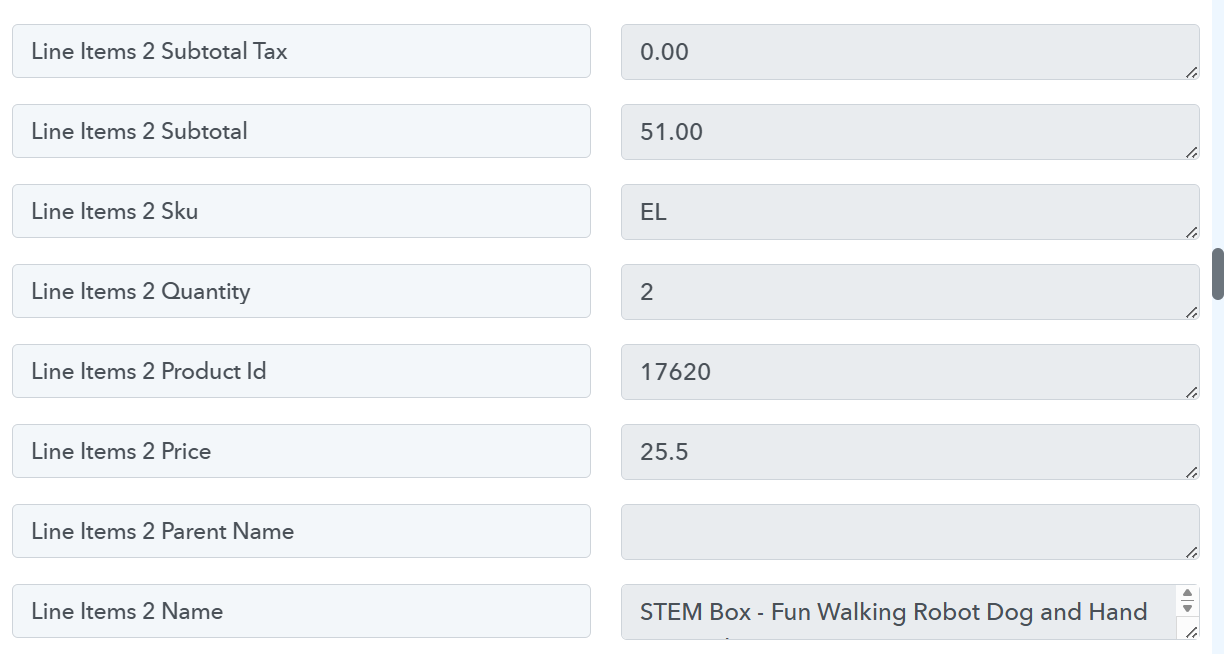
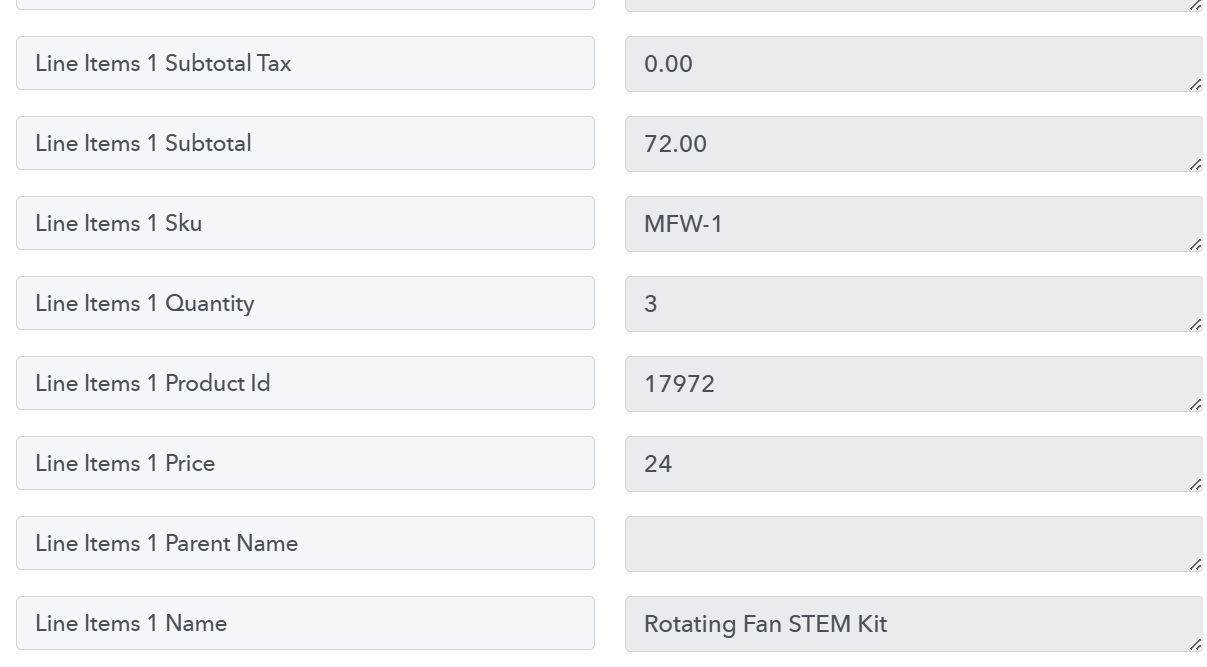
You need to disable the 'Simple Response', then click on 'Re-Capture Webhook Response' and capture a new multi-product order to get the response in the form of an array, which can then be passed to the Line Itemizer. Please check out the video at the 3:51 mark.
That now works - thank you
Thank you for the update. We're glad we were able to help.
Thanks & Regards,
Arshil Ahmad
Customer Support Associate
? Pabbly.com
?Rate your support