Workflow constantly needing to be re-executed
Status: Open · Asked by strangeworldrecords on · 0 views
What has changed that is causing my ONLY workflow to repeatedly need to be re-executed?
This is taking up too much of my daily work. Why can't it ever just work the way it is supposed to!!
The most recent website entry has been re-executed 5 times and has not worked at all (except for appearing repeatedly on Facebook)
AAAAARRRGGHHH!!
Hey @strangeworldrecords,
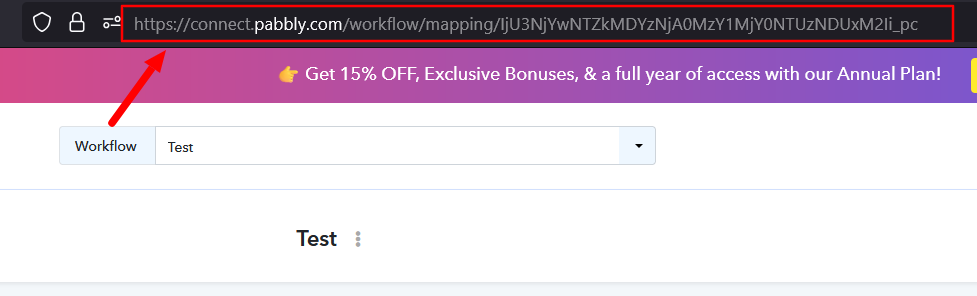
Could you please provide us with the Workflow URL where you are facing this issue? This will help us investigate the problem more effectively and assist you accordingly.
Please be aware that to assist you effectively, we may need to access your Pabbly Connect account. If you're comfortable with this, please grant us permission by stating in your next reply:
"You have my permission to log into my Pabbly Connect account and edit the workflow, if required. Here is the registered email address associated with it."
Looking forward to assisting you further.
"You have my permission to log into my Pabbly Connect account and edit the workflow, if required. Here is the registered email address associated with it."
workflow URL: https://connect.pabbly.com/workflow/mapping/IjU3NjUwNTZhMDYzMjA0M2Q1MjZkNTUzMDUxMzYi_pc
Hey @strangeworldrecords,
Thank you for sharing the details along with the screenshots.
We have reviewed your workflow, and it appears that the image URL being passed contains an additional parameter at the end (for example, ?v=...). This extra parameter can sometimes cause issues while posting images to Instagram via the API.
What we recommend:
- Please add a Text Formatter (Text Parser) step in your workflow
- Remove the parameter part from the URL (everything after ?)
- Use the clean/raw image URL (ending with .jpg or .png) for the Instagram API step
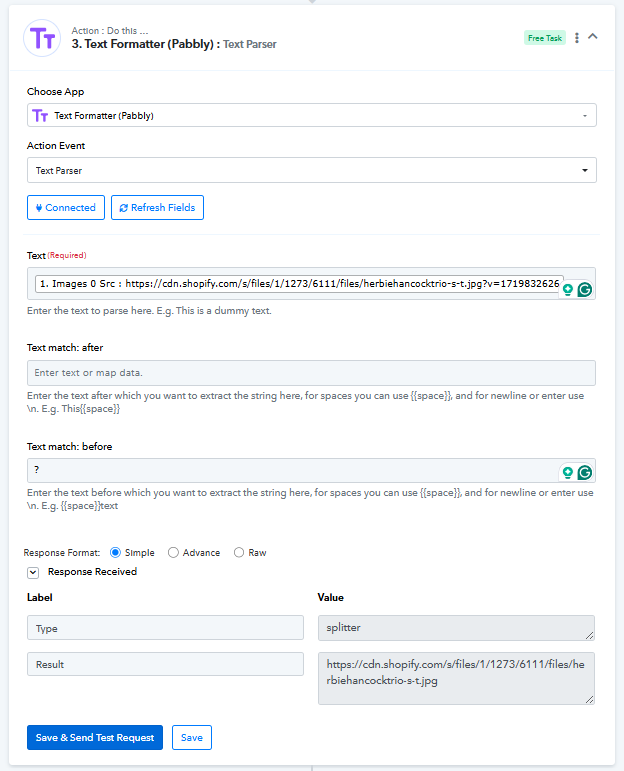
What we tested:
- We re-executed your workflow by removing the parameter from the image URL
- The request was successfully processed after using the clean URL
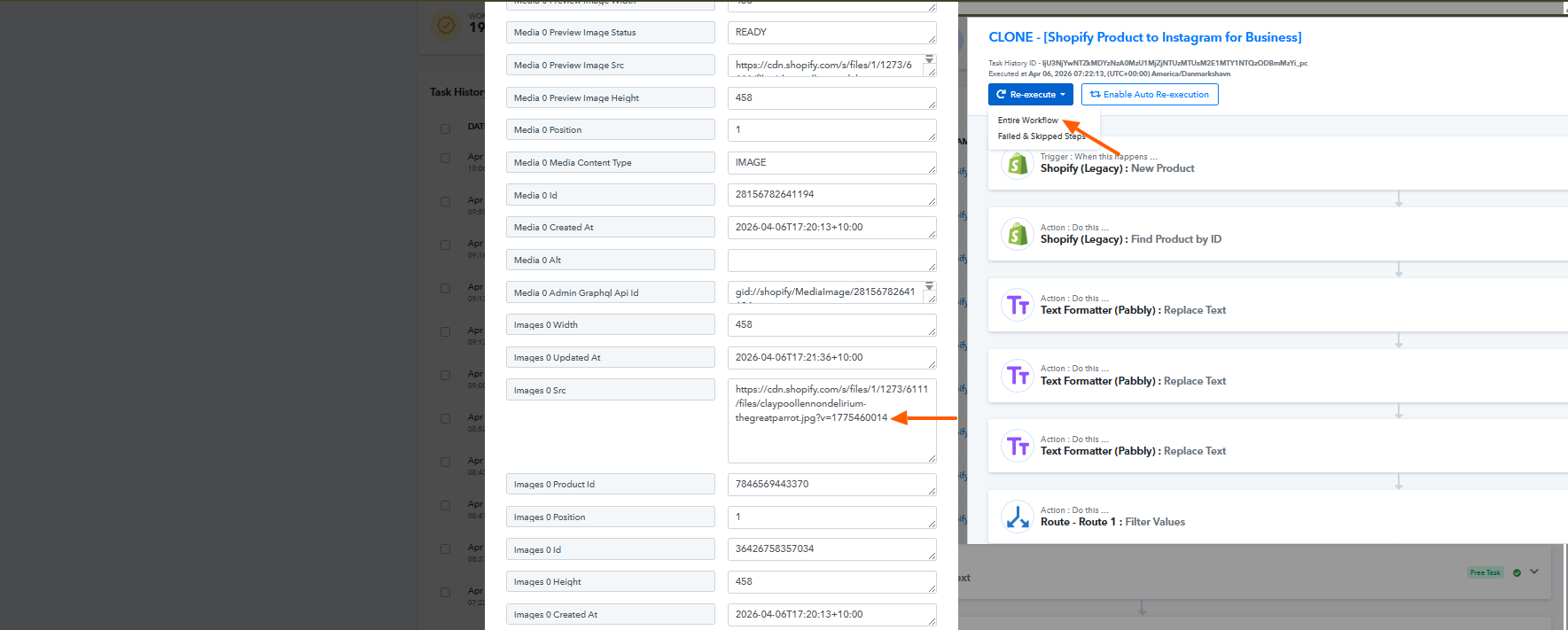
Reference:
- Failed Task History ID: IjU3NjYwNTZkMDYzNzA0MzU1MjZkNTUzMDUxMzI1MTY0NTQzNjBmMzUi_pc
- Successful Task History ID: IjU3NjYwNTZkMDYzNzA0MzU1MjZlNTUzNjUxMzc1MTZiNTQzMjBmMzIi_pc
Important Notes:
- This is a workaround for now
- Ensure that the output from the Text Formatter step is correctly mapped in your Instagram API request
- After making the changes, please monitor the task history to confirm consistent success
Kindly implement the above and let us know how it goes. We’ll be happy to assist further if needed.