workflow - google form submittion and a pdf file generation
Status: Open · Asked by aimdrivingschoolsk@gmail. on · 0 views
Hello,
I am trying to follow this tutorial to accomplish a google form submition to a pdf
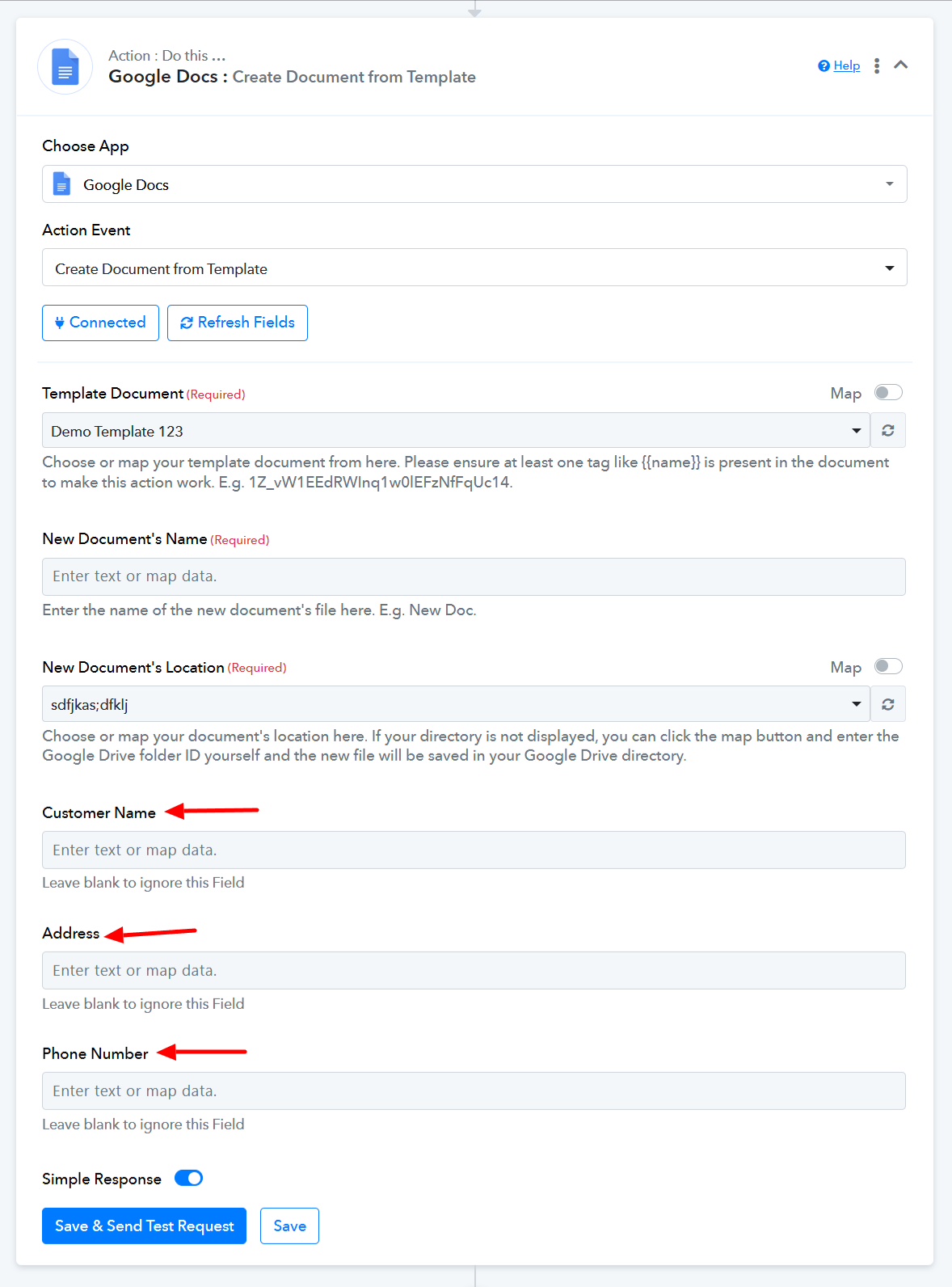
in my workflow, i have created a form and connect that with google doc(template) to get the submittion and later i will convert it to pdf. But i am not getting a google doc generation until this point. This is the message i am getting (pdf attached). it suppose to create a google doc with the values from submittion
I am also sharing my google form
https://docs.google.com/forms/d/e/1FAIpQLSc48o8Pj9JtyVtp7FGOMdFAt2BAI3rQYI5BuEIqcwStJv3aJA/viewform
google doc template
https://docs.google.com/document/d/1Od7V-K6zF6plJXOQPkaZgTvMkU0QETyaE4BLENmD1vA/edit?usp=sharing
Please help me.
Hi @aimdrivingschoolsk@gmail.,
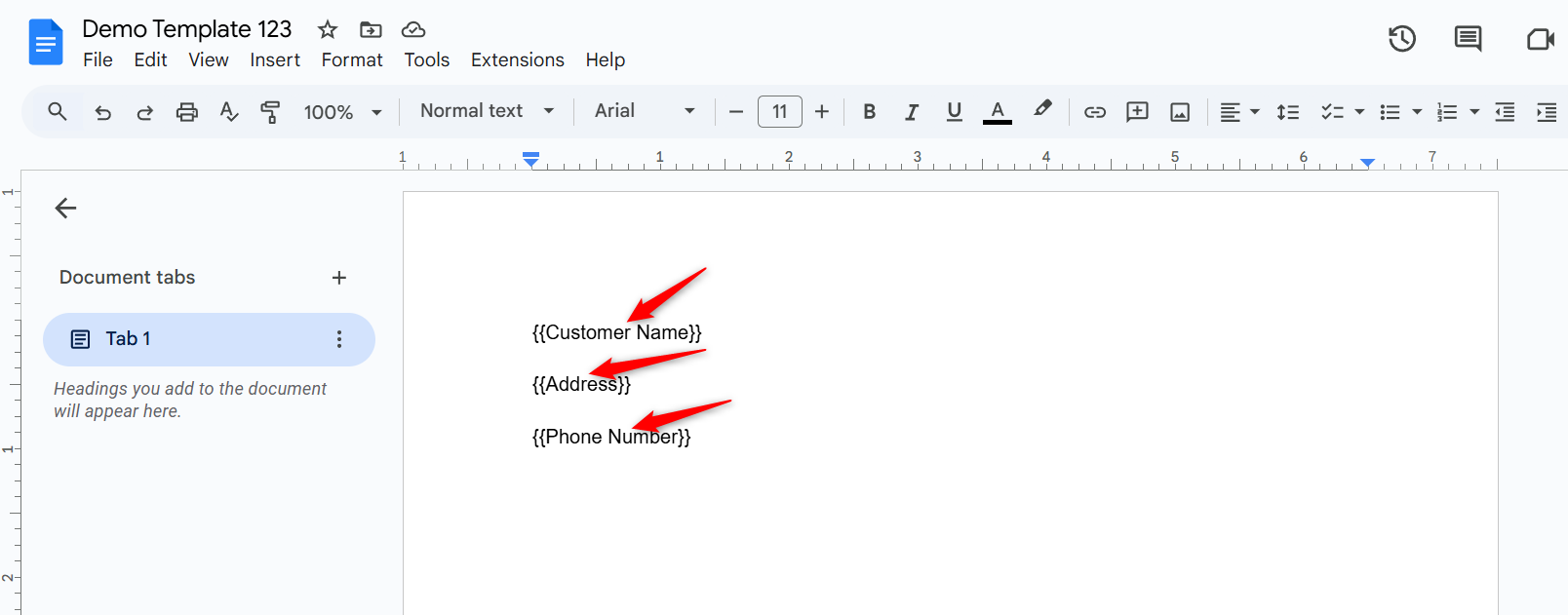
Please make sure you have data tags in your Google Docs template. These are the values enclosed within double curly brackets, like {{tag}}.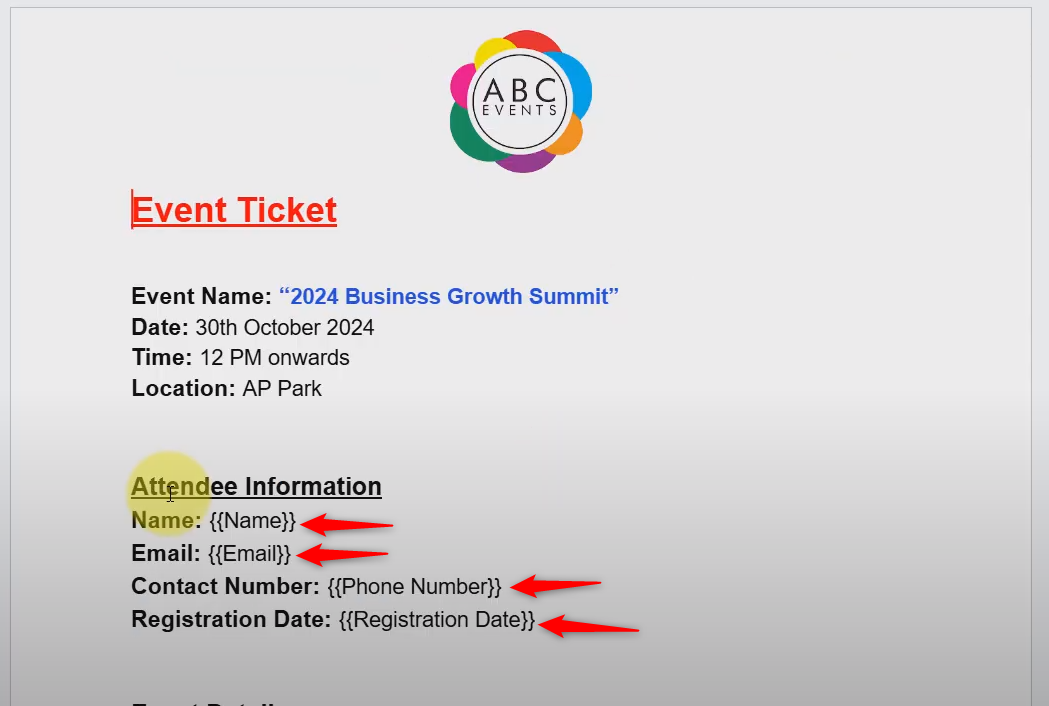
If not, please add the data tags to your template, then click on 'Refresh Fields'. They will then start appearing as fields in your Google Docs action step.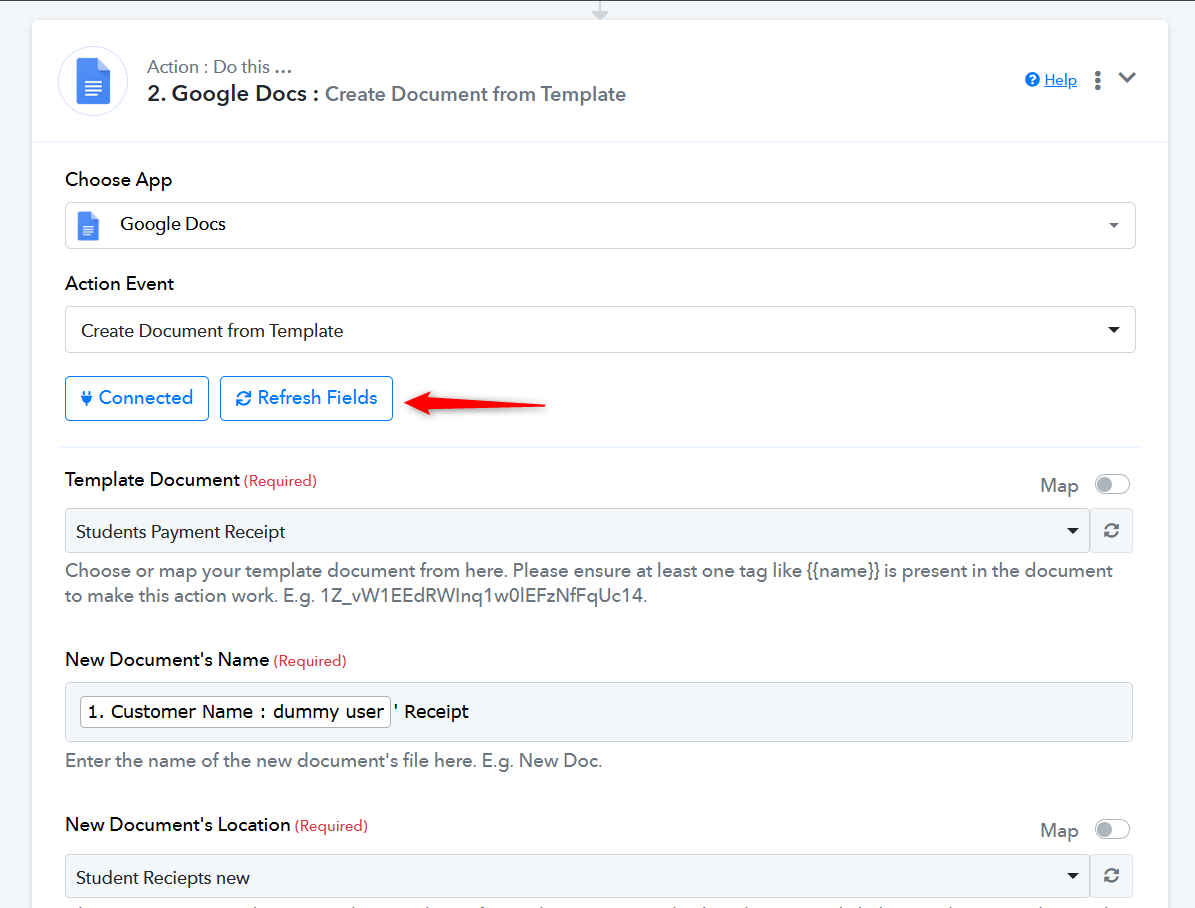
Once they appear, remap the data in those fields, click on 'Save & Send Test Request', and see if that generates a document for you.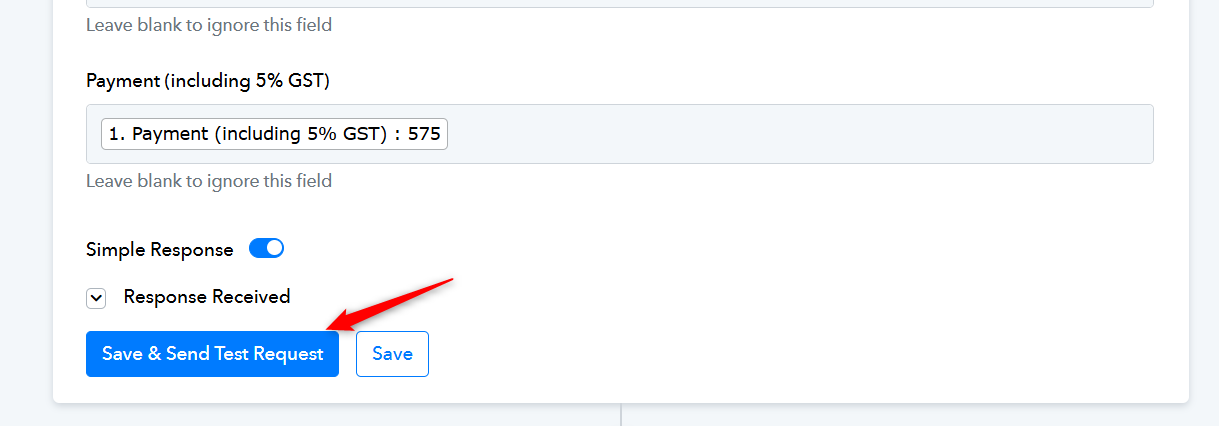
I am still struggling to find out the data tags, can you take screenshot in my example and send it to me.
I think i gave you the access to my google sheet and doc already?
The template you shared doesn’t contain any data or data tags.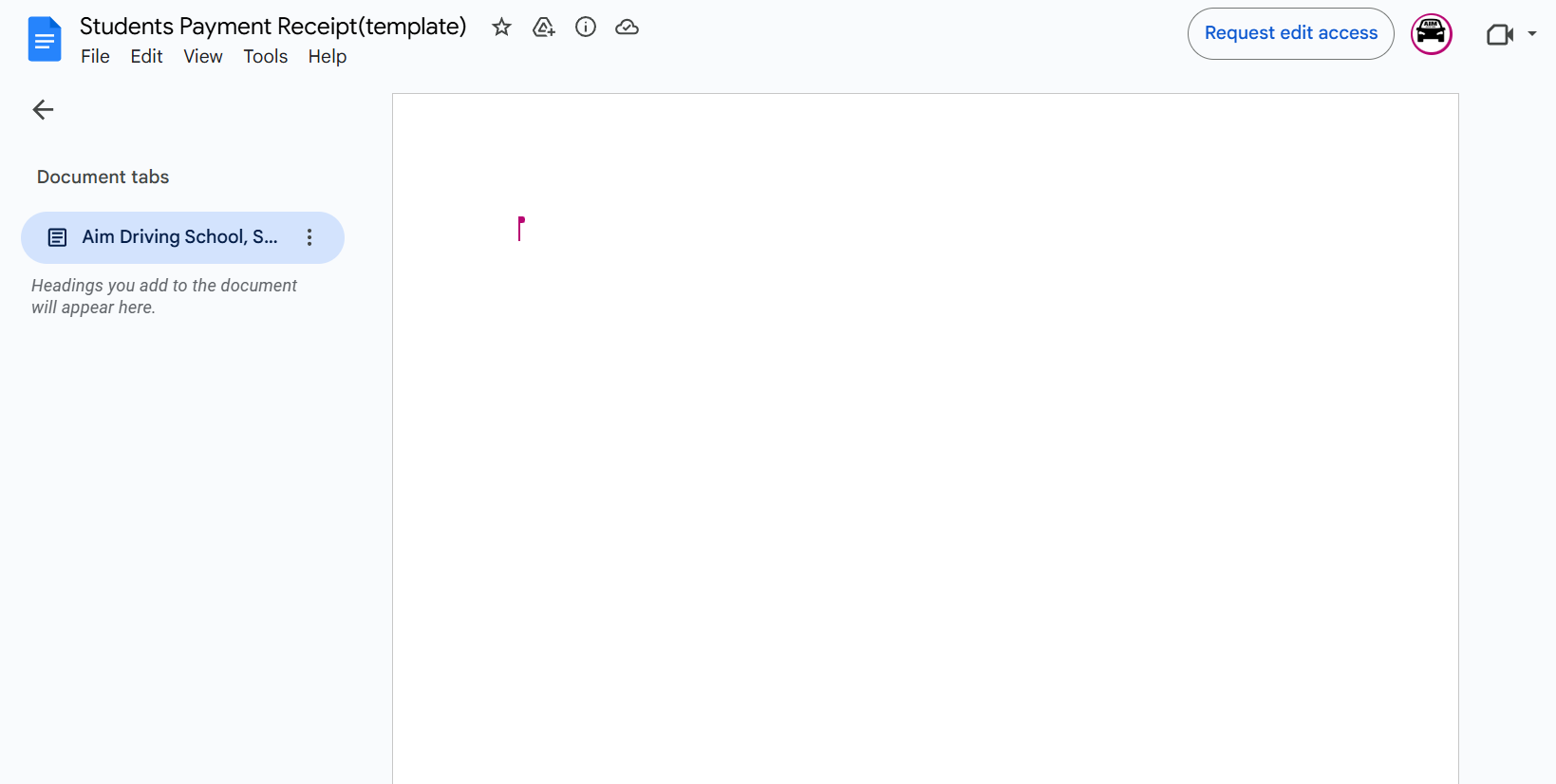
===================================================================
As you can see in the example shared below, when the data is entered within curly brackets, it appears as fields in the 'Create Document from Template' action step. You need to enter the data in your Google Docs template in the same manner./