workflow stopped working randomly
Status: Open · Asked by farhad barvatiya on · 0 views
Subject: Workflow Issues
Hi,
I hope you're well.
I am currently facing an issue with my workflow. It suddenly stopped working, and I've tried editing the workflow, sending test requests, and various other troubleshooting steps, but nothing seems to be effective.
When I check the workflow history, it indicates that the WhatsApp status is marked as "accepted," yet the workflow is still not functioning properly. This problem is occurring with 2 out of my 3 workflows, and I'm unsure why it has stopped working.
I would appreciate any assistance you can provide.
Thank you!
https://connect.pabbly.com/workflow/mapping/IjU3NjYwNTZkMDYzNzA0MzE1MjY4NTUzYzUxMzMi_pc
https://connect.pabbly.com/workflow/mapping/IjU3NjUwNTZjMDYzZjA0MzA1MjZhNTUzMTUxMzUi_pc
Hi @farhad barvatiya,
We tried sending a message through the WhatsApp Cloud API action step of your workflow and successfully received the message with an 'accepted' response. Could you please specify the exact issue you are encountering?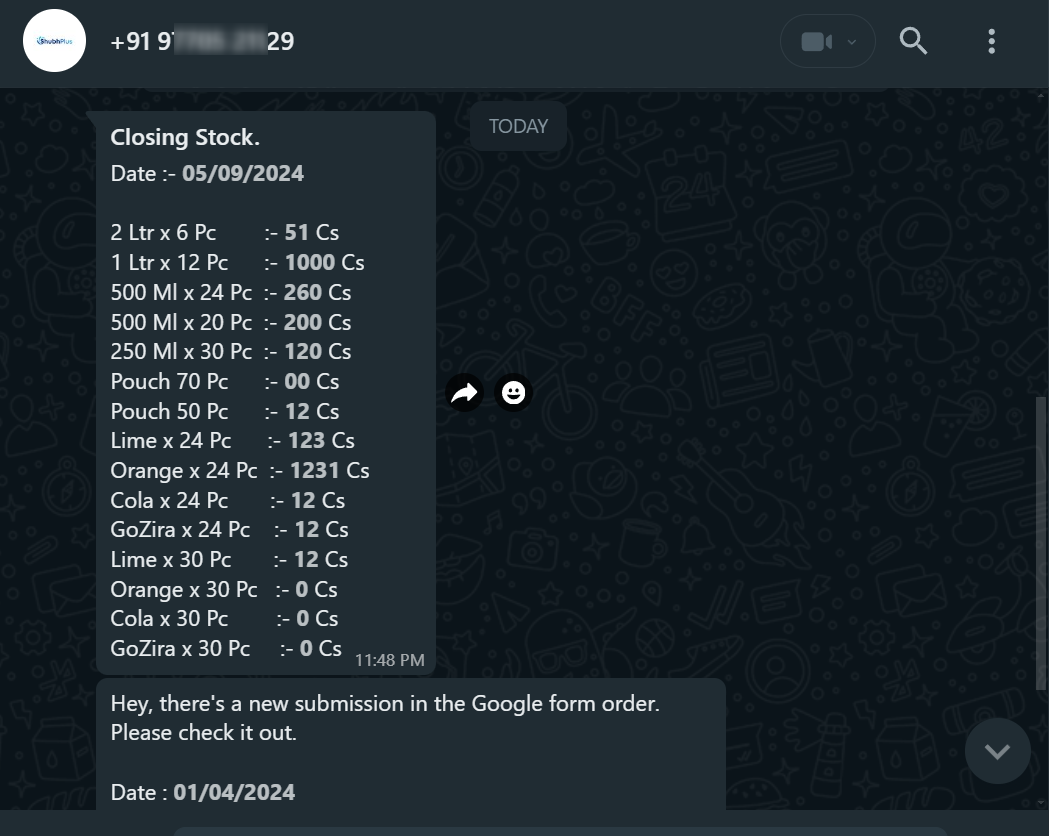
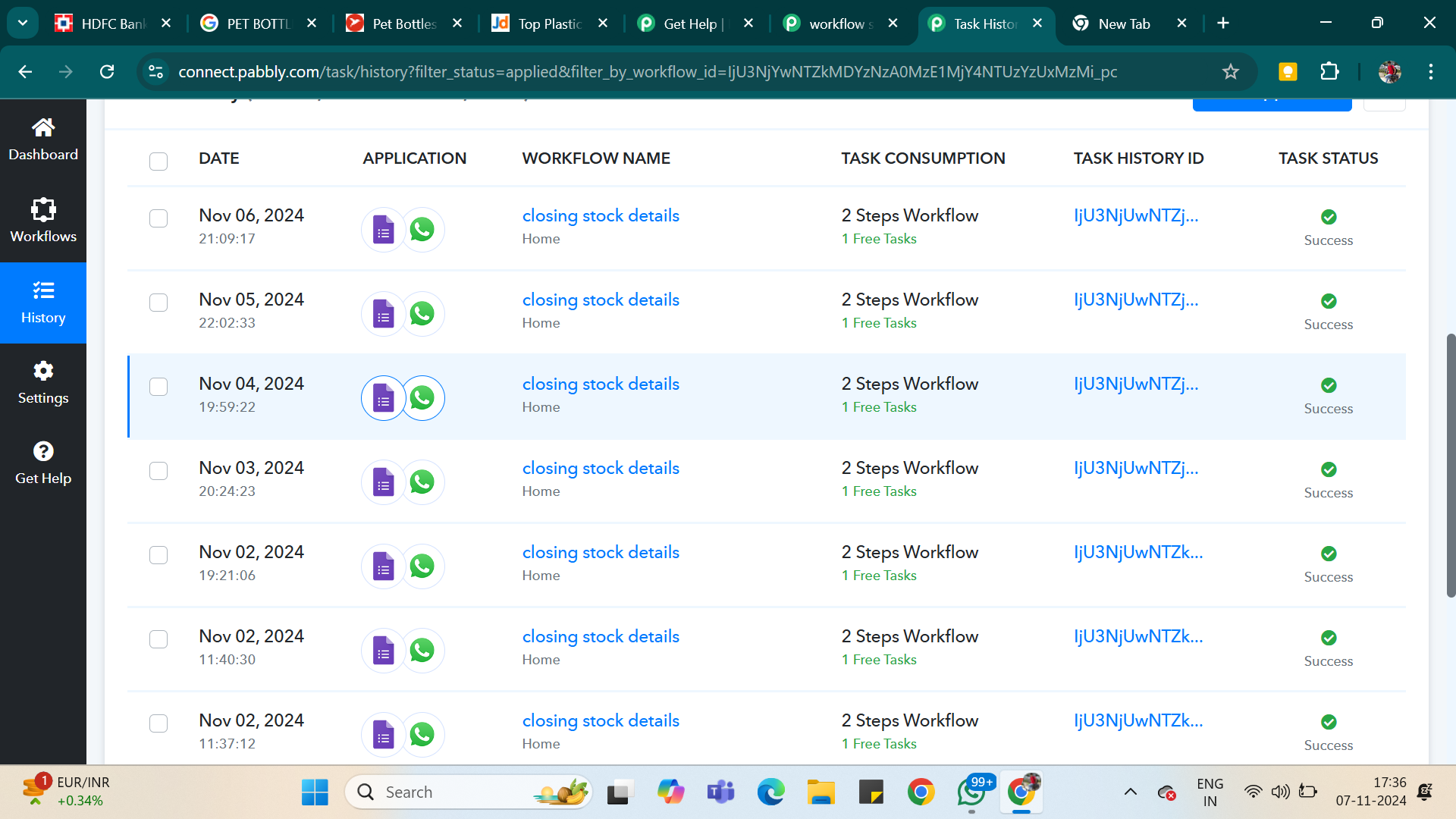
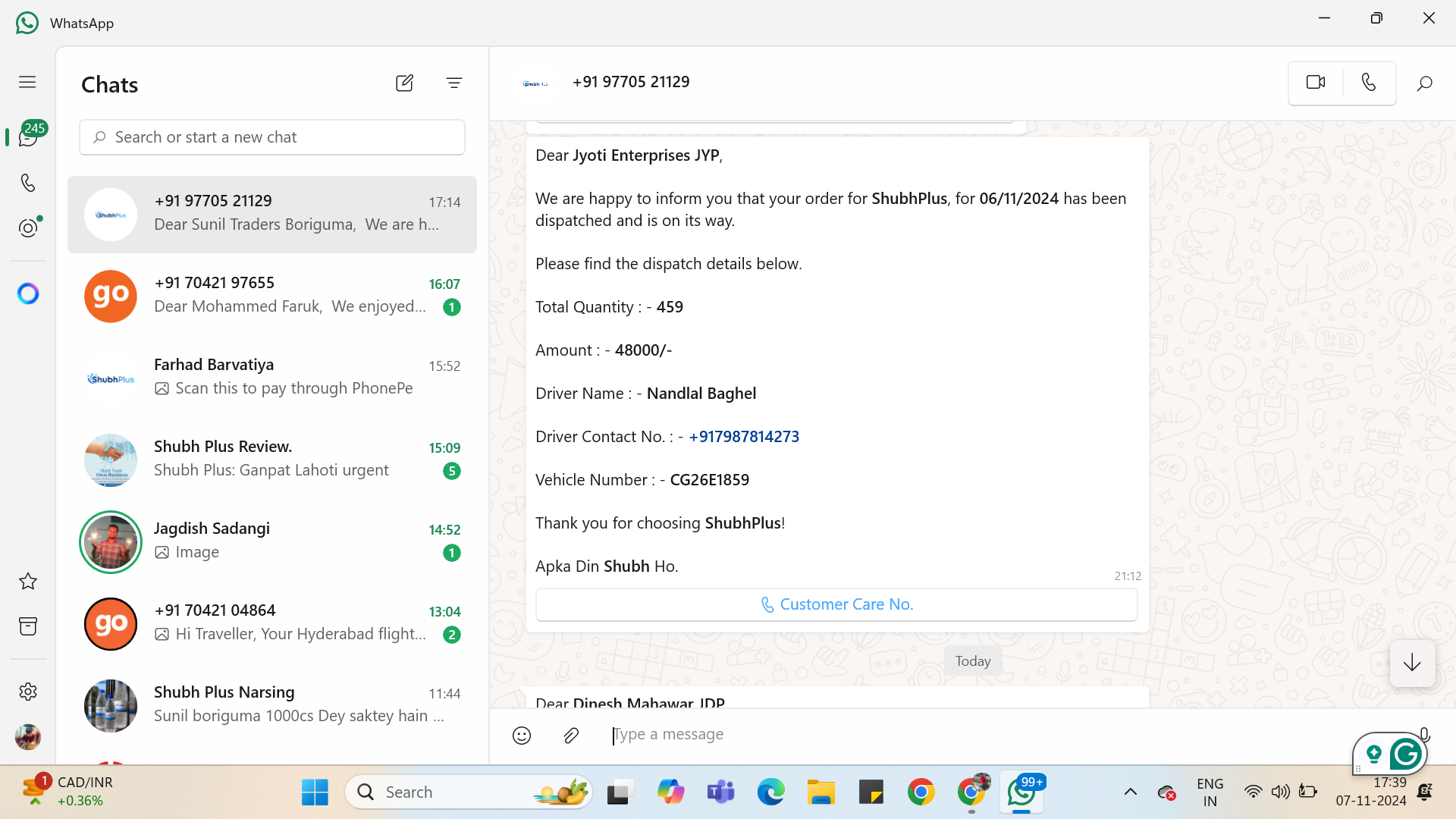
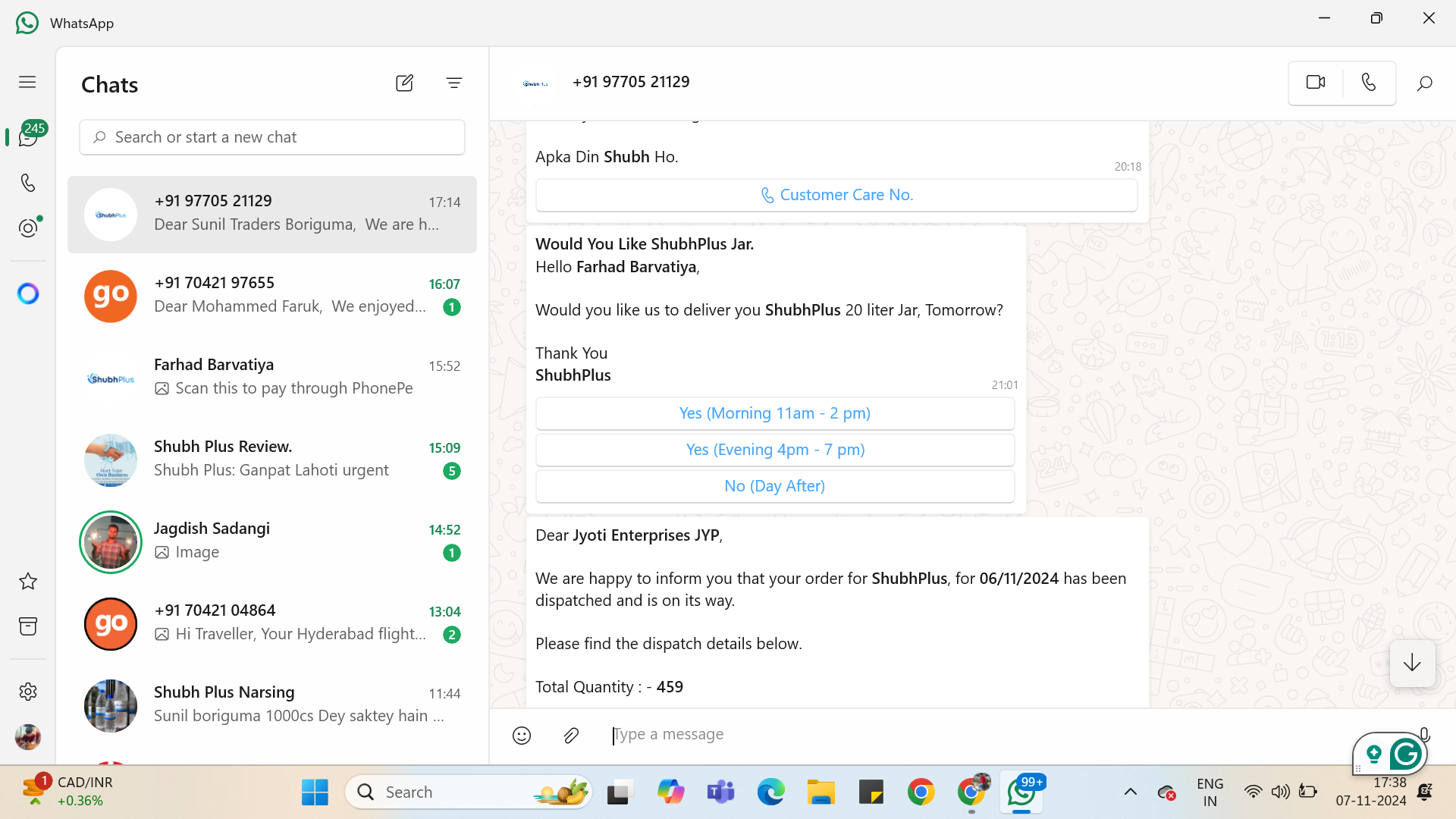
Hi, I have attached the screenshot below. For November 11, 2024, the Google Sheet was submitted at 21:09 hours. It shows as accepted on WhatsApp, but I didn’t receive any notification.
Is there an issue with the workflow that I might be missing?
Attachments
Hello @farhad barvatiya
You have confirmed that you have received "accepted" as the response which is been sent by the WhatsApp cloud API which means that the message should have been sent. If the message isn't been received then too we would recommend you contact Meta support regarding your query.