WORKFLOW - TICKET UPDATE FROM ZOHO - PABBLY - OUR OWN SYSTEM
Status: Open · Asked by Support on · 0 views
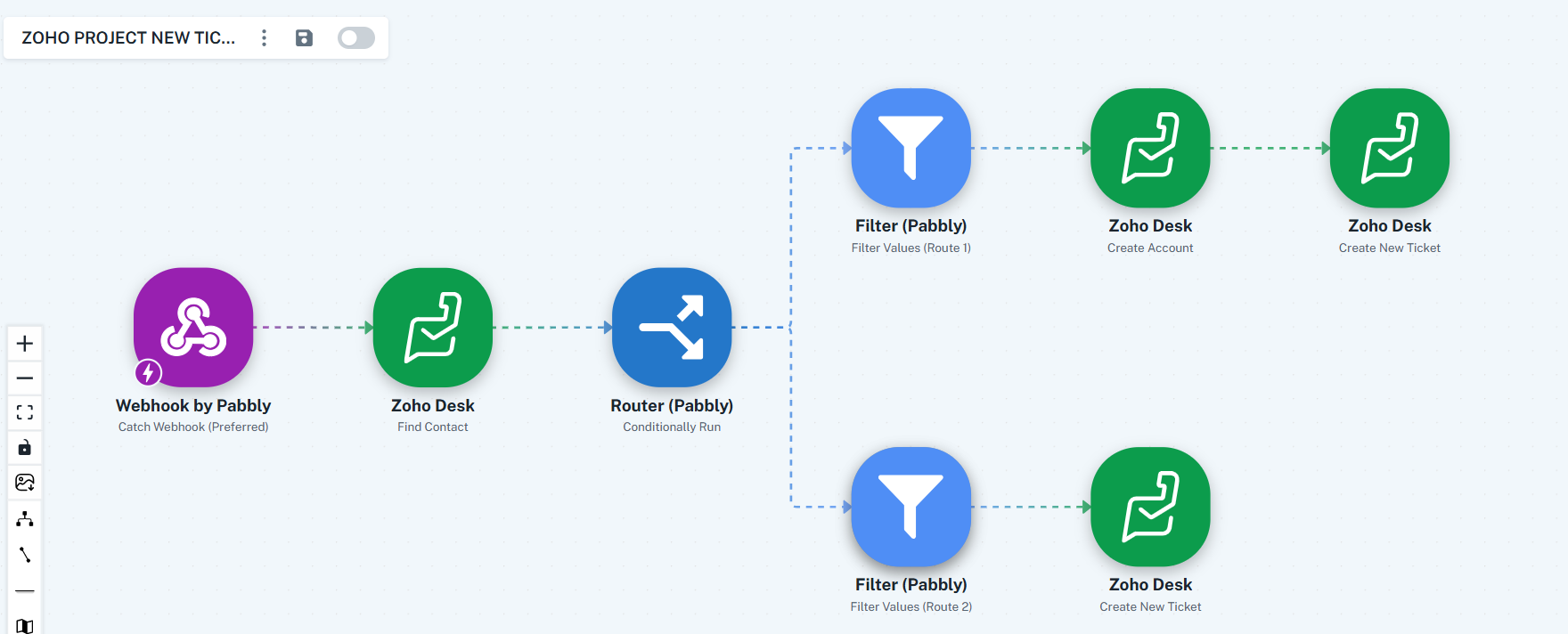
I have my own ticketing system and connected it to Zoho Desk using Pabbly. I set it up through a webhook in Pabbly (as shown in the attached image), which then connects to Zoho Desk to find a contact.
- If a contact exists, it creates a new ticket in Zoho Desk with the details from my system.
- If no contact is found, it creates a new account first and then creates a new ticket with the same details.
This setup is currently working well.
Now, I need assistance in configuring the integration so that both outgoing and incoming threads are synced. Specifically:
- When a ticket in Zoho Desk is updated or replied to (incoming or outgoing), the update should be sent back to my system.
- I already have the API from Zoho, as replies are handled there, but I need guidance on how to properly implement this syncing process.
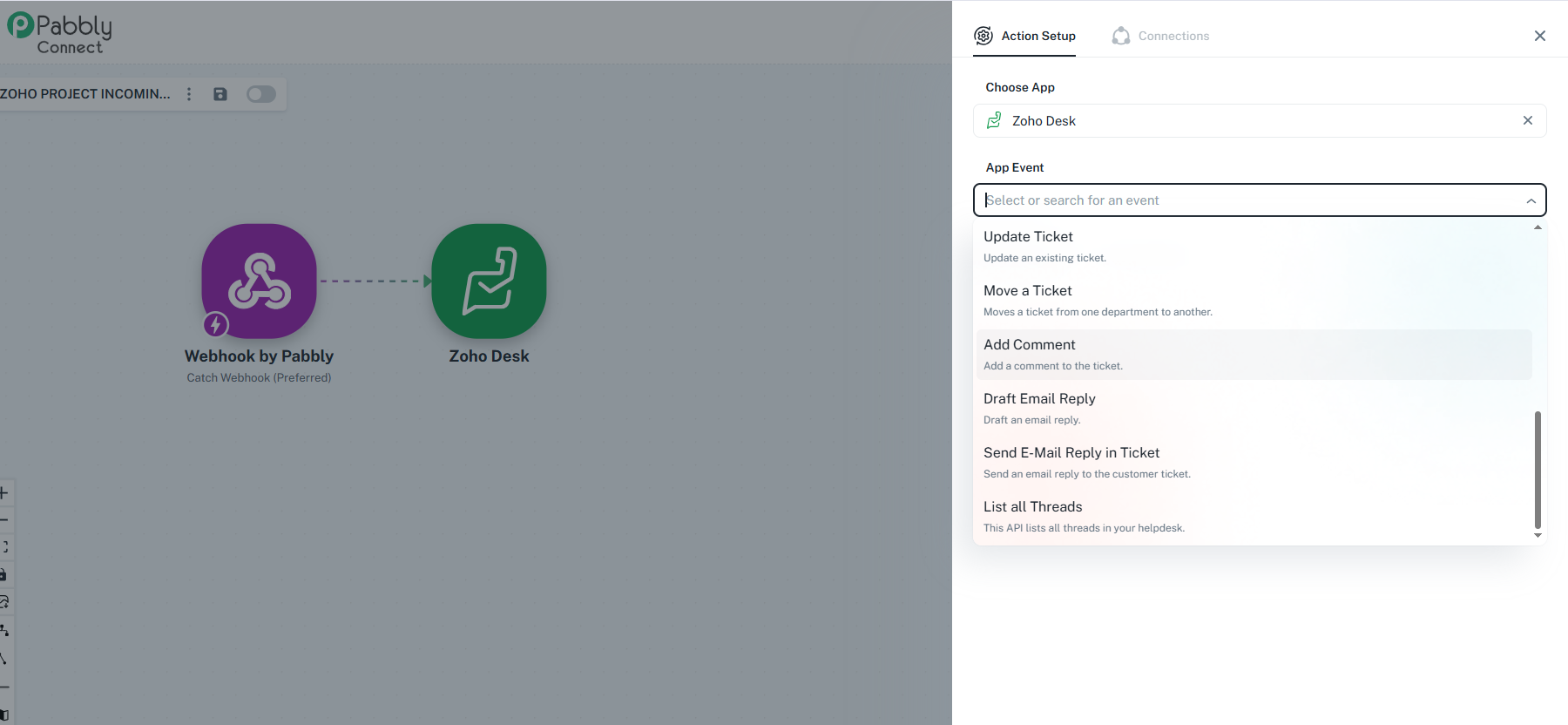
What to use in app event? Should I Update Ticket or List All Thread
Hello @potb,
Thanks for sharing the details. To push updates back into your system, you’d generally use the Update Ticket action. However, to guide you correctly, please confirm:
- What trigger are you using?
- Where is the webhook set up to capture these updates?
If you already have a workflow, please share it and provide us by stating this in your next reply: “You can access my Connect account and make changes if necessary,” so we can review and assist you further.