Workflow with router stoped routing
Status: Open · Asked by iMentor Consulting on · 0 views
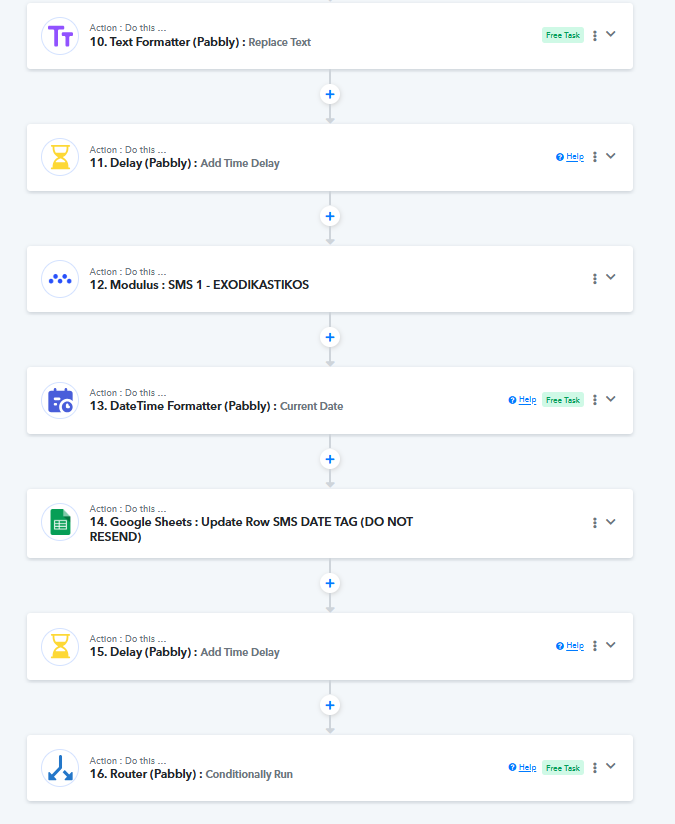
Hi, we have a workflow that was working fine. it has several steps and after step 15 there is a router that has 2 routes and each route has then 4 extra steps. We noticed that the workflow stopped before the router with no error indication. We could use some help with that please.
Task History ID -
IjU3NjUwNTY5MDYzZjA0MzM1MjZmNTUzMTUxMzY1MTY3NTQzMDBmMzEi_pc
The above task stopped at step 15
workflow name
ΕΞΩΔΙΚΑΣΤΙΚΟΣ moosend (3emls) & 3 SMS
I noticed that some of my tasks are working with the router while some other do not work. Please provide some help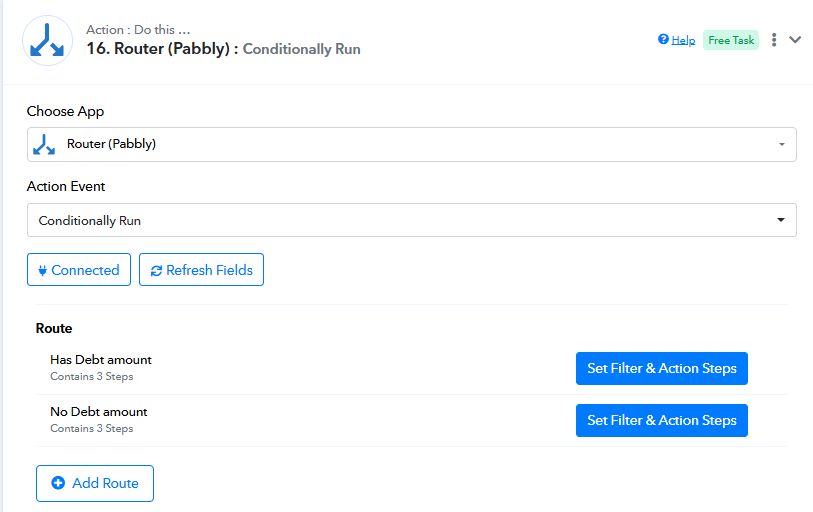
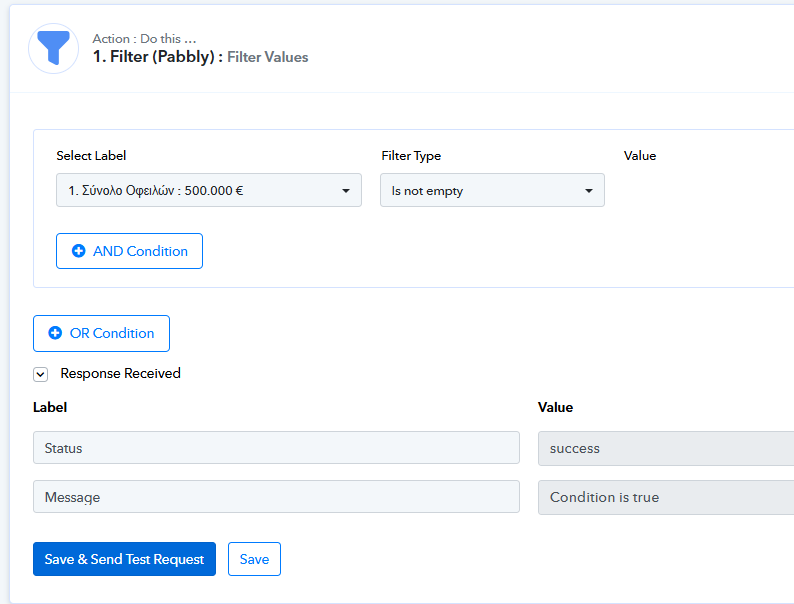
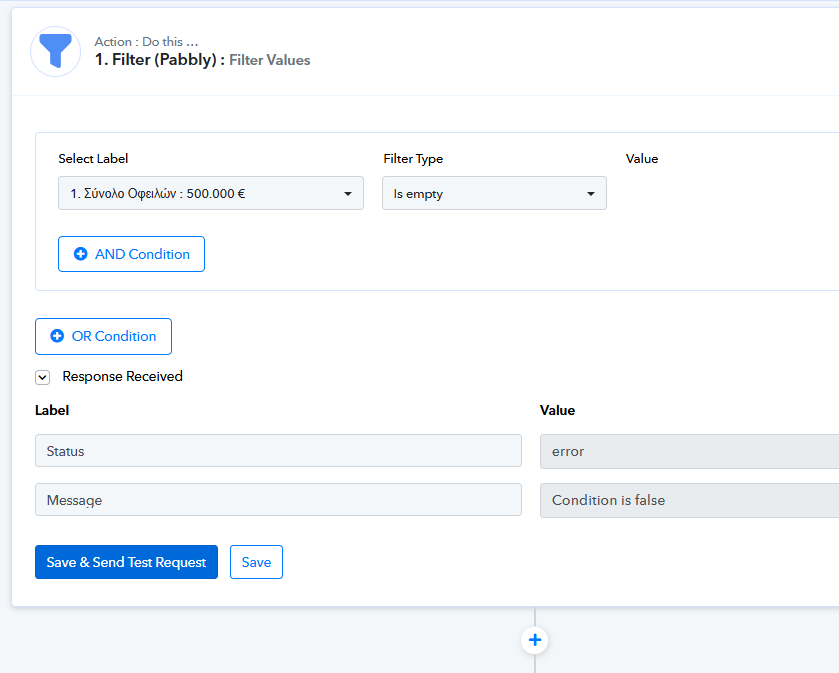
To continue my investigation on the issue i noticed that i got some delay steps and the problem might be there. Some steps seem to be blocked passed on the delay steps forever.
example 1:
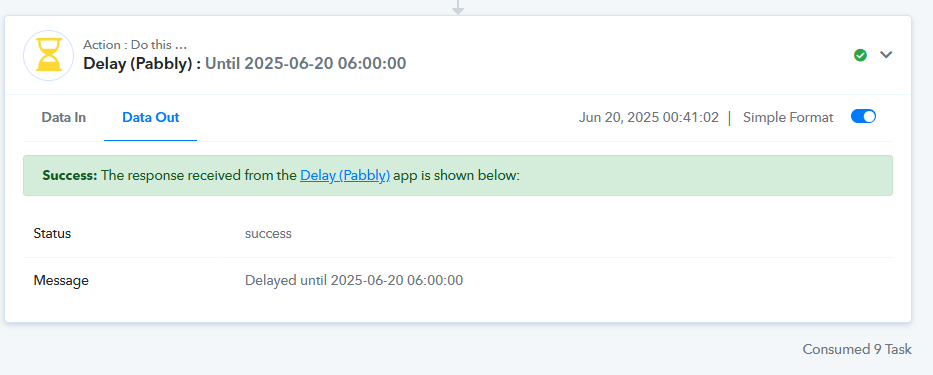
example 2: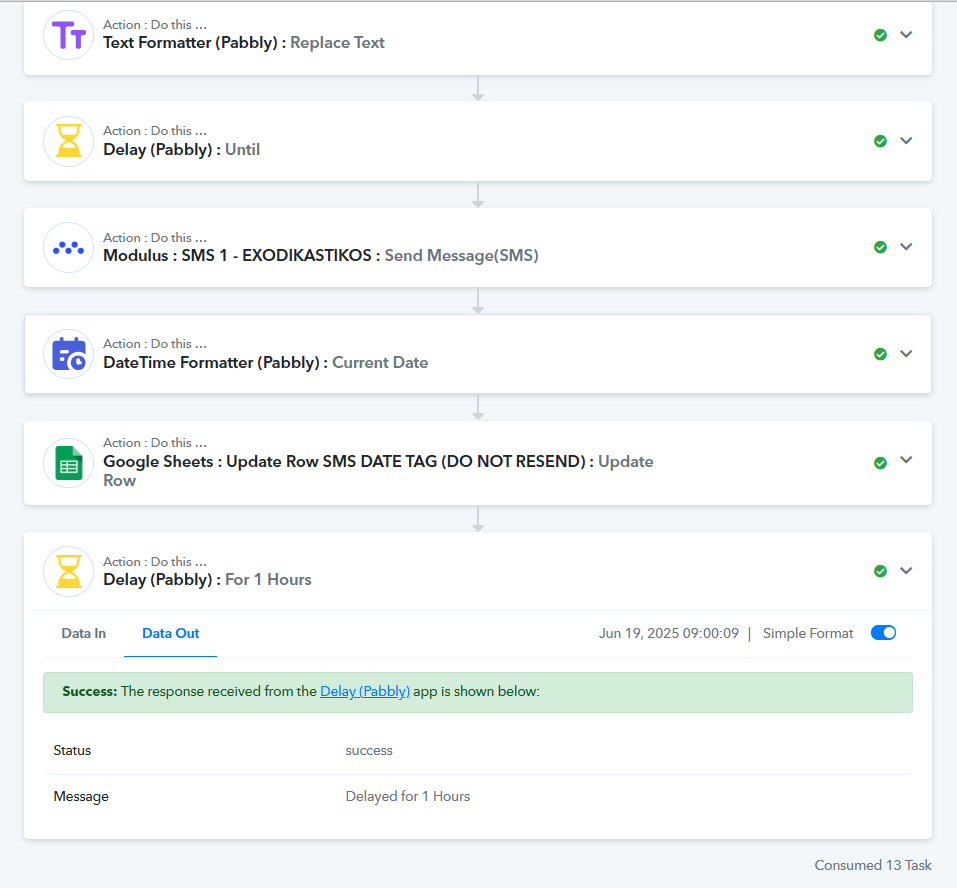
what do you think the problem is?
Hello @i_mentor,
Thank you for bringing this to our attention.
We’ve observed that the delay step has been changed multiple times—at some points it’s set as "Delay Until", and at others as "Delay For". Could you please confirm the reason behind these changes?
Additionally, we noticed that the delay step is placed within a router. Could you help us understand the purpose of this and the specific use case? This information will help us assist you more effectively.
In the meantime, please note that we’ve escalated this concern to our technical team for further review. Once we have your clarification, we’ll also explore if there’s an alternative approach that could resolve the issue.
here is a part of my workflow. For now i deleted the second delay (add time delay) because that is where the problem occured and we shall see.
Hello @i-mentor,
Thank you for sharing the details. Please allow us some time to review, and we’ll get back to you with an update as soon as we have one.