Youtube connection
Status: Open · Asked by aaron on · 0 views
So I have a main account that has a few "brand accounts" attached to it.
I have been testing the Upload Video, but the video gets uploaded to my main channel.
I have read other threads and attempted to manually set the channel ID (as shown in the screenshots), but as you can also see in the same workflow (where I get the upload status), it shows that it was uploaded to the main channel and not the one I put in my workflow.
Workflow link: https://connect.pabbly.com/workflow/mapping/IjU3NjYwNTZjMDYzMTA0MzQ1MjY1NTUzMzUxMzEi_pc
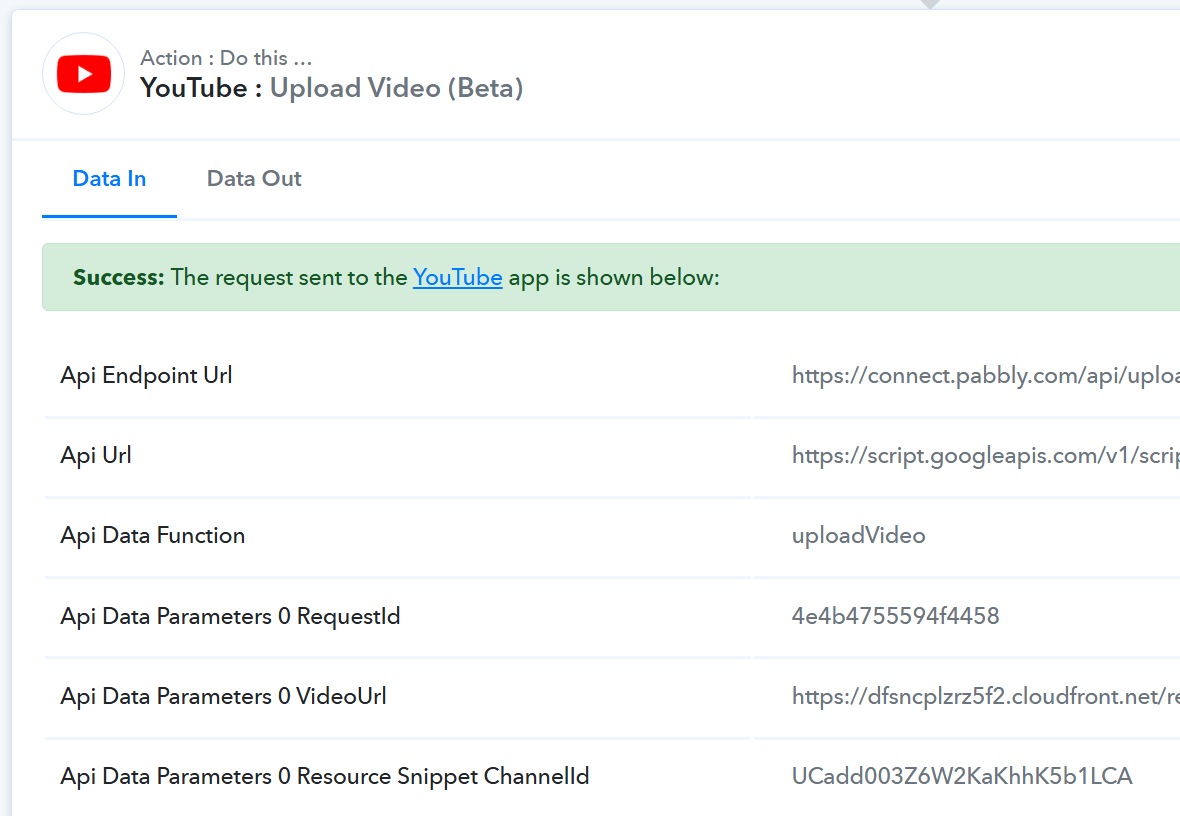

Channel ID that I want the video to be uploaded to: UCadd003Z6W2KaKhhK5b1LCA
Channel ID that it is defaulting to: UCp9eiNT-aMtPstamVgAGhYg
Hello @aaron
We reviewed your workflow and noticed that the main account has not been linked to Pabbly. Additionally, once the connection with the main account is established, you'll need to enter the channel ID of the brand account.
Let us know if it works for you.
Hello @Luv
I have been messing around with it and it is likely no longer connected due to my testing.
I think the best example though is from the history of the latest execution. That should show that there are channel mis-matches when I used the channel ID and it still didn't accept that field.
Hello @LuvI have been messing around with it and it is likely no longer connected due to my testing.
I think the best example though is from the history of the latest execution. That should show that there are channel mis-matches when I used the channel ID and it still didn't accept that field.
Could you please share the Task History ID you are referring to?
History ID is the same as the the task ID: IjU3NjUwNTZjMDYzMTA0MzA1MjZhNTUzNDUxMzI1MTYxNTQzNDBmMzMi_pc
It is the most recent execution: Dec 12, 2024 13:23:11, (UTC-08:00) America/Los_Angeles
At the VERY bottom there are 3 steps (one is upload, then wait 8 minutes, then check the upload status).
Thank you for sharing the Task History ID. Could you please confirm whether this connection is with your main account or not?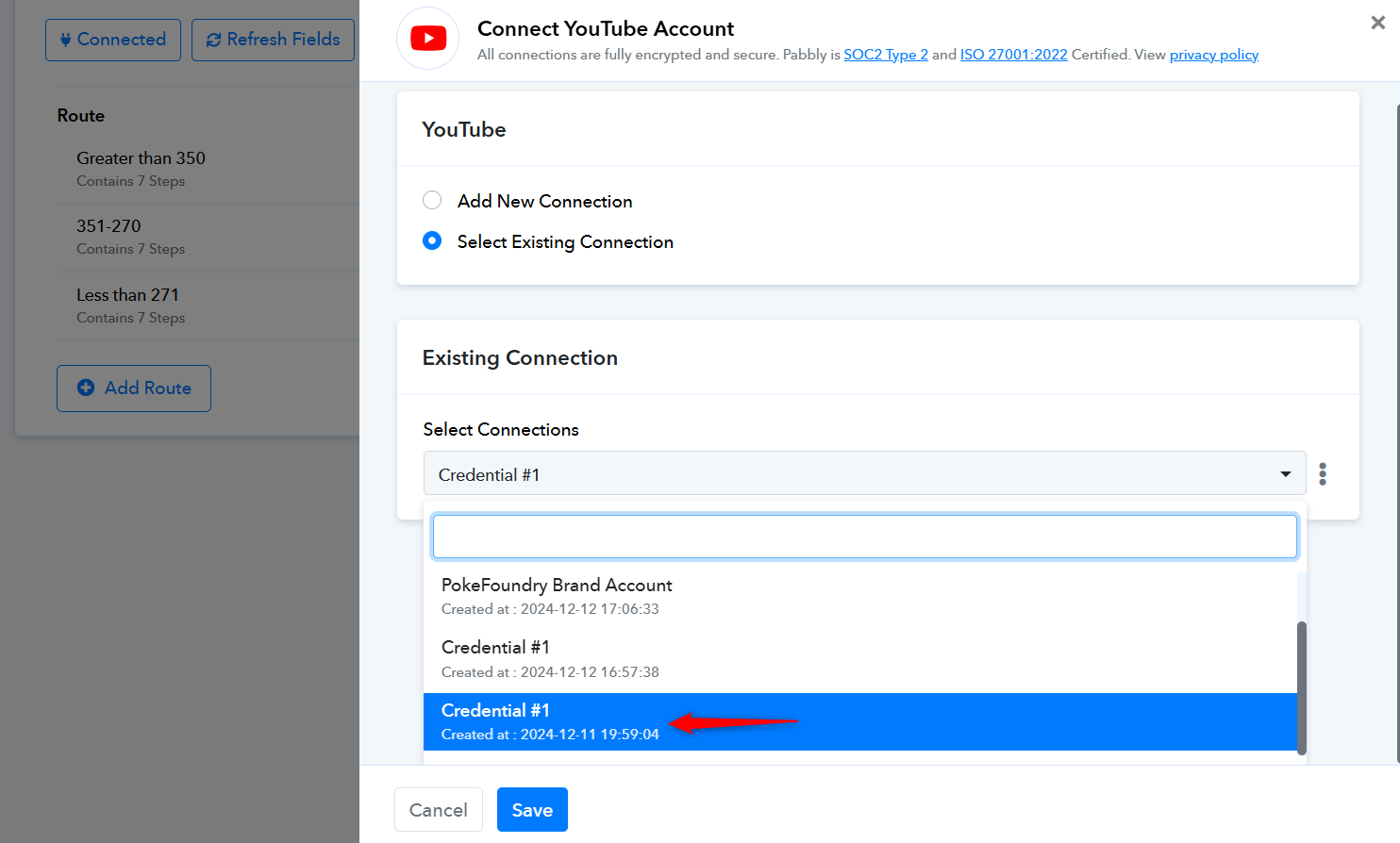
Yes, I can confirm that is correct.
Please try making a connection with your Brand Channel and see if that fixes your issue.
https://forum.pabbly.com/threads/youtube-upload-using-channel-id.20004/
I’ve tested on the brand account and I get the same result.
Testing has been performed on IjU3NjYwNTZmMDYzNjA0Mzc1MjY5NTUzMDUxMzYi_pc
No history since this hasn't actually run, just using the "save and send test request" button. Video gets uploaded to the main channel and not the Channel ID.
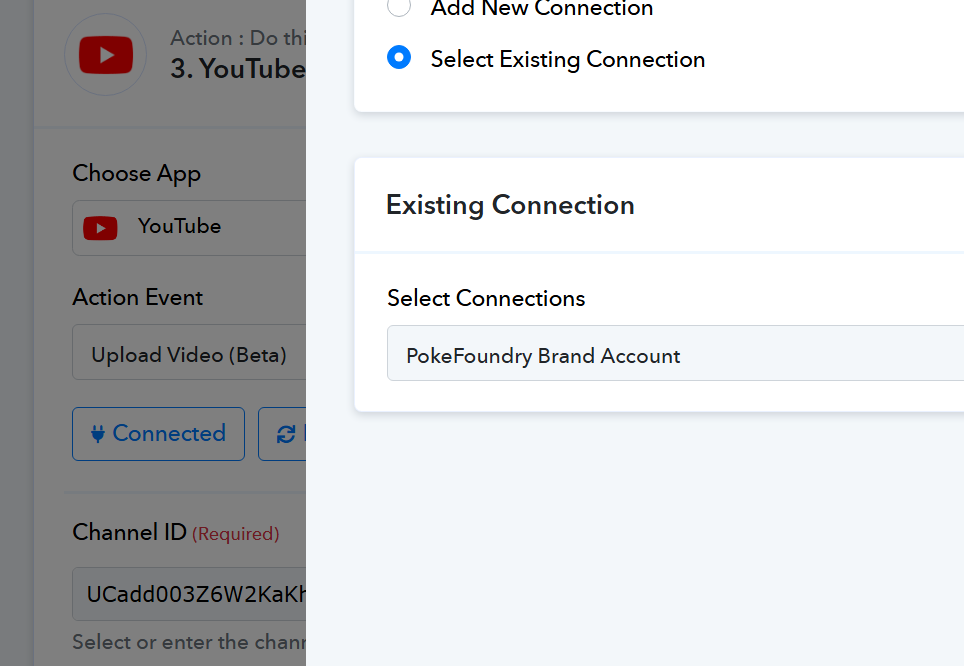
Response showing that is it still getting uploaded to the wrong channel ID.
Hello @aaron,
We have escalated your concern to our technical team, and they are investigating the issue. We will share any updates with you as soon as we receive them.
Thank you for your patience.
Hello, just wanted to follow up on this again as it has been almost a week now.
Hello @aaron,
Thank you for following up. I want to assure you that our team is actively working on your concern. Rest assured, we will keep you updated on any progress.
We appreciate your patience and understanding.
Hello, wanting to follow up on this again as it's been another month with no response.
Hello @aaron,
At the moment, this specific request has been escalated to our technical team for review, but it is not yet scheduled for development. However, we value your input, and we encourage you to upvote this feature request on our integration board - https://pabbly.featureos.app/p/youtube-band-accounts-connection.