Zoho Books create invoice Code 6 Json or 1038
Status: Open · Asked by VSRtechd on · 0 views
I have an issue while trying to use "create invoice" in zoho books, I followed the path described in the forums to create the correct integration between amazon and zoho books:
Based on the Amazon sale
Zoho books looks for the customer ID and if it exists creates the invoice based on that id, if not, then it will create a customer and then an invoice based on that id, but while creating the invoice sends and error code 6 or 1038, JSON not structured, i think it might be due to the taxes but, in Mexico we have IVA but in food supplies there are not taxes so we cant add any taxes to the products.
https://connect.pabbly.com/workflow/mapping/IjU3NjYwNTZmMDYzMDA0M2Q1MjZhNTUzNzUxMzci_pc
Hi @VSRtechd,
The 'Contact Person ID' field must be within square brackets. We made the change on your behalf, and it appears to have fixed the issue you were encountering.
Now you are encountering an error related to the number of characters in your Line Item Name field. Please make sure it's below 200 characters.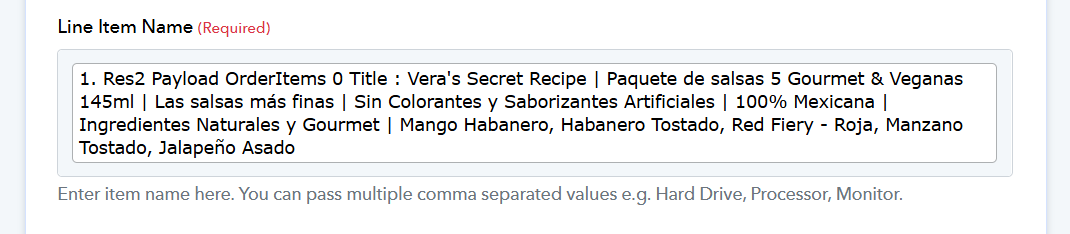
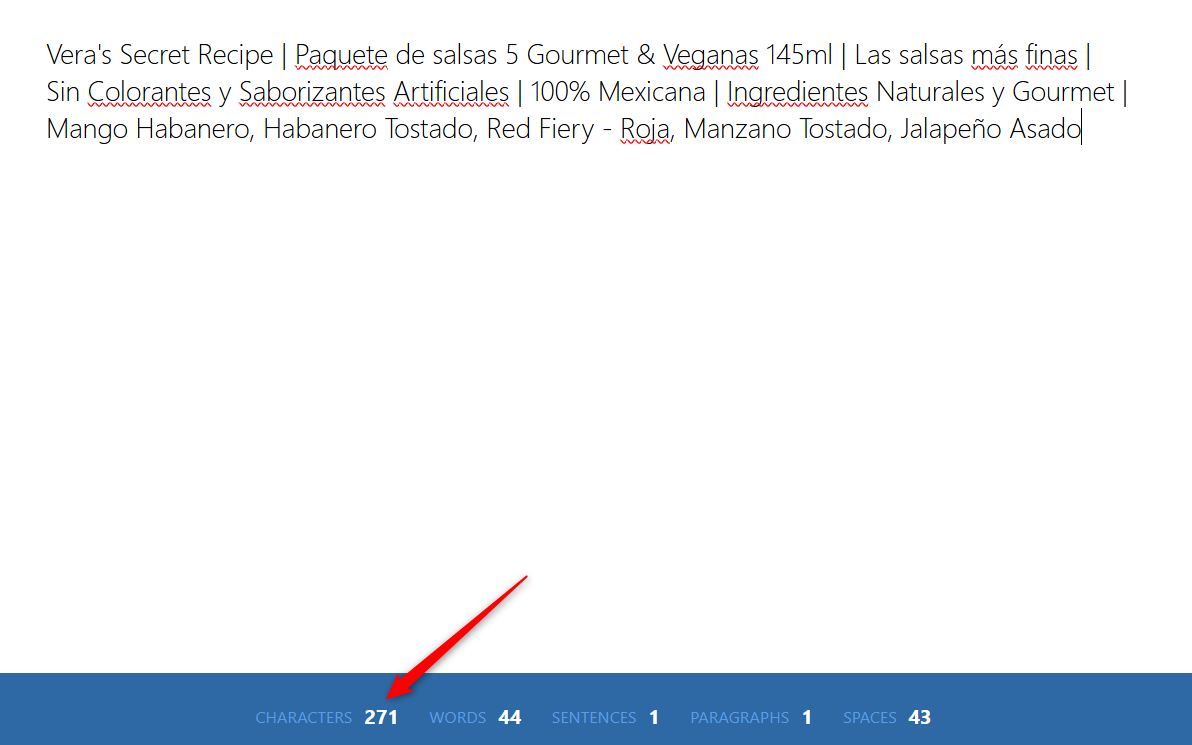
Hi!, thank's a lot, I also fixed two other issues that showed after, now it says, contact does not exist and i imagina that message appears because of course there is no contact with that data, but once it is runnning, it will have the data mentioned right?
Yes, during automation, you won't encounter the "Contact does not exist" error, as it will either be present in your Zoho Books account or created automatically in Route 2.
Hi Team
I was giving this flow finishing touches but encountered one more error code 1001. Earlier it was working fine when I was hardcoding invoice number as "Test2".
However, I would want it to automatically generate invoice numbers. On selecting that option (ignore auto = false), I am getting error that the invoice number already exists. But auto-generation should have taken care of it.


You are encountering this error because you already have an invoice with the same details present in your Zoho Books account. If you provide the 'Create Sales Invoice' action step with new details, a new invoice number will be generated automatically.
If you want to update the details of an existing invoice, you need to use the 'Update Sales Invoice' action step.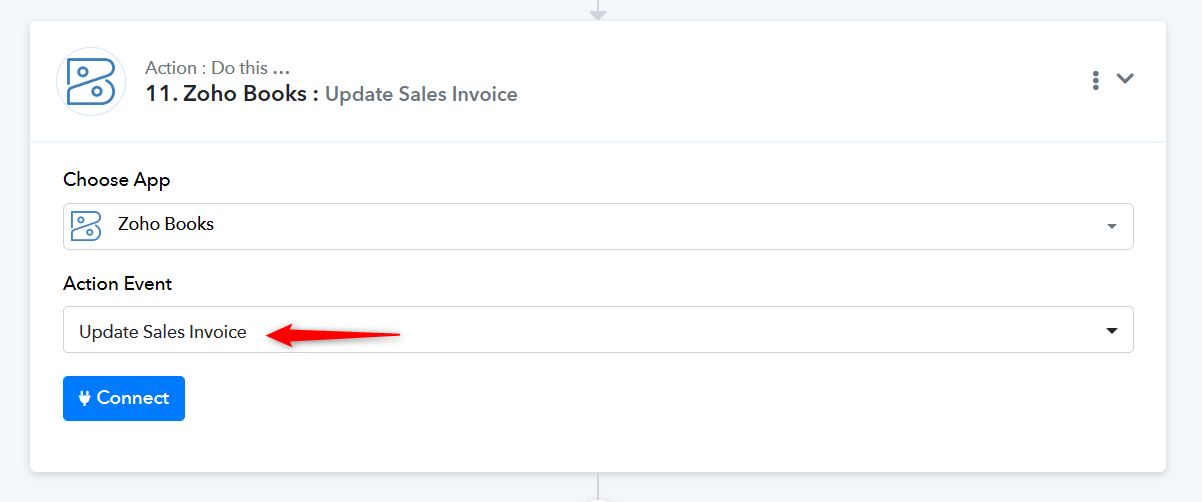
Hi Team
I am facing a problem with one of the steps - Zoho Books : Get Contact Person.
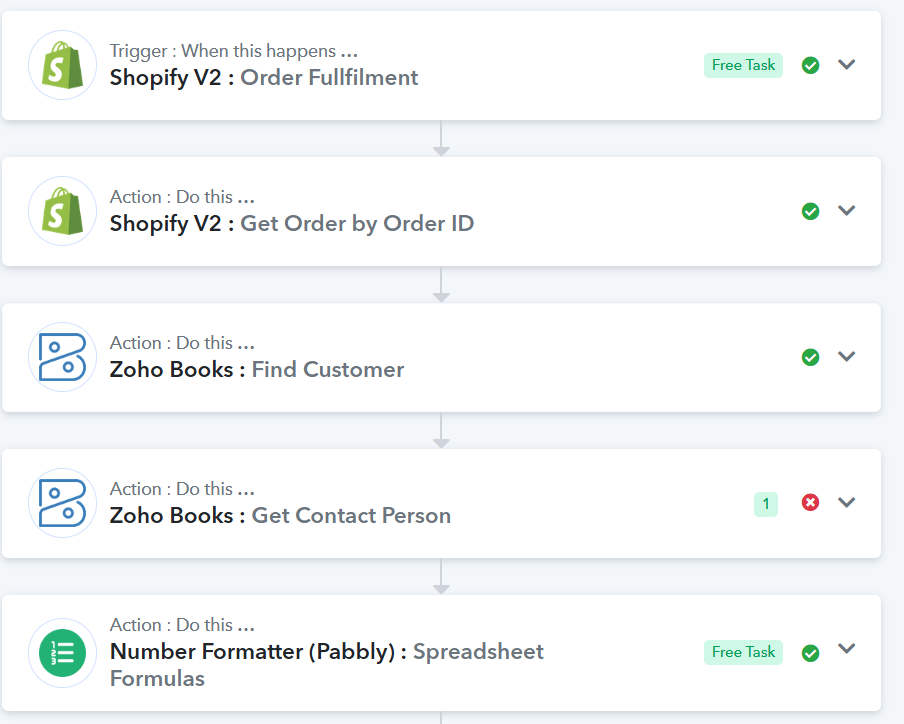
1. It fails to find a contact person during testing and fails with error code 1002. But on clicking "Refresh" button as shown in snap below and then clicking save and send data request, it starts working.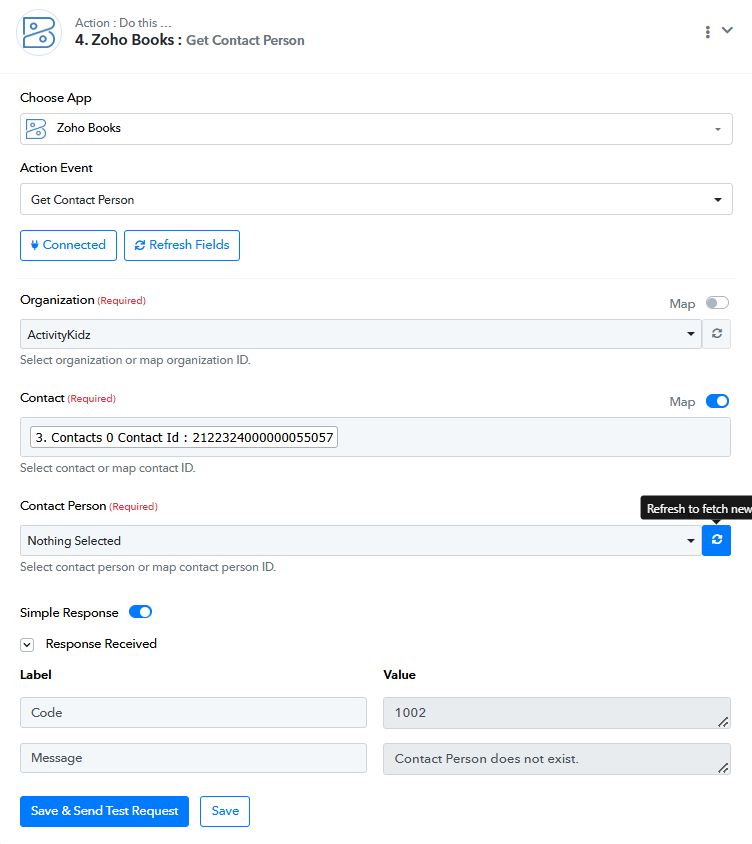
2. Works after refreshing. 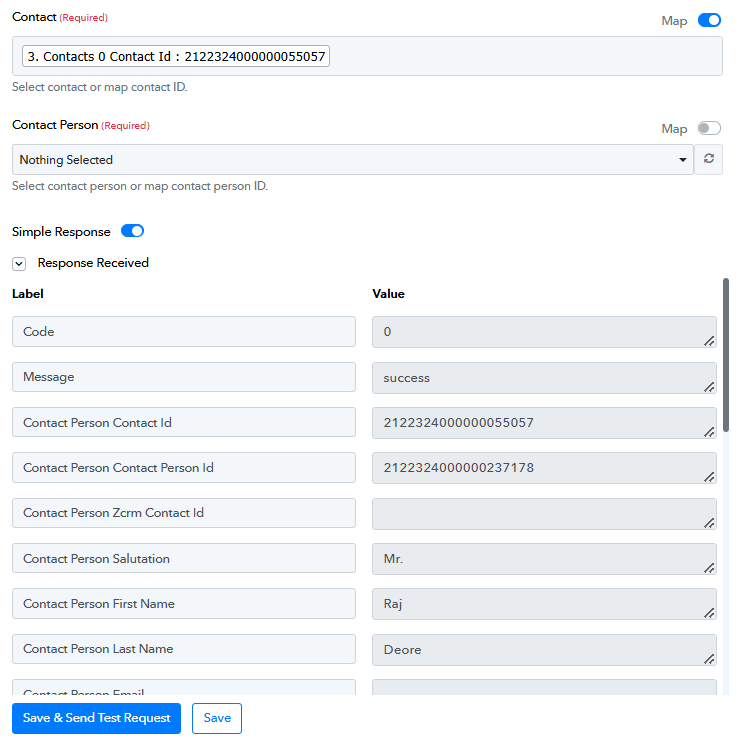
3. Because of this my workflow when triggered through shopify also keeps failing because there is no way to refresh this field through automation.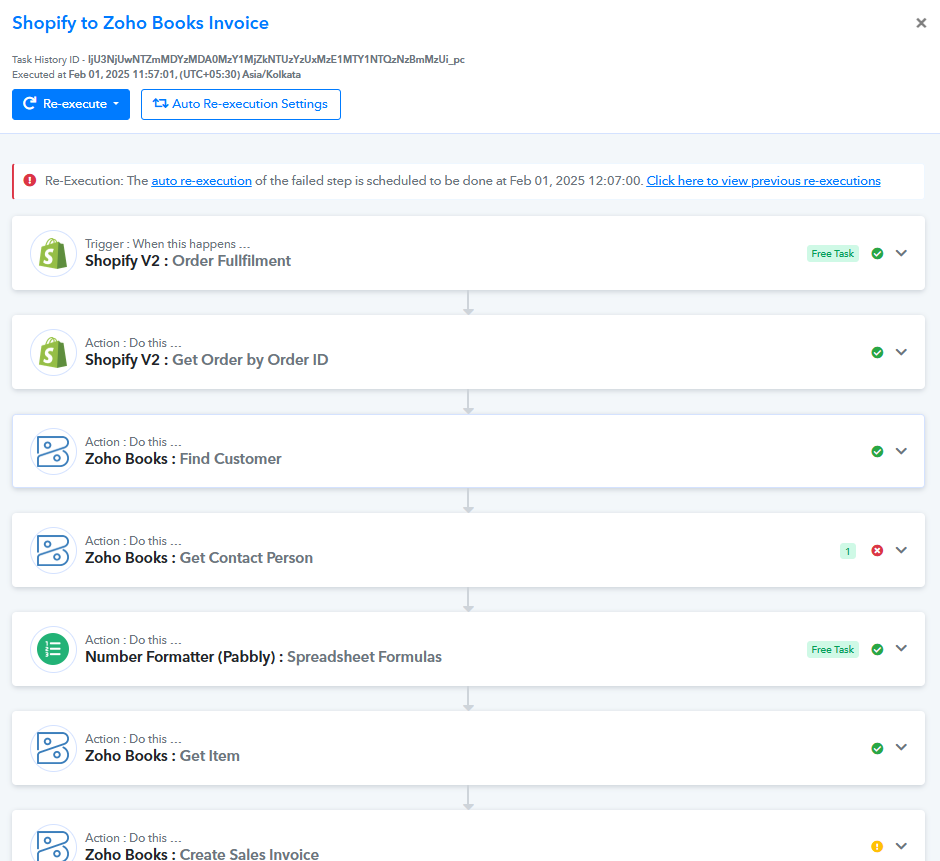
Hello @sunstorm
Kindly let us know the name of your workflow and the email address by which you are using Pabbly Connect so that we can look into it and assist you accordingly.
Hi Team
It is the same workflow and account through which I had mentioned while starting this thread. Mentioning the link here again for easy reference https://connect.pabbly.com/workflow/mapping/IjU3NjYwNTZlMDYzNTA0MzQ1MjZmNTUzNDUxMzIi_pc
Hello @sunstorm
Please provide a screenshot from your Zoho Books account that clearly displays the Contact Person.
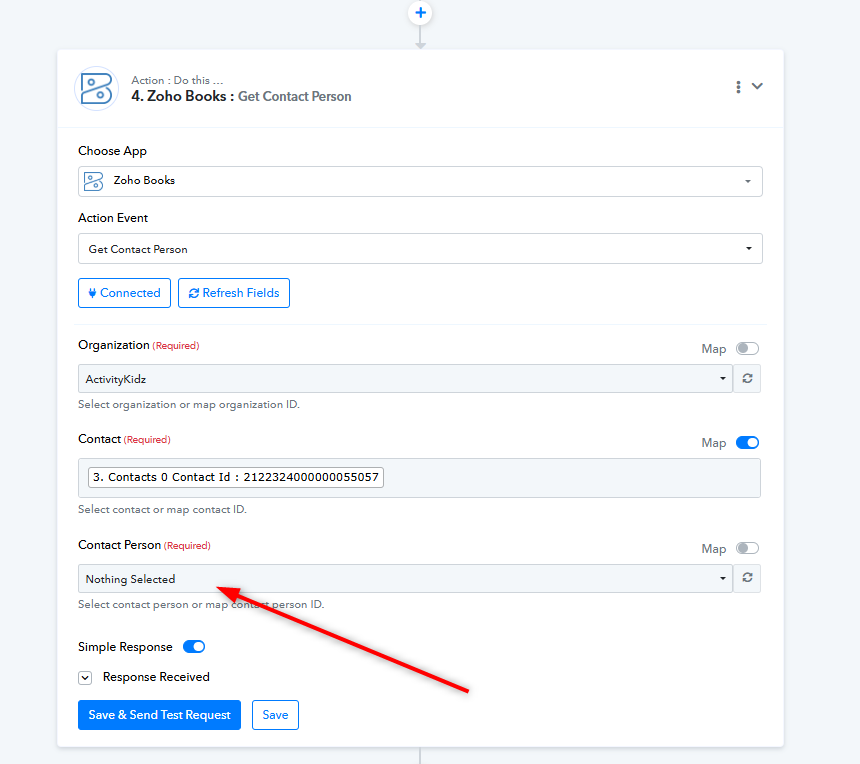
Currently, no contact person is visible in your Zoho Books step. To obtain the Contact Person ID, there must be a contact person present in your account.
Please find below the same for Response E. There is a primary contact (Pravin Bagga) and I have now also added a dummy additional contact. But receiving the same error code 1002.
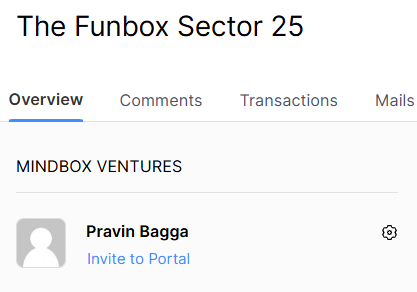
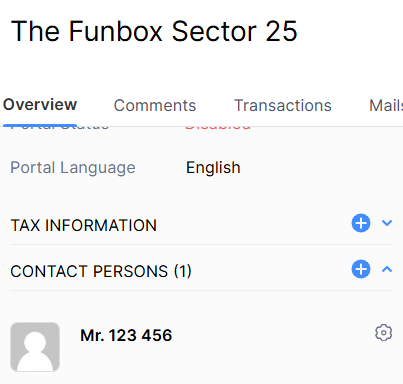
I am currently using Zoho Flow but planning to transition to a paid subscription of Pabbly.
But just waiting to test and ensure that this flow can be made to work in a seamless manner.
Please try using 'Get Contact Person by Contact ID' action step and see if that gives you the desired result.