Zoho CRM Trigger is not gathering new responses after running for a few hours
Status: Closed · Asked by ApexMediaSolutions on · 0 views
Hello,
I'm facing an issue with a Zoho CRM trigger in my workflow. Initially, the trigger works fine, and it successfully gathers responses from Zoho CRM. However, after running for a few hours, it stops capturing new responses altogether. I haven't made any changes to the workflow, and there are no error messages or failed attempts visible in the logs.
Could you please help me understand why this might be happening? Is there a timeout or limitation on the trigger frequency for Zoho CRM within Pabbly Connect? If so, how can I ensure that the trigger continues to gather new responses without interruption?
Any guidance or troubleshooting steps to resolve this would be greatly appreciated.
Thank you!
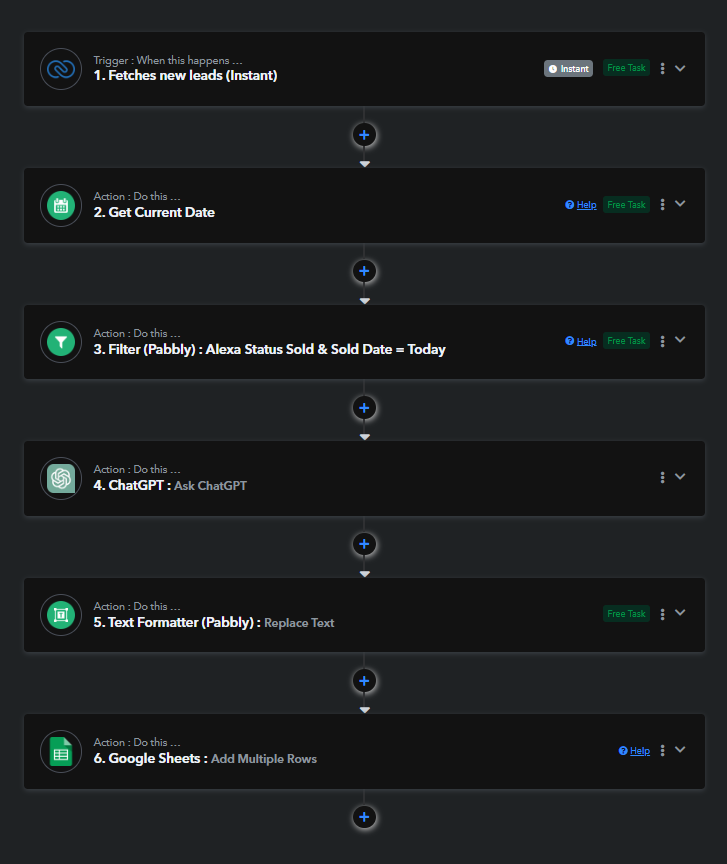
Hi @ApexMediaSolutions,
There are no time limits after which the connection expires, and you stop receiving lead updates. Please create a new connection with your Zoho CRM account, set up your trigger step, and monitor your workflow for a while. If the issue persists, let us know.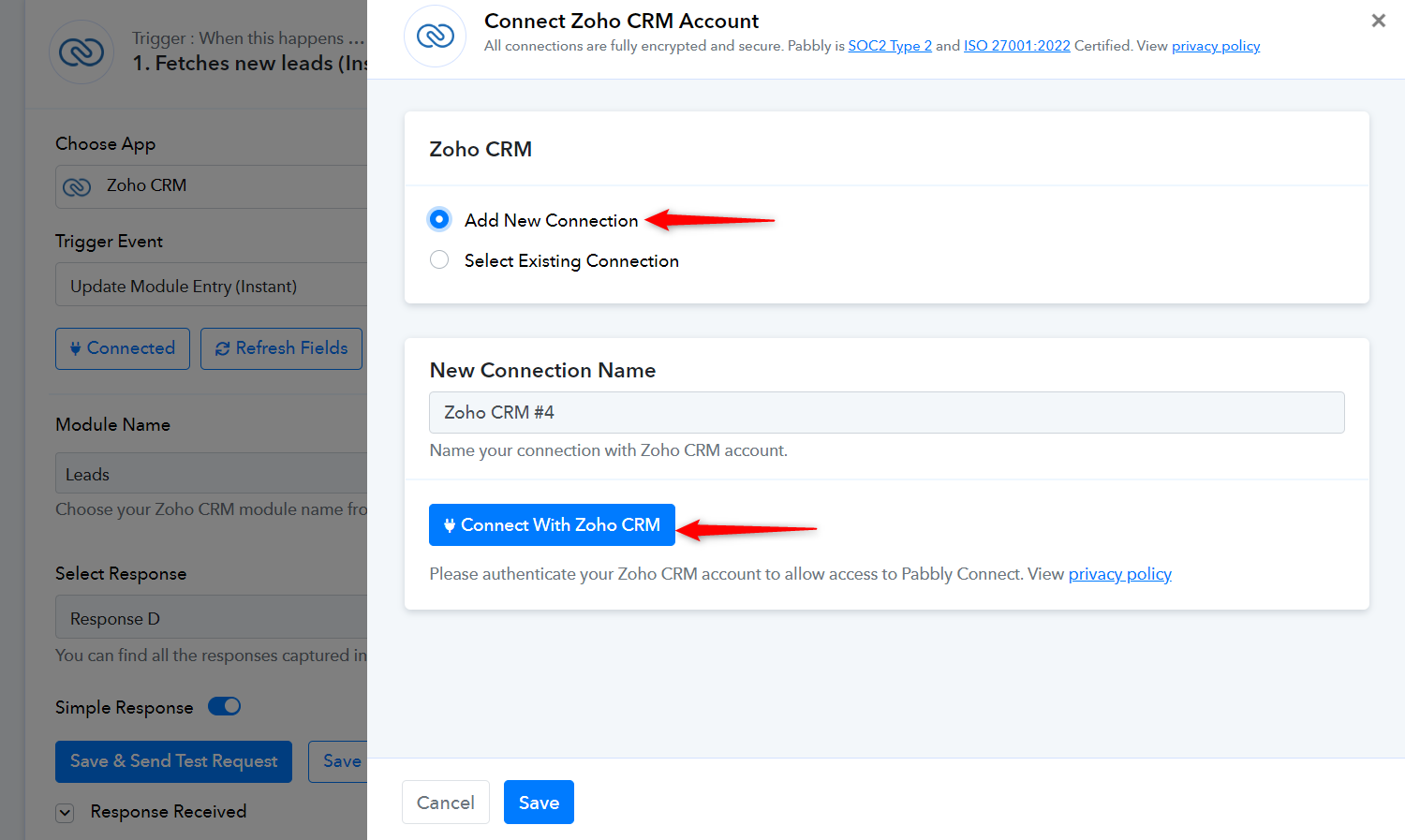
Hi Arshil,
Thank you for your response. I followed your suggestion and updated the Triggers connection, and let the workflow run. However, after a few hours, the trigger still stops giving me new responses. Please let me know what steps I should take next.
Best regards,
Have you updated a lead after October 17, 17:35:52, that hasn't triggered your workflow?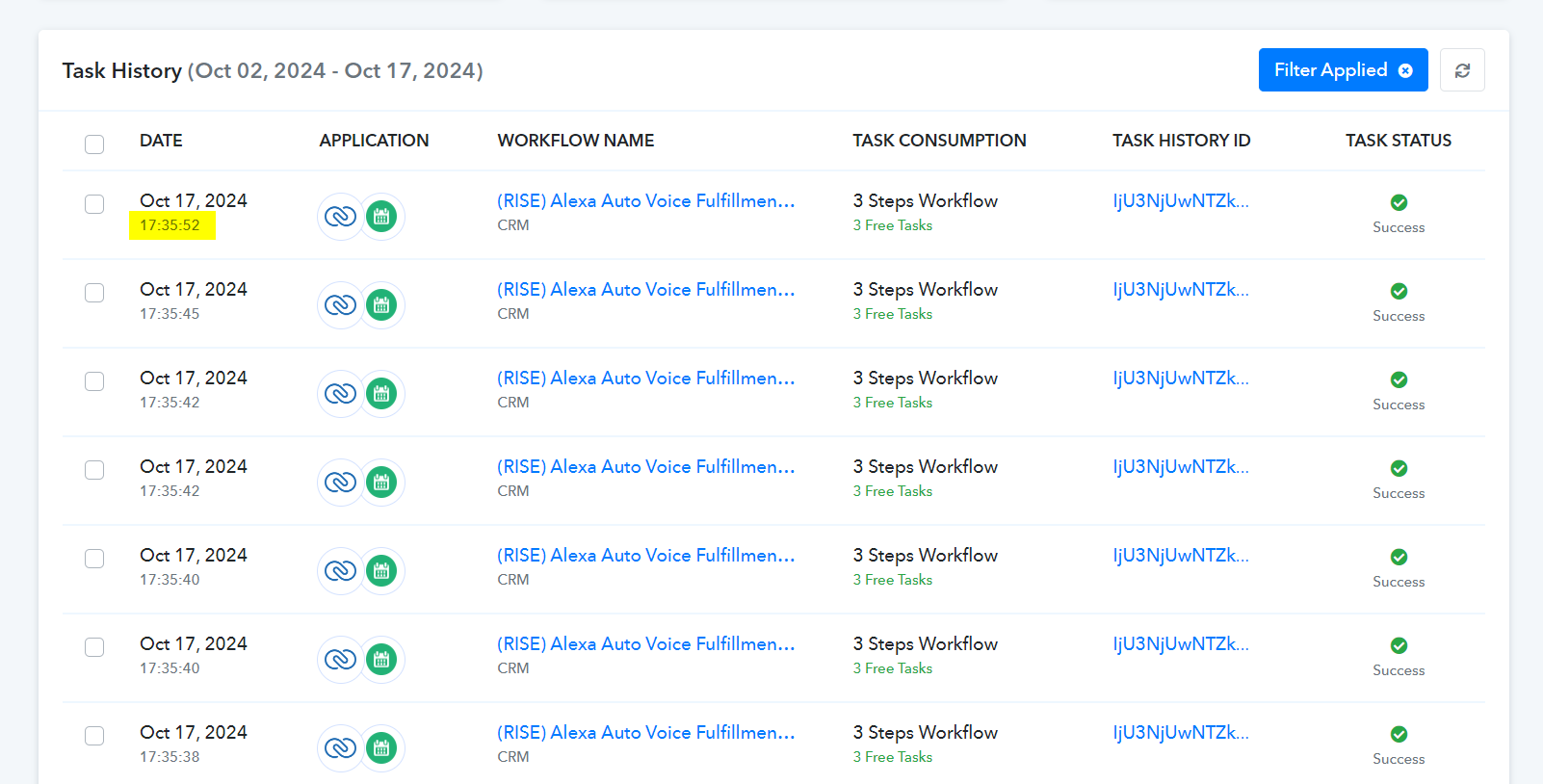
Have you updated a lead after October 17, 17:35:52, that hasn't triggered your workflow?
Correct we update hundreds of leads an hour and no new responses are being captured after a few hours of the workflow working
Please disable this workflow and set up a new workflow from scratch (without cloning). In the new workflow, manually set up Zoho CRM as your trigger step. Once you have set up the trigger step, you can copy the remaining steps from the other workflow, map the necessary details, and 'Save' the steps.
Please make sure that you do not 'Disable' the new workflow, as doing causes Zoho CRM to stop sending data to the webhook generated in the trigger step.
Even after setting up the workflow from scratch after letting it run for a few hours it still stops delivering new responses.
New Workflow URL: https://connect.pabbly.com/workflow/share/CkIDMVYBVTZeFFc9BVpRdgoeBABQCQVmVUwGFFJdBX0HSVYtVBUAaloWVnQDRFc2XxZUPgVaB2cKHgYCAlQEd11EADwGBVMpWhcCeQRnXW4KVAMrVjc#
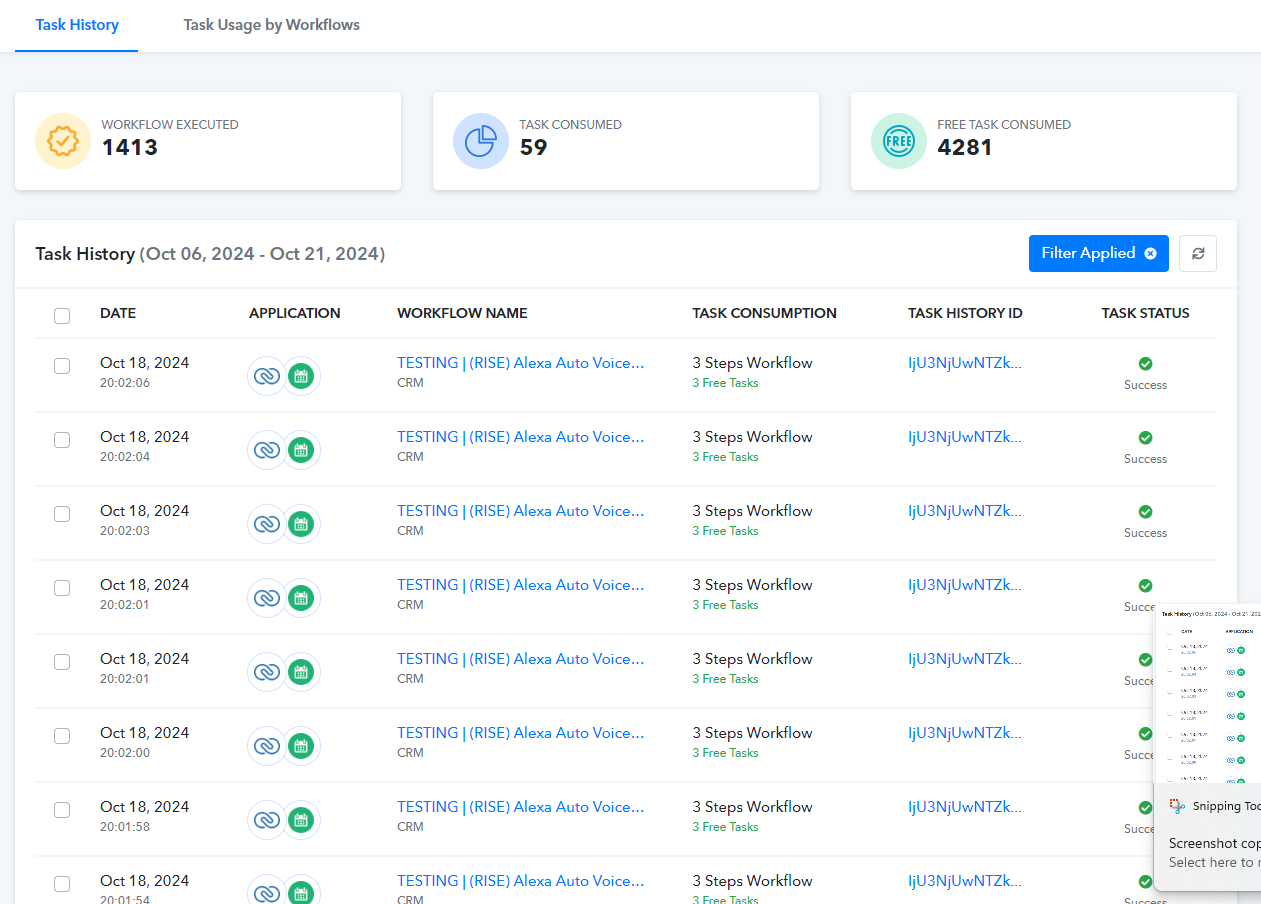
Hello @ApexMediaSolutions
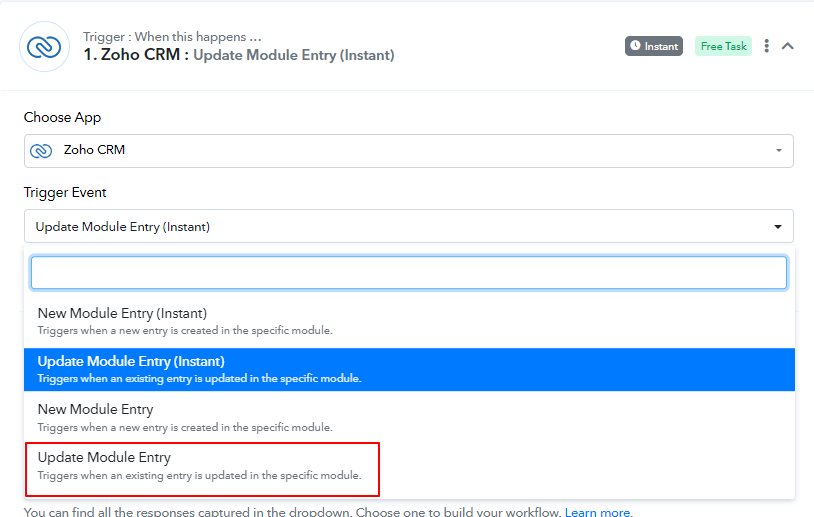
Please note that in the case of the Zoho CRM: Update Module Entry (Instant) trigger the connection expires in 24 hours, this is the reason that after a few hours of setting up the workflow new leads are not getting captured.
We would recommend you instead use the "Update Module Entry" trigger, which will come with minimum 10 minutes of polling time.
This solved my issue thank you @Preeti Paryani