Zoom connection keep on getting error Code 124 - help!
Status: Open · Asked by Gerace1011 on · 0 views
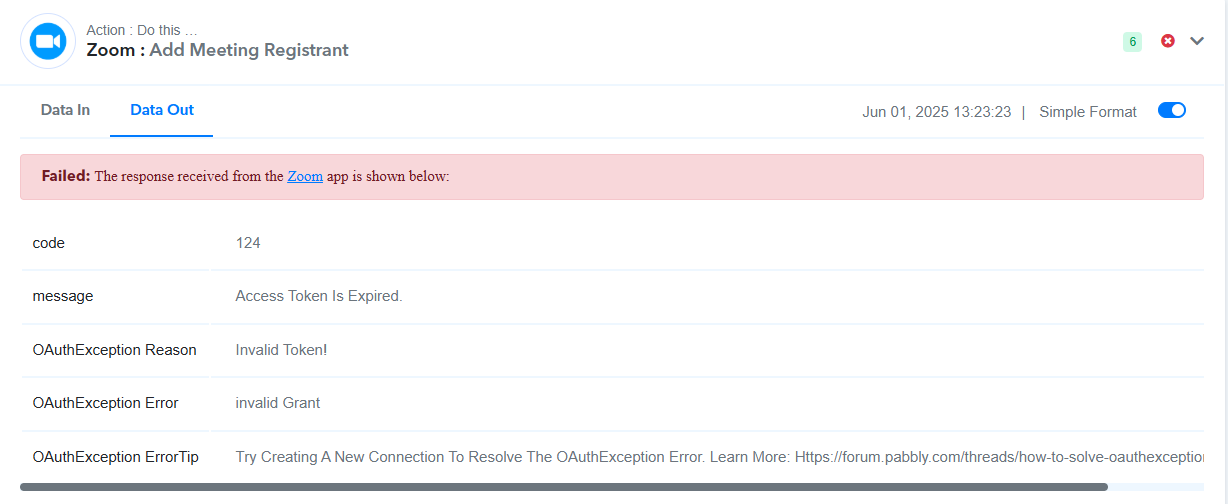
According to Https://forum.pabbly.com/threads/how-to-solve-oauthexception-error.18724/ we need to redo the connection, but I did this and now we are bound to do this every 12 hours? this is a hassle and it defeats the reason of automation. please help!
Hi @Gerace1011,
Could you please share the Workflow URL where you have this concern?
Hi @Gerace1011,Could you please share the Workflow URL where you have this concern?
https://connect.pabbly.com/workflow/share/AUlTYVEGCGsFT1M5UwwGIQsfVVEAWQBgBh9WRFdYVS1UGgVuA0JcNlwQBG4ATwhpAktTOVINBGRfSwUBUwUCcQcdARMDAFAqWhcEfwZXXW4BX1N7UTA#
@ArshilAhmad
It seems that you have used an old connection in the Zoom action step of this workflow. Please use the latest connection (Zoom #6) and monitor your workflow for some time. If you encounter the same issue with the Zoom #6 connection, please let us know.
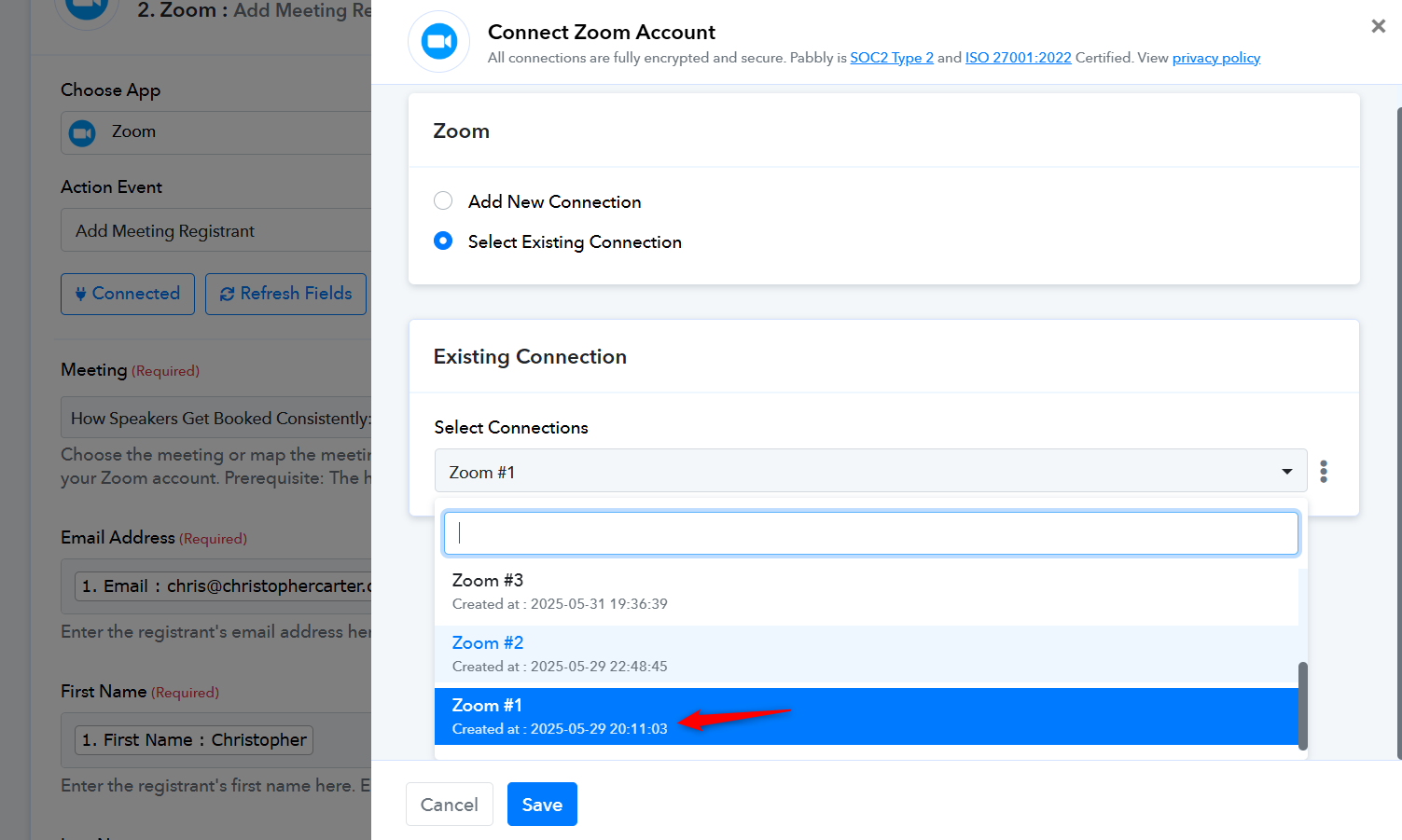
https://connect.pabbly.com/workflow/mapping/IjU3NjYwNTZiMDYzNjA0M2Q1MjZjNTUzNTUxMzMi_pc
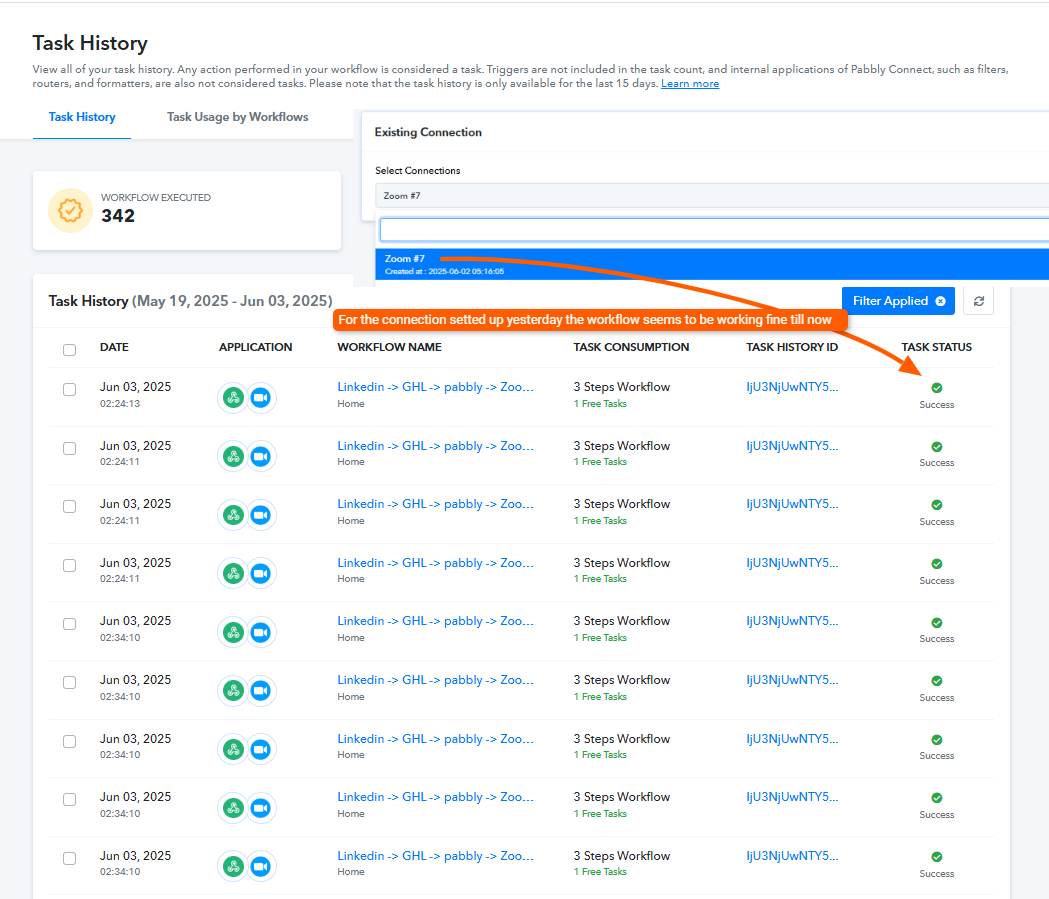
Based on your Task History, this workflow appears to be working correctly at the moment.
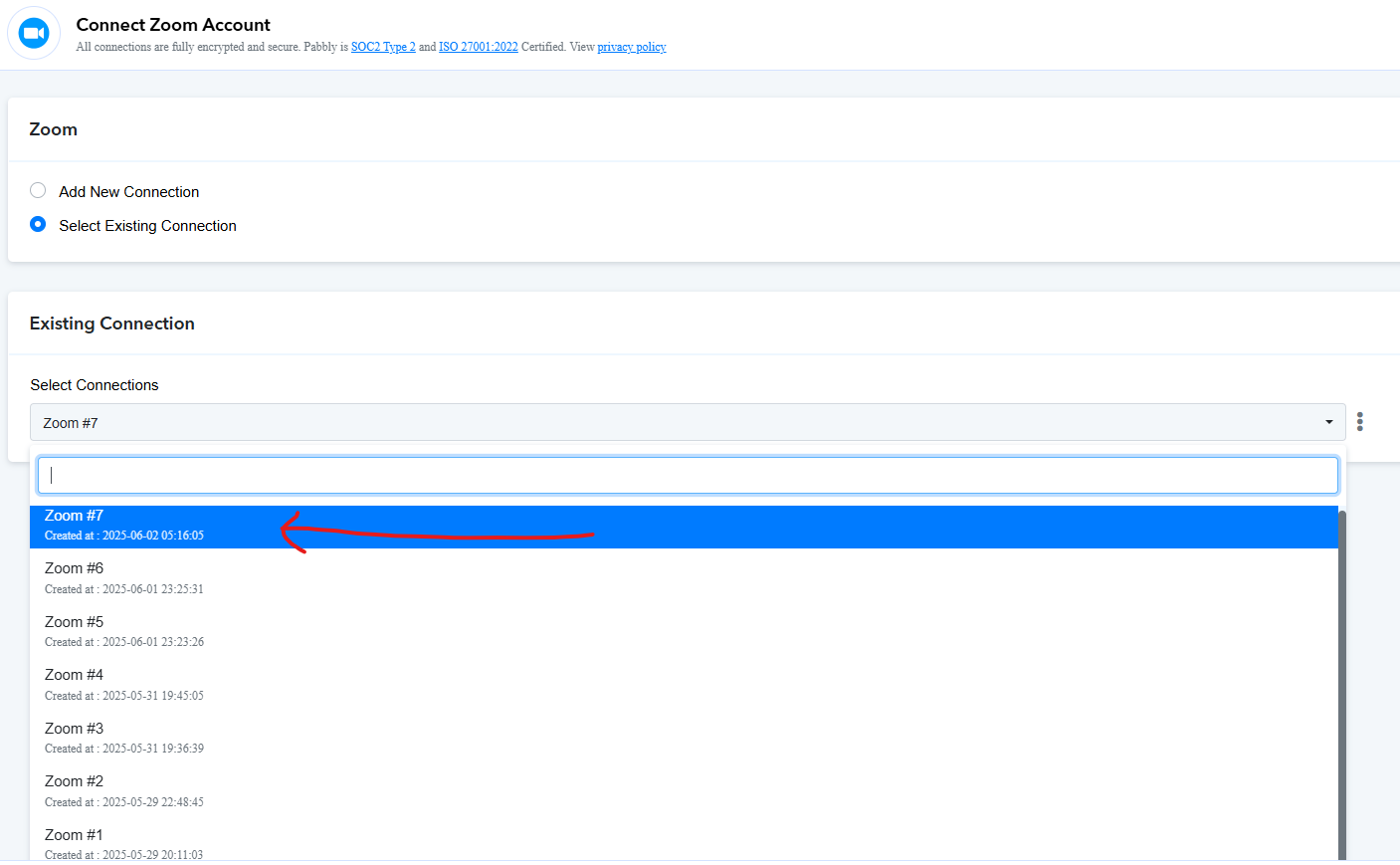
@ArshilAhmad I am already at #7 and still doing it, I also relogin/reconnected to zoom
Hello @Gerace1011,
Upon checking, the latest task history appears to have worked as expected. Please wait for a few new entries to come in so we can verify whether the issue still persists or has been resolved.
Let us know if you observe any further concerns.
So question, moving forward should we reconnect it everyday?
Hello @Gerace1011,
No, the connection does not need to be set up daily. However, please note that changing the password of your Zoom account may lead to a loss of connection.
As per our current observation, the workflow appears to be functioning correctly with the connection named "Zoom #7." We recommend monitoring it for a while, and if any issues persist, please let us know.
To avoid disruptions, we suggest not changing your Zoom account password during this period.